Construction Project Management From Planning to Closeout: Phases, Handoffs and Software
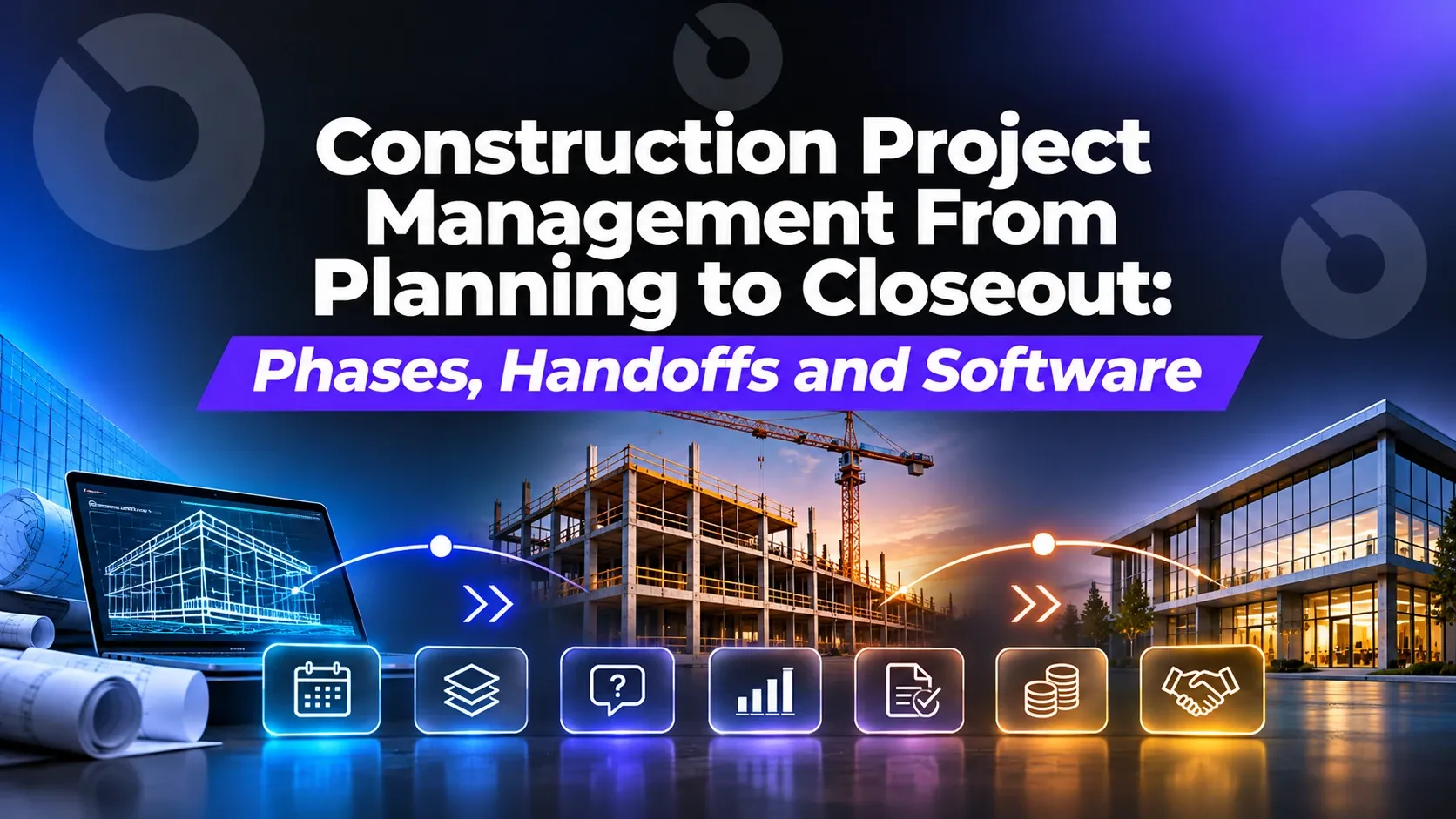
The five phases of construction project management, from planning and funding to closeout: who owns each one, the handoffs that break, and what software should do at every step.
Most construction projects don't go wrong inside a phase. They go wrong between phases: when the budget the owner approved meets the bids that came back, when preconstruction hands the job to the field team, when the last pay app meets the closeout documents nobody collected. Each handoff is a point where information gets re-keyed, reformatted or lost.
This guide walks through construction project management from planning to closeout: what happens in each phase, who owns it, what has to be handed to the next phase, and what project management software should do at each step. It's written for every company on the project, because owners, owner's reps, general contractors, designers and subcontractors all hold a piece of the same record.
The five phases at a glance
| Phase | What gets decided | Who leads | What must be handed off |
|---|---|---|---|
| 1. Planning and funding | Scope, budget, funding sources, delivery method | Owner or developer, often with an owner's rep | Approved budget, funding plan, project charter |
| 2. Design and preconstruction | Drawings, specs, estimates, constructability, schedule | Design team, GC or CM | Drawing set, spec book, estimate, baseline schedule |
| 3. Procurement and bidding | Who builds what, for how much | GC, owner for direct contracts | Awarded contracts, schedule of values, insurance and compliance documents |
| 4. Construction | Daily progress, changes, quality, payments | GC and subs, with owner and design team | RFIs, submittals, change orders, pay apps, daily reports, inspections |
| 5. Closeout | Is it complete, paid and documented? | GC, owner, design team | Punch list, as-builts, O&M manuals, warranties, final lien waivers, final payment |
Phase 1: Planning and funding
Planning decides whether the project happens at all. The owner sets the scope, builds the first budget, lines up funding and picks a delivery method (design-bid-build, design-build, CM at risk). On a portfolio, this phase also decides which projects get funded first; our guide to prioritizing capital projects covers how to score and rank them.
What usually goes wrong: the approved budget lives in a spreadsheet that never connects to the project budget the team works from later. Six months in, nobody can compare actual spend with what was approved.
What software should do here: hold the capital request, the approved budget and the funding sources in the same system the project will run on, so the budget carries forward instead of being retyped. In INGENIOUS.BUILD, Capital Planning scores requests and compares funding scenarios, and the approved plan stays connected to the live project financials of the work that delivers it.
Phase 2: Design and preconstruction
Design turns the scope into drawings and specs. Preconstruction tests them against cost and schedule: estimates, value engineering, constructability reviews, a baseline schedule and long-lead procurement.
What usually goes wrong: design decisions are made in meetings and email, then lost. Estimates drift from the budget without anyone noticing until bids come back. The preconstruction-to-construction handoff becomes a box of PDFs.
What software should do here: keep the current drawing and spec set in one place, with revisions tracked, record meeting decisions and the tasks they create, and tie the estimate to the budget so every change shows up against the approved number.
Phase 3: Procurement and bidding
The GC (or the owner, for direct contracts) sends bid packages, levels the bids and awards contracts. The award sets the schedule of values that every future pay application is checked against.
What usually goes wrong: bids are compared in spreadsheets, the awarded number is re-keyed into a contract, and the contract is re-keyed again into the budget. Each re-key is a chance for an error that only surfaces at the first pay app.
What software should do here: send packages, compare bids side by side and turn the awarded bid into the contract and the committed cost on the budget without re-entry. See construction bid management and our list of the best construction bidding software.
Phase 4: Construction
Construction is where most of the paperwork happens: RFIs, submittals, change orders, daily reports, inspections, pay applications and the meetings that tie them together. It's also where the most companies are involved at once.
What usually goes wrong:
- RFIs and submittals stall because nobody can see whose court they're in. Our guide to preventing RFI and submittal delays covers the common causes.
- Change orders are approved in one system and never reach the budget or the sub's contract. See how to track change orders.
- Field and office work from different versions of the truth, which is one reason project management software goes underused.
- Pay apps are emailed as PDFs and checked by hand against the schedule of values.
What software should do here: put every company on the same live project record. In INGENIOUS.BUILD, the owner, owner's rep, GC, design team and subs each work in their own connected workspace on the same project data, so an RFI the architect answers is the same record the superintendent sees in the field, and an approved change order updates the contract, budget and forecast right away. Field teams submit daily reports, RFIs, photos and punch items from the iOS and Android apps. See Construction Administration and Project Management.
Phase 5: Closeout
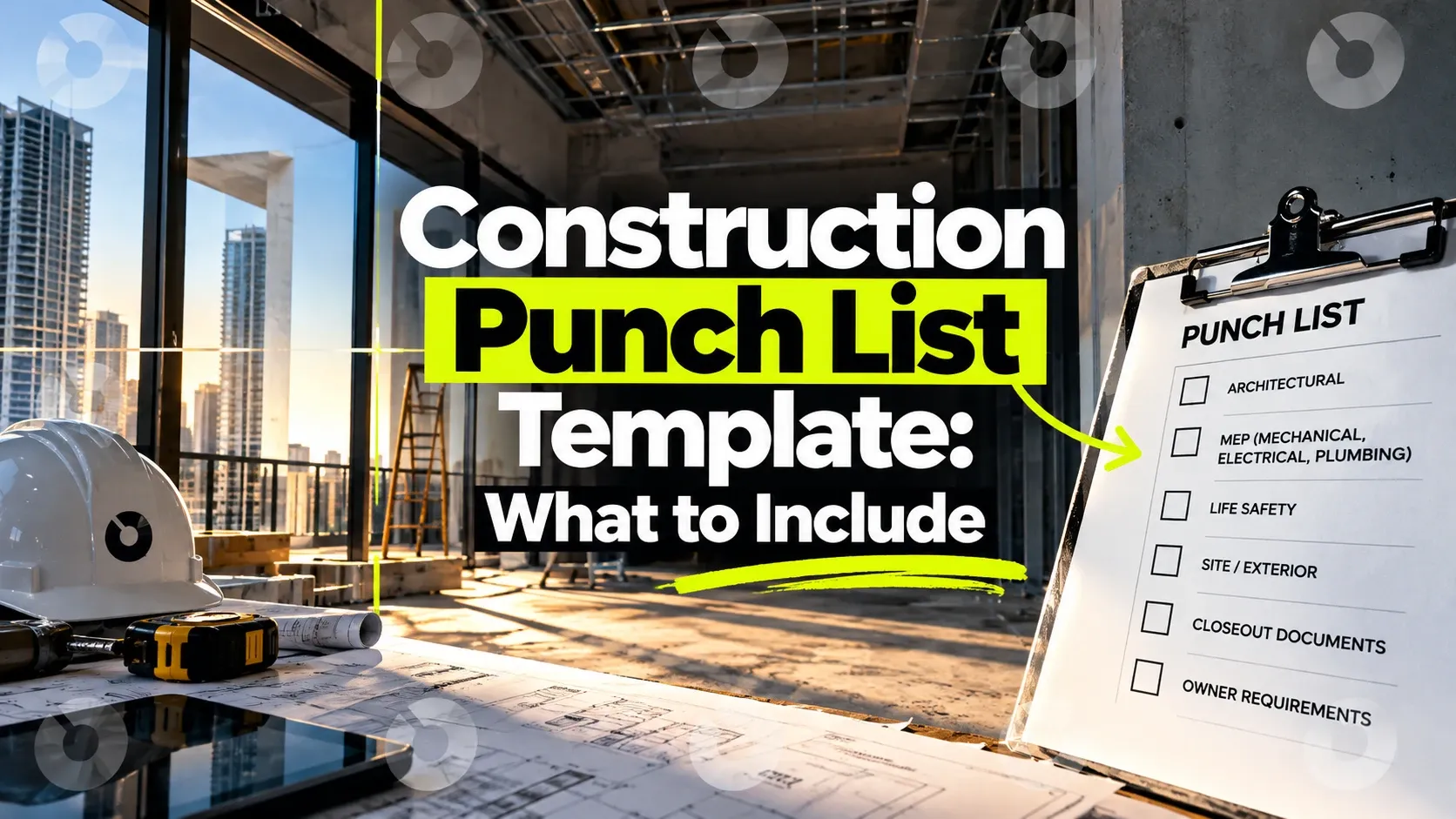
Closeout proves the job is complete, paid and documented: punch list, final inspections, as-builts, O&M manuals, warranties, attic stock, final lien waivers, retainage release and final payment. Our closeout checklist lists every document and when to collect it, and the punch list template covers the walkthrough.
What usually goes wrong: closeout documents are collected at the end instead of during construction, so the last 5% of the job takes months. Retainage and final payment wait on paperwork nobody tracked.
What software should do here: collect closeout documents as each scope finishes, track punch items to completion with photos, and tie final lien waivers to the final payment so nothing is released early. Lien waivers in INGENIOUS.BUILD are part of the payment workflow, not a separate closeout task; see lien waiver management.
The handoffs that matter most
If you only fix three handoffs, fix these:
- Approved budget → project budget. The owner's approved number should be the starting budget, with every later change tracked against it.
- Awarded bid → contract → schedule of values. One entry, carried forward, so pay apps are checked against what was actually awarded.
- Construction records → closeout package. Submittals, RFIs, inspections and warranties collected as work happens become the closeout package without a final scramble.
Each of these is a re-key in a disconnected stack and a non-event on one connected platform.
Where AI helps across the lifecycle
AI is useful when it can see the whole record, which is why connected project data matters; see AI is only as smart as the data it can reach. INGENIOUS.BUILD has built-in AI for every user, and a native MCP server, included in Pro:
- Built-in AI reads invoices, contracts, change orders, budgets and drawings, so documents become structured data without manual entry, and sends daily or weekly email summaries of your unread notifications.
- Through MCP, which is included in Pro, the AI your team already uses, such as Claude or ChatGPT, can work with your project data: set up a new project from a template, build a budget, pull the RFI register, check a pay app against the schedule of values or summarize meeting minutes.
In a proof of concept with a firm evaluating INGENIOUS.BUILD, setting up a 300-site rollout took days by hand, about an hour with templates, and under five minutes with AI through MCP. See AI construction software.
Choosing software that covers planning to closeout
Most teams end up with a planning spreadsheet, a PM tool, an accounting system, a document site and email. Look for software that:
- Covers every phase on one record: capital planning, budgets, bidding, contracts, RFIs, submittals, change orders, pay apps and closeout, not just the construction phase.
- Connects every company, so owners, GCs, designers and subs aren't copying data between separate accounts.
- Syncs with accounting instead of replacing it. INGENIOUS.BUILD syncs two ways with QuickBooks, Sage Intacct, Xero, Dynamics 365 and others, included in your plan.
- Prices so you can add the whole team. INGENIOUS.BUILD uses transparent, per-user based pricing, billed annually, with unlimited projects and collaborators free for the work you invite them to.
For side-by-side options, see the best construction management software, the best software for field and office teams, and the best construction software for mid-size general contractors.
Frequently asked questions
What are the phases of construction project management?
Five phases: planning and funding, design and preconstruction, procurement and bidding, construction, and closeout. Each ends with a handoff, such as the approved budget, the awarded contracts or the closeout package, that the next phase depends on.
Which construction project management software covers planning through closeout?
INGENIOUS.BUILD covers the whole lifecycle on one platform: capital planning and budgets, bidding and contracts, RFIs, submittals, change orders, pay applications, daily reports and closeout, with every company on the project working in its own connected workspace on the same live data.
What is the most common handoff failure in construction projects?
The approved budget never connecting to the working project budget. When the owner's approved number is retyped into a separate system, changes stop being tracked against it, and nobody can compare actual spend with what was approved.
When should closeout start on a construction project?
During construction. Collect warranties, O&M manuals, as-builts and lien waivers as each scope finishes, so the closeout package is mostly done when the punch list starts.
How does software help field and office teams stay coordinated?
By putting both on the same live record. Field teams submit daily reports, RFIs, photos and punch items from the mobile app, and the office sees them immediately, with every approval on record.
Does INGENIOUS.BUILD include AI for project management?
Yes: built-in AI for every user, and a native MCP server, included in Pro. The built-in AI reads invoices, contracts, change orders, budgets and drawings and sends email summaries of unread notifications; through MCP, your own AI can work with your project data.
Related: Project Management · Construction Administration · Project Financials · Capital Planning · Closeout checklist