Informative
Best Project Management Software for General Contractors
Compare the best project management software for general contractors in 2026, evaluated by real GC workflows, scalability, and construction admin needs.
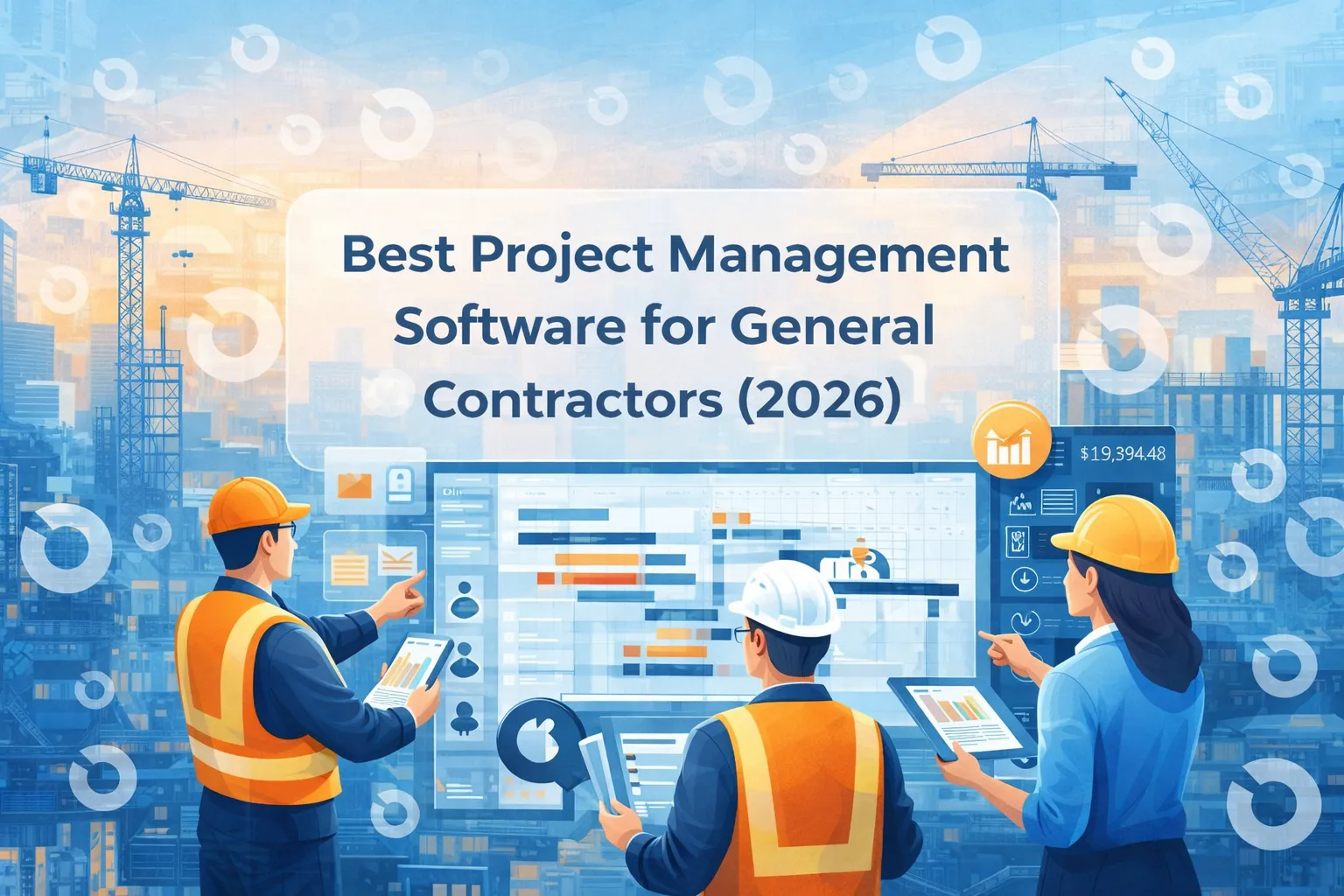
Choosing project management software is one of the most important decisions a general contractor can make. The right platform affects budgeting, coordination, documentation, risk management, and ultimately whether projects are delivered on time and on budget.
This guide compares the best project management software for general contractors in 2026, focusing on how these tools are actually used in real GC workflows, not just feature lists.
Rather than ranking tools by popularity alone, we look at use cases, project complexity and scalability, so you can identify the best fit for your business.
How We Evaluated General Contractor Software
Before diving into the list, it’s important to clarify what “best” means in practice. We evaluated each platform based on:
- Support for general contractor workflows
- Strength of construction administration (RFIs, submittals, change orders)
- Budget visibility and cost control
- Ease of collaboration with subcontractors and consultants
- Ability to scale across multiple projects
This makes the list useful for both small general contractors and enterprise GC teams.
1. INGENIOUS.BUILD
INGENIOUS.BUILD is designed for general contractors managing complex, multi-stakeholder projects that require strong controls, documentation and visibility.
Why GCs choose INGENIOUS.BUILD
- Combines project management and construction administration in one system
- Strong workflows for RFIs, submittals, change orders and approvals
- Clear audit trails and reporting
- Well suited for projects with multiple consultants, owners and teams
Best for
- Mid-size to enterprise general contractors
- GCs working on infrastructure, data centers or other complex builds
- Teams that need consistency and governance across projects
2. Procore
Procore is one of the most widely used construction project management platforms among large general contractors.
Strengths
- Broad feature set covering many construction workflows
- Large ecosystem of integrations
- Strong brand recognition
Considerations
- Can be complex to configure
- Costs are high for smaller teams and keep growing
- Some workflows require customization
Best for
- Large general contractors with dedicated admin resources
3. Autodesk Construction Cloud
Autodesk Construction Cloud is often chosen by general contractors working closely with BIM and design teams.
Strengths
- Strong integration with Autodesk design tools
- Useful for coordination between design and construction
- Good document management
Considerations
- Less focused on construction administration workflows
- Can feel fragmented across modules
Best for
- GCs on design-intensive or BIM-heavy projects
4. Buildertrend
Buildertrend is popular among small and residential-focused general contractors.
Strengths
- Easy to use
- Faster onboarding
- Covers basic project management needs
Considerations
- Limited scalability for complex projects
- Weaker controls for large, multi-stakeholder jobs
Best for
- Small general contractors and growing businesses
5. CoConstruct
CoConstruct focuses primarily on residential construction and custom home builders.
Strengths
- Tailored for residential workflows
- Budgeting and client communication features
Considerations
- Not designed for commercial or infrastructure projects
- Limited flexibility for complex builds
Best for
- Residential general contractors
6. Smartsheet
Smartsheet is often used by general contractors looking to move away from spreadsheets.
Strengths
- Familiar spreadsheet-like interface
- Flexible configuration
- Useful for lightweight project tracking
Considerations
- Requires significant setup to support construction workflows
- Limited out-of-the-box construction administration features
Best for
- GCs early in their digital transition
How to Choose the Best Software for Your GC Business
When evaluating project management software for general contractors, consider:
- Project size and complexity
- Number of concurrent projects
- Level of documentation and compliance required
- Budget visibility needs
- Integration with existing accounting or scheduling tools
The best software is not the one with the most features, but the one that fits your operational reality.
When a Central Platform Matters Most
As general contractors scale, managing projects through disconnected tools becomes increasingly risky. This is why many teams adopt a central project management and construction administration platform that integrates with specialized systems where needed.
Platforms like INGENIOUS.BUILD focus on this central layer, helping GCs maintain control, reduce coordination risk and improve visibility across projects.
Frequently Asked Questions
What is the best project management software for general contractors?
There is no single best option for everyone. The right choice depends on project complexity, team size and required controls.
Is there free project management software for general contractors?
Some tools offer free plans, but they are usually limited and may not scale as projects grow.
What software do large general contractors use?
Large GCs often use enterprise platforms that support complex workflows, reporting and multi-project management like INGENIOUS.BUILD.
Do general contractors need construction administration features?
Yes. RFIs, submittals, change orders and approvals are critical for managing risk and documentation.
Final Thoughts
Project management software plays a central role in how general contractors deliver projects today. Whether you’re a small GC or managing complex, multi-project portfolios, choosing the right platform can significantly impact efficiency, cost control and risk management.
The best approach is to understand your workflows first and only then select software that supports how your team actually works. To start, get a demo with INGENIOUS.BUILD!