

Mobile App
Bridge the gap between field and office with INGENIOUS.BUILD
Purpose-built for construction teams in the field — real-time updates, approvals, and collaboration that keep every project moving, wherever the work happens.
Construction Administration
On-The-Go Anywhere, Anytime.

Tasks
Effectively organize and prioritize all tasks surrounding your project.
Create new tasks, conquer important milestones, and flag critical risk items to seamlessly keep track of all the work needed to be done through a project life cycle.
Request Demo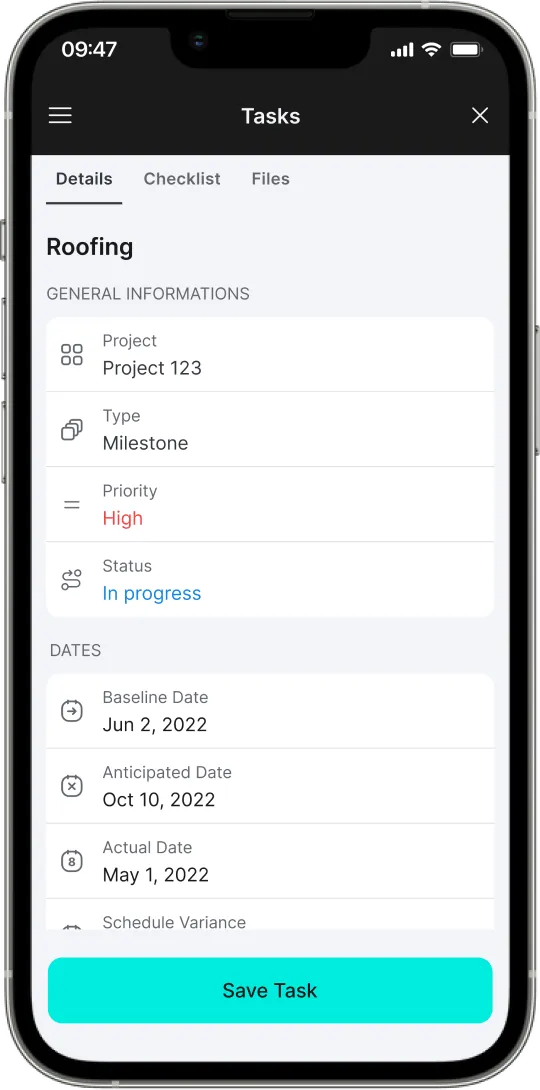
Drawings
Effectively visualize and confirm all details surrounding a project.
View, annotate, and collaborate on Drawings.
Request Demo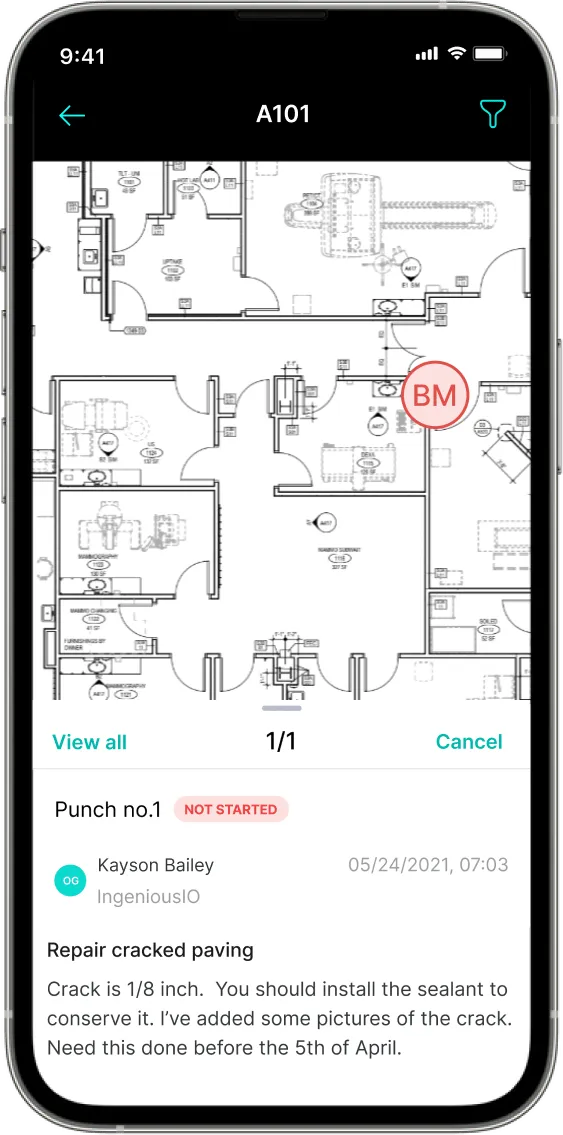
Forms & Inspections
Create custom forms or inspections to streamline your workflows.
Record results live from the field to confirm work in progress is meeting YOUR high bar in safety and quality assurance.
Request Demo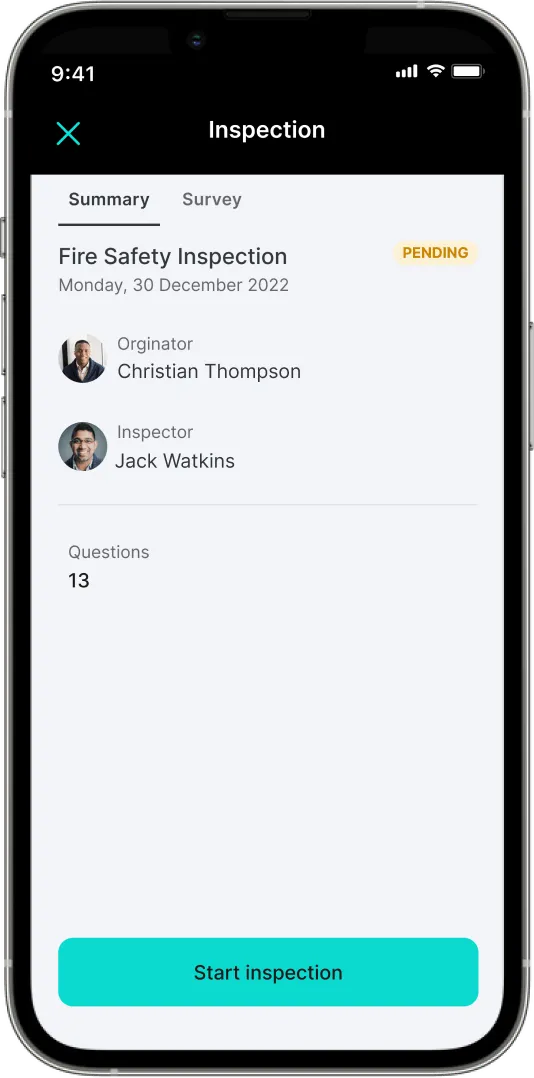
Punch List
The most efficient system to organize and track the Punch List process.
Effectively handle the finishing details of a project while in the field.
Request Demo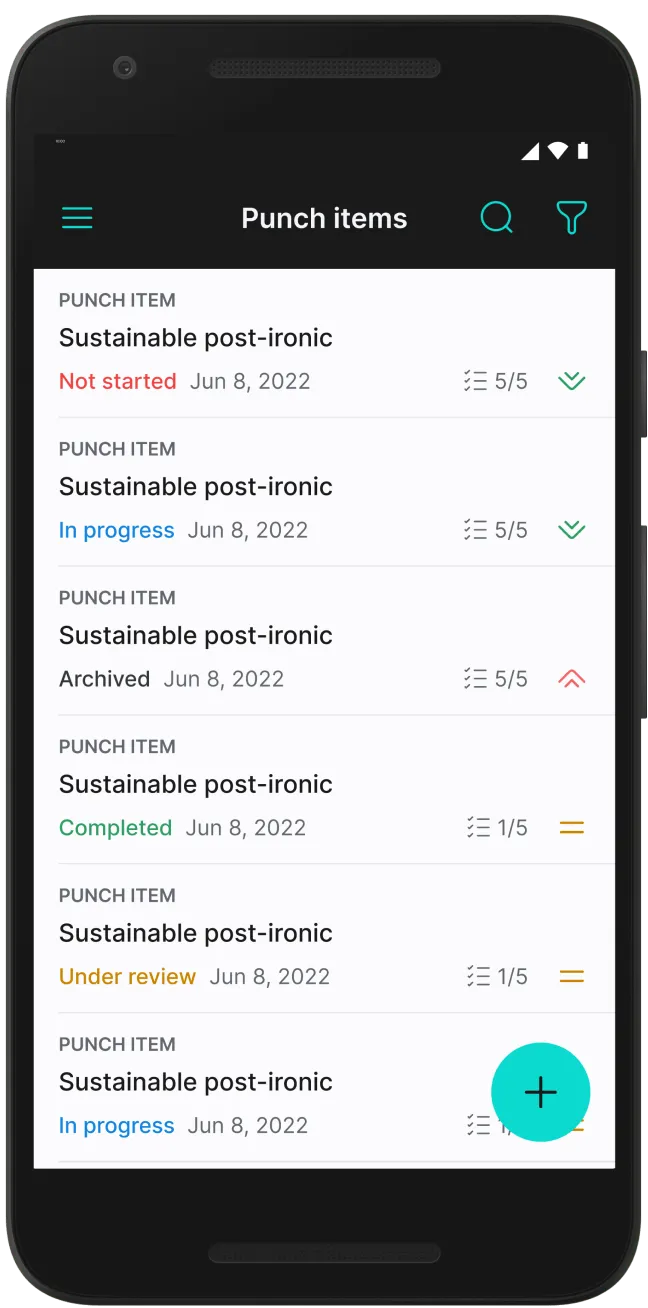
Specs & Submittals
View all information pertaining to the Specification sets and Submittals.
Efficiently confirm details through out the construction process.
Request Demo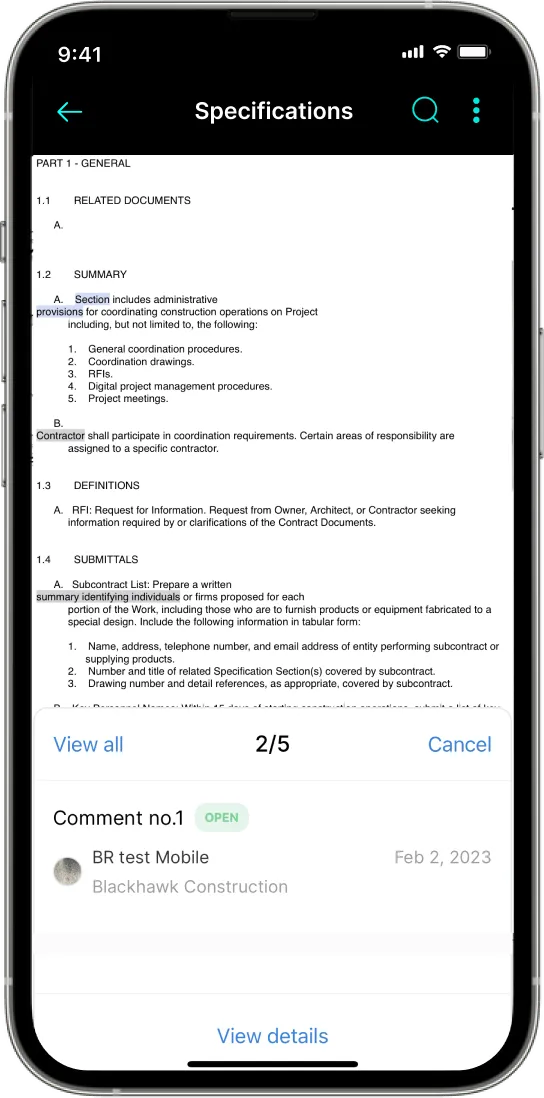
RFIs
Seamlessly communicate with the office and other project collaborators.
Ask pressing questions in the field to get real time responses.
Request Demo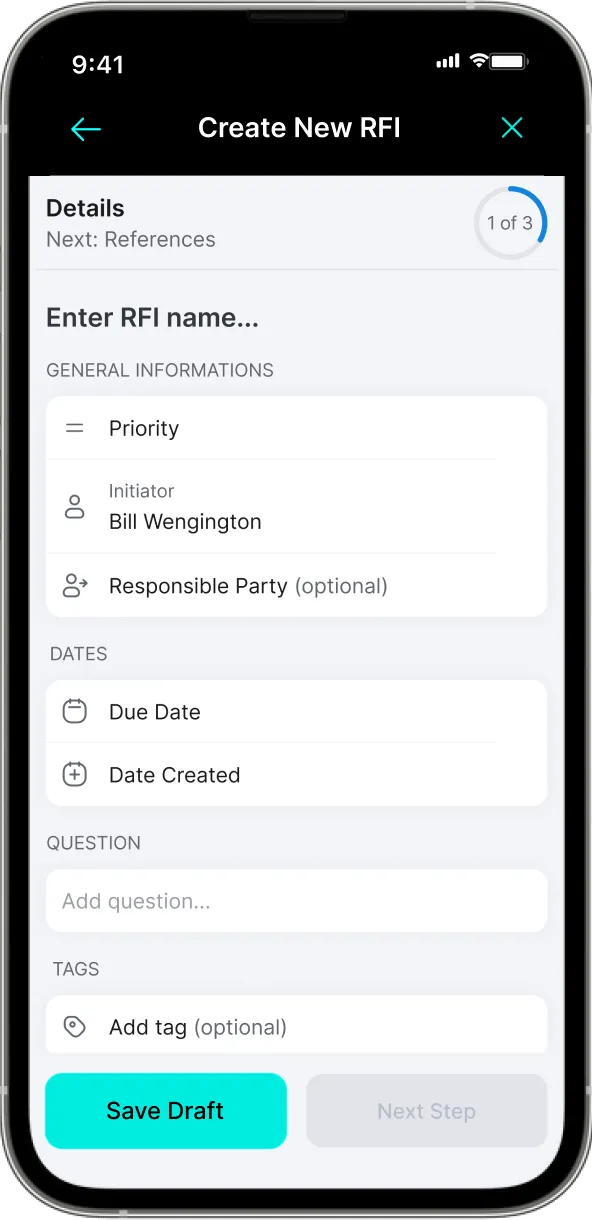
Daily Reports
Effectively communicate daily progress and blockers to key project stakeholders.
Attach progress photos and record all critical details from the field in order to maximize accuracy of reporting.
Request Demo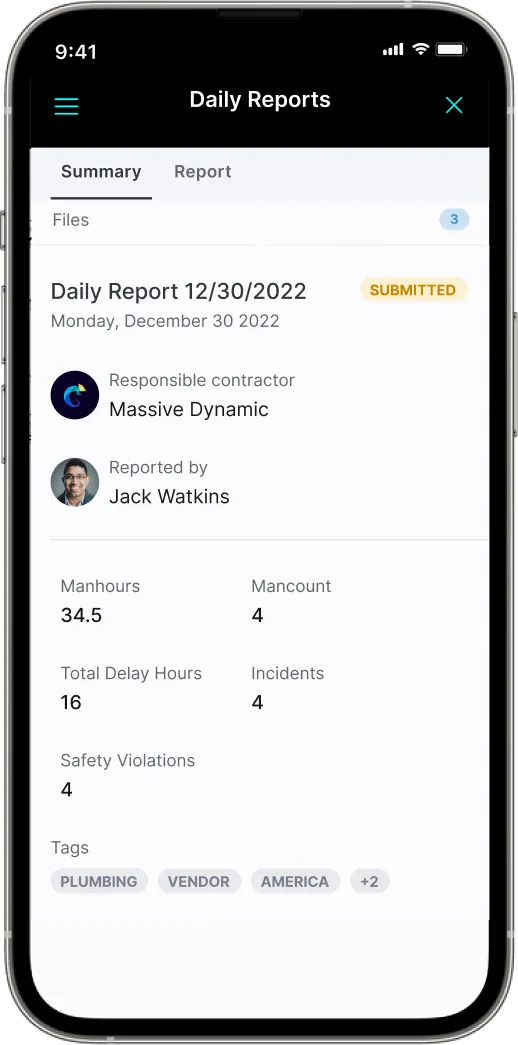
Available to download on both iOS and Android.


Take the Full Platform Wherever the Work Happens
The INGENIOUS.BUILD mobile app connects your field team to every project, workflow, and stakeholder — in real time, from any job site.
Mobile App FAQs
Questions about the INGENIOUS mobile app?
Everything your field and office teams need to know about staying connected on any job site.
What features are available in the INGENIOUS.BUILD mobile app?
The INGENIOUS.BUILD mobile app gives construction teams access to project tasks, RFIs, Submittals, punch items, custom forms, daily log, jobsite media, and drawings & specifications — all from their mobile devices, available on iOS and Android.
Is the mobile app available for both iOS and Android devices?
Yes — the INGENIOUS mobile app is available on iOS and Android, enabling construction professionals to stay connected in the office or on the jobsite.
Does the mobile app work offline and sync data later?
Yes. INGENIOUS supports offline functionality for drawings, custom forms, punch items, and jobsite media — allowing field teams to continue working without signal and automatically sync data once reconnected.
Can I view budgets, schedules, and drawings from my phone or tablet?
The INGENIOUS mobile app is built primarily for field use. If you need to view budgets and schedules on the jobsite, you can easily access them through the web browser on your tablet.
Does the mobile app send real-time email notifications or alerts?
Yes. The INGENIOUS.BUILD mobile app sends real-time email notifications so construction teams never miss task updates, approvals, or schedule changes.
Get Started
Build the Future, Together.
See how your next project runs on one connected platform.
- 6+ hrs
- Saved daily on manual work & reporting
- 90%
- Decreased project risk
- 50%
- Less admin work
Reported by active INGENIOUS.BUILD users. Time savings figure reported by users with INGENIOUS AI enabled.