Best Construction PM Software for Field and Office Teams (2026)
7 platforms compared on what matters between the jobsite and the office: mobile, offline, RFIs, daily reports and live budgets.
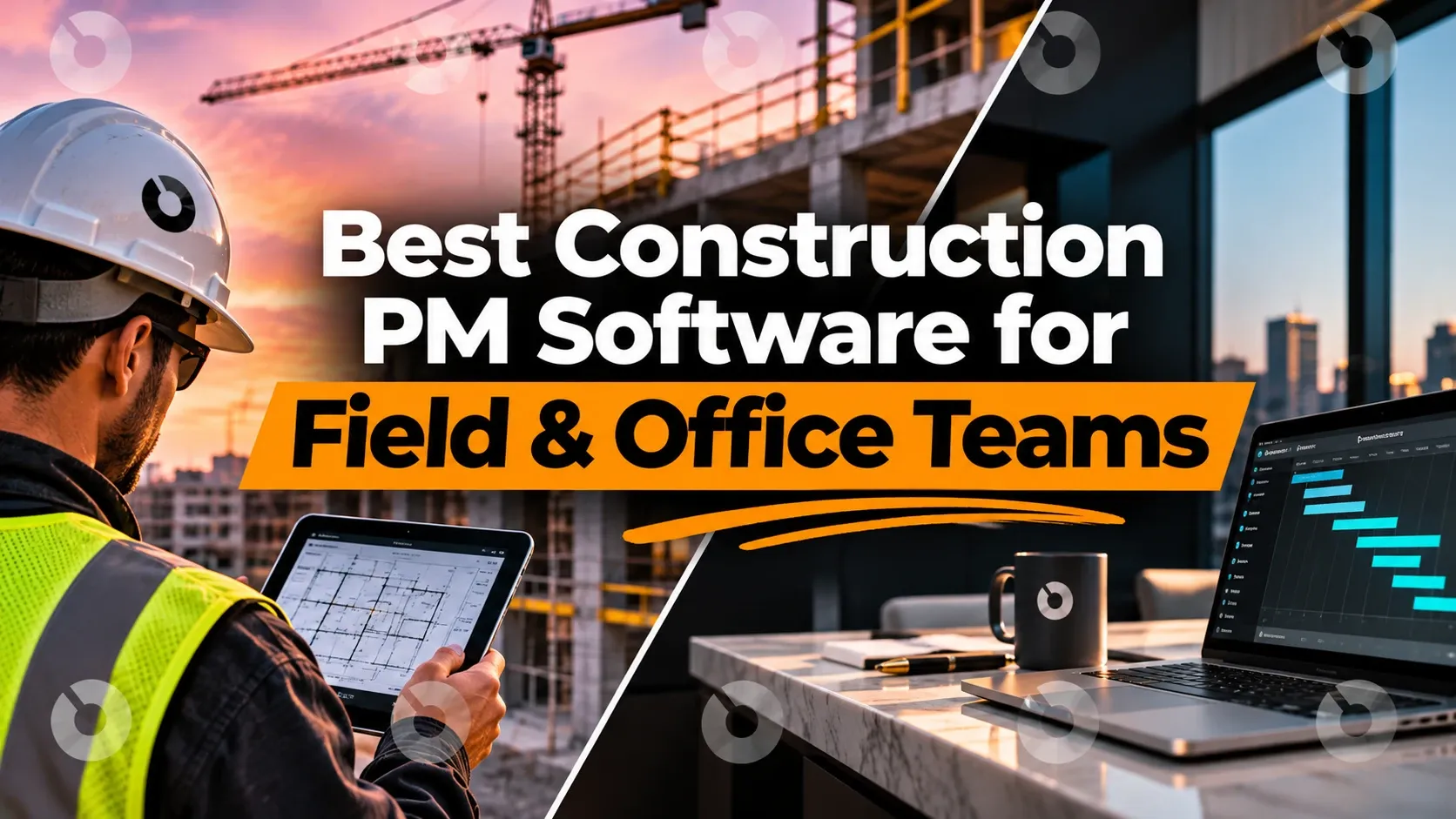
The best construction project management software for field and office teams puts both on the same live project. A superintendent logs a daily report, snaps a photo or raises an RFI on site, and the project manager, the owner's rep and the owner see it without anyone re-typing, exporting or emailing it.
Most teams still run the field and the office on different tools: a field app for punch lists and photos, and spreadsheets or a separate system for budgets, change orders and RFIs. This guide compares 7 platforms on how well they close that gap.
What field and office teams need from construction software
The field and the office need different things from the same project:
- The field needs a fast mobile app, offline access to drawings and forms, punch lists, daily reports, photos and a quick way to raise RFIs.
- The office needs RFIs and submittals routed and answered, change orders tied to the budget, pay apps reviewed, and reports for owners.
The software that fits both is the one where a field update lands in the office's records automatically, and the office's answer reaches the field the same way.
How we evaluated field and office construction software
- Mobile app: iOS and Android, and what field users can do in it
- Offline: what keeps working without signal, and whether it syncs on its own
- Field-to-office handoff: do daily reports, RFIs and punch items land in the office's records, or get re-entered?
- Office depth: budgets, change orders, pay apps, RFIs and submittals in the same platform
- Every party: can the owner, owner's rep, GC, design firm and trades work on the same project?
- AI: what's built in, and whether you can connect your own AI through MCP
The 7 best construction PM software platforms for field and office teams
| Platform | Best for | Field app | Office financials in the same platform |
|---|---|---|---|
| INGENIOUS.BUILD | Owners, owner's reps, GCs and trades on one project | iOS and Android, offline drawings, forms, punch, media | Yes |
| Procore | Large GCs standardized on Procore | iOS and Android, offline only for items opened in advance | Yes, each product priced separately |
| Autodesk Forma | Teams invested in Autodesk design tools | iOS and Android | Not in Forma Build Essentials |
| Fieldwire | Site teams and subcontractors | iOS and Android | Limited |
| Raken | Daily reports and time tracking | iOS and Android | No |
| Buildertrend | Residential builders | iOS and Android | Residential only |
| Smartsheet | Teams building their own process | Offline forms only | Only if you build it |
1. INGENIOUS.BUILD
Best for: Owners, developers, owner's reps, GCs and trades who want the field and the office on the same live project.
INGENIOUS.BUILD gives every company on a project its own workspace, and the workspaces connect. A daily report, RFI or punch item from the field lands in the same records the office, the owner's rep and the owner work from, with no uploads, exports or email chains. Project Management, Construction Administration and Project Financials run on one platform.
Key strengths:
- A mobile app for iOS and Android with tasks, RFIs, submittals, punch items, custom forms and inspections, daily reports, jobsite media, and drawings and specs
- Offline drawings, custom forms, punch items and jobsite media that sync automatically once you reconnect
- RFIs and submittals routed, reviewed and approved in one record, linked to the rest of the project
- Change orders that update the budget and forecast when approved, with pay apps, retainage and lien waivers in the same system
- Built-in AI for every user, including OCR for invoices, drawings, contracts, change orders and budgets, plus AI email summaries
- A native MCP server in Pro, so your own AI, such as Claude, ChatGPT or Gemini, can work on live project data within each user's permissions
- Unlimited projects and free external collaborators for the work you invite them to
Potential limitations:
- The mobile app is built for field work. Budgets and schedules are on the web, which works in a tablet browser on site.
- Built for commercial construction and real estate development, not residential remodeling
See your per-user rate in the pricing calculator
2. Procore
Best for: Large general contractors standardized on Procore.
Procore covers project management, financials and field tools for contractors.
Watch for:
- Offline, Procore's app shows only the items you opened and cached beforehand, according to its support FAQ.
- Capterra reviewers describe workflows that "require too many clicks, especially for quick field updates."
- Field Productivity is priced by FTE, and every other product carries its own annual fee.
- Each company works in its own Procore account, and there's no native MCP server.
3. Autodesk Forma (formerly Autodesk Construction Cloud)
Best for: Teams already invested in Revit and Autodesk design tools.
Forma Build handles drawings, documents and field workflows next to Autodesk's design products.
Watch for:
- Forma Build Essentials covers field tools only. It leaves out cost management, RFIs, submittals, schedules, meetings and AI.
- Products are sold as bundles, each priced by quote.
- Companies share files by copying them between Autodesk accounts.
INGENIOUS.BUILD vs Autodesk Forma
4. Fieldwire
Best for: Field coordination for site teams and subcontractors.
Fieldwire is a field-first app for tasks, punch lists and drawings, with a free plan and paid plans by user and feature.
Watch for:
- Limited financial features, so budgets and change orders live elsewhere
- Not a full project lifecycle platform, so owners and GCs usually pair it with another system
5. Raken
Best for: Superintendents who mainly need daily reports, photos and time cards.
Raken is a field reporting tool for daily logs, photo documentation, safety reporting and labor tracking.
Watch for:
- It isn't a full construction management platform: no budgeting, and no RFI or submittal workflows.
- Most teams run it alongside another platform for the office side.
6. Buildertrend
Best for: Residential builders and remodelers.
Buildertrend combines scheduling, field updates and client communication for home builders.
Watch for:
- Less suited to large commercial projects
- Not built for owner-side capital or development reporting
7. Smartsheet
Best for: Teams that want a flexible spreadsheet-style tool and are willing to build their own process.
Watch for:
- RFI and change order logs come as sheet templates you set up and maintain.
- Offline, only forms work.
- Change orders update the budget only if you build the cross-sheet links.
Where the field-to-office handoff breaks
Most delays between the jobsite and the office come from the same few handoffs:
- RFIs raised on site by phone or text, then re-typed into a log (how to prevent RFI and submittal delays)
- Daily reports sent as PDFs, so issues in them never become tasks
- Punch items tracked in a field app the owner can't see
- Change orders agreed in the field that reach the budget weeks later (change order tracking)
- Drawings updated in the office while the field still works from the last set
The fix isn't another app. It's one project where the field's records and the office's records are the same records.
How to choose software for field and office teams
- Watch a superintendent use the app. Raising an RFI or logging a punch item should take seconds, on site, with gloves on.
- Test it without signal. Check which drawings, forms and punch items still work offline, and that they sync without manual steps.
- Follow one item end to end. Raise an RFI in the field and see where it lands, who answers it, and how the answer gets back.
- Check the office side in the same platform. Change orders should update the budget without re-entry.
- Ask who else can join. If the owner, owner's rep and trades can work on the project free for what they're invited to, adoption is much easier.
Final thoughts
The best construction project management software for field and office teams is the one where nobody has to carry information between them. Field-only apps are fast on site but leave the office re-keying. Office-heavy systems often frustrate the field. For teams who want both on one live project, with every party connected, INGENIOUS.BUILD is the most complete option on this list.
Frequently asked questions
What is the best construction project management software for field and office teams?
For teams that want the jobsite and the office on one live project, INGENIOUS.BUILD is the strongest all-round option: a mobile app for iOS and Android with offline drawings, forms, punch items and media, and RFIs, submittals, budgets and change orders in the same platform. Fieldwire and Raken fit field-only needs.
Which construction apps work offline?
Check what works offline, not just whether it does. In INGENIOUS.BUILD, drawings, custom forms, punch items and jobsite media work offline and sync automatically. Procore's app shows only items opened in advance, and Smartsheet works offline only for forms.
How do you connect field and office teams in construction?
Put both on the same project records. When a daily report, RFI or punch item from the field lands directly in the office's log, and the office's answer reaches the field the same way, nothing is re-typed or emailed.
Can field teams raise RFIs from a phone?
Yes, in most platforms. In INGENIOUS.BUILD, field users raise RFIs in the mobile app, and they're routed, answered and tracked in the same record the office and the design team work from.
Does construction project management software include AI?
Many platforms now do, but how it's sold differs. INGENIOUS.BUILD includes built-in AI for every user and a native MCP server in Pro for connecting your own AI to live project data.