Informative
Best Construction Administration Software for 2026
Compare the best construction administration software for 2026 and learn how to manage RFIs, submittals, documents, approvals, and reporting.
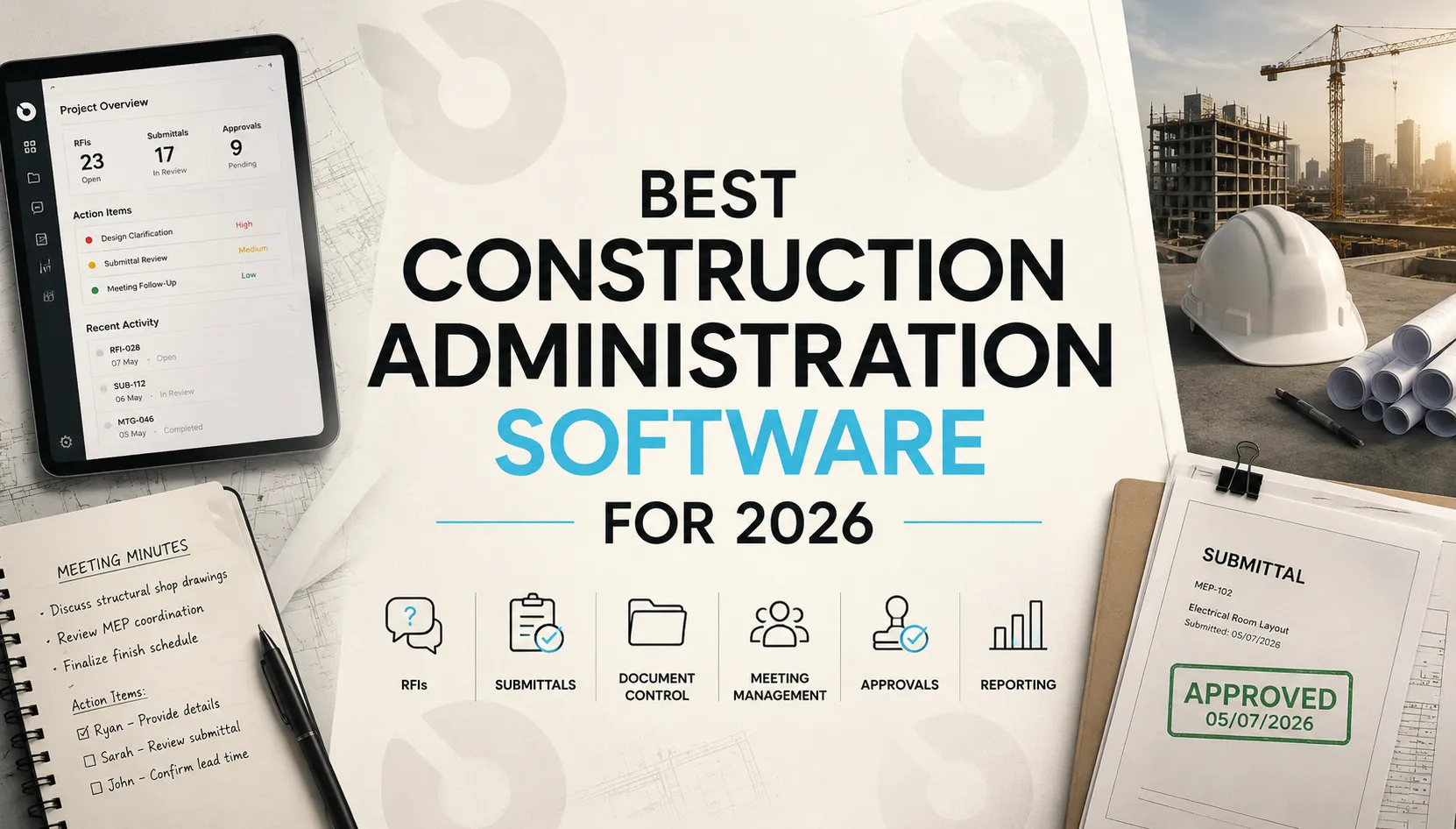
Construction administration is one of the most critical, and often overlooked, parts of project delivery.
While scheduling, budgeting and field management typically receive the most attention, construction administration is what keeps projects organized, compliant and moving forward. RFIs, submittals, meeting minutes, document control, contract administration, approvals, change management and project communication all fall under the construction administration umbrella.
As projects become more complex, managing these workflows through spreadsheets, email threads and disconnected systems becomes increasingly difficult. This is why more owners, developers, architects, owner's representatives and contractors are investing in construction administration software.
In this guide, we'll compare the best construction administration software platforms in 2026, explain what features matter most and help you choose the right solution for your projects.
What Is Construction Administration?
Construction administration is the process of managing project documentation, approvals, communication, and compliance activities throughout construction.
Typical construction administration responsibilities include:
- managing RFIs
- reviewing submittals
- documenting meetings
- tracking action items
- coordinating approvals
- maintaining project records
- managing contract-related workflows
Effective construction administration helps reduce delays, improve accountability, and create a complete project record throughout the construction lifecycle.
What Is Construction Administration Software?
Construction administration software helps teams manage the documentation, approvals, communication and workflow processes that support project execution.
Common construction administration workflows include:
- RFI management
- submittal management
- document control
- meeting minutes
- action item tracking
- contract administration
- change management
- drawing management
- project correspondence
- construction reporting
The best construction administration software connects these workflows inside a centralized platform rather than scattering information across email, spreadsheets and shared drives.
Why Construction Administration Matters
Construction administration directly impacts project performance.
Poorly managed administration processes often lead to:
- delayed approvals
- incomplete documentation
- missed decisions
- schedule impacts
- budget overruns
- disputes between stakeholders
Strong construction administration creates accountability, improves visibility and reduces project risk.
For owners and developers, it also creates a defensible project record that supports governance, compliance and audit readiness.
Typical Construction Administration Workflow
While every organization operates differently, most construction administration processes follow a similar pattern:
- Project information is submitted through RFIs, submittals, meetings, or correspondence.
- Stakeholders review and respond to requests.
- Approvals and decisions are documented.
- Action items are assigned and tracked.
- Project records are updated and maintained.
- Teams generate reports and communicate status updates.
The best construction administration software connects these workflows into a single system rather than managing them separately.
Top Use Cases for Construction Administration Software
Construction teams use administration platforms to support:
RFI Management
Track requests, responses, approvals, and project impacts.
Submittal Management
Manage reviews, approvals, revisions, and documentation.
Construction Document Control
Maintain a single source of truth for drawings, specifications, contracts, and project records.
Meeting Management
Capture decisions, action items, and stakeholder responsibilities.
Contract Administration
Track approvals, commitments, changes, and project obligations.
Owner Reporting
Provide visibility into capital planning, project status, risks and key decisions.
How We Evaluated Construction Administration Software
For this comparison, we evaluated each platform based on:
- RFI management
- submittal workflows
- document control
- meeting management
- construction reporting
- contract administration capabilities
- owner visibility
- scalability
- integrations
- AI capabilities
Best Construction Administration Software in 2026
1. INGENIOUS.BUILD
Best for: Owners, developers, owner's representatives, architects and contractors seeking a connected construction administration platform.
INGENIOUS.BUILD centralizes construction administration workflows within a single project environment.
Teams can manage:
- RFIs
- submittals
- meeting minutes
- action items
- document control
- project correspondence
- schedules
- budgets
- approvals
Unlike tools that focus primarily on contractors or field management, INGENIOUS.BUILD is designed to support collaboration across all project stakeholders.
Key strengths:
- Comprehensive construction administration workflows
- Strong owner and developer visibility
- Integrated project financials and reporting
- Centralized project documentation
- AI-ready connected project data
Potential limitations:
- More robust than very small teams may require
- Best suited for organizations seeking end-to-end project visibility
2. Procore
Best for: Large contractors managing complex construction projects.
Procore offers strong construction administration capabilities alongside project management and field collaboration tools.
Key strengths:
- Mature RFI and submittal workflows
- Large integration ecosystem
- Strong contractor adoption
Potential limitations:
- Pricing can become expensive at scale
- Primarily contractor-focused
3. Autodesk Construction Cloud
Best for: Design-heavy projects requiring strong document and drawing management.
Autodesk Construction Cloud combines document management, collaboration, and project controls.
Key strengths:
- Excellent drawing management
- BIM integration
- Strong design collaboration
Potential limitations:
- Administration workflows may require additional configuration
- Complexity for smaller organizations
4. Oracle Aconex
Best for: Large infrastructure and enterprise projects.
Aconex is widely used on complex capital projects where document control and auditability are critical.
Key strengths:
- Strong document management
- Comprehensive audit trails
- Enterprise scalability
Potential limitations:
- Steeper learning curve
- Implementation can be resource-intensive
5. Kahua
Best for: Program management and owner-side administration.
Kahua focuses on project controls, document management, and capital program oversight.
Key strengths:
- Strong owner reporting
- Workflow configurability
- Program-level visibility
Potential limitations:
- Smaller ecosystem than some competitors
6. Revizto
Best for: Coordination between design and construction teams.
Revizto is known for issue tracking and model-based collaboration.
Key strengths:
- BIM coordination
- Design collaboration
- Issue management
Potential limitations:
- Not a complete construction administration platform
7. Fieldwire
Best for: Field-focused administration and task management.
Fieldwire helps teams coordinate work directly from the jobsite.
Key strengths:
- Mobile-first experience
- Task tracking
- Field communication
Potential limitations:
- Limited contract administration functionality
8. Buildots
Best for: AI-powered construction monitoring and progress tracking.
Buildots uses computer vision and AI to compare project progress against plans and schedules.
Key strengths:
- Automated progress tracking
- Construction analytics
- Schedule visibility
Potential limitations:
- Focused on monitoring rather than comprehensive construction administration
9. Newforma
Best for: Architects and design consultants.
Newforma focuses on project communication, document management, and design coordination.
Key strengths:
- Email and document management
- Architectural workflows
- Project communication
Potential limitations:
- Less comprehensive project management functionality
10. e-Builder
Best for: Public sector and capital program management.
e-Builder is commonly used by owners managing large capital programs.
Key strengths:
- Capital planning
- Program controls
- Workflow management
Potential limitations:
- More owner-focused than contractor-focused
Construction Administration Software vs Project Management Software
Construction administration software and construction project management software often overlap, but they solve different problems.
Construction project management software typically focuses on:
- schedules
- budgets
- field management
- resource coordination
Construction administration software focuses on:
- RFIs
- submittals
- approvals
- contracts
- meeting management
- document control
- project communication
The best platforms connect both operational and administrative workflows within a single system.
AI in Construction Administration
AI is becoming increasingly important in construction administration.
Construction teams are beginning to use AI to:
- summarize meetings
- identify action items
- organize project documentation
- improve RFI management
- support submittal workflows
- generate reports
- identify project risks
As projects generate larger volumes of information, AI helps teams improve visibility while reducing administrative effort.
How to Choose the Best Construction Administration Software
The right platform depends on your organization's role and project complexity.
Owners and developers typically prioritize reporting, auditability and portfolio visibility.
Architects and consultants often focus on document management and design coordination.
General contractors usually require stronger field collaboration and workflow management capabilities.
Program managers and owner's representatives often need a balance of reporting, administration and project controls.
The best solution is the one that creates a single source of truth across project stakeholders.
What to Look for in Construction Administration Software
When evaluating construction administration tools, prioritize:
Connected Workflows
RFIs, submittals, meetings, approvals and documents should work together.
Strong Document Control
The platform should provide version management, audit trails and centralized access.
Owner Visibility
Owners and developers should be able to monitor project status without relying entirely on manual reports.
Scalability
The system should support both current projects and future growth.
AI Readiness
AI capabilities become more valuable when project information is centralized and connected.
Why Connected Data Matters
One of the biggest challenges in construction administration is fragmented information.
Teams often manage:
- RFIs in one system
- documents elsewhere
- meeting notes separately
- approvals through email
This fragmentation creates risk and limits visibility.
Modern construction administration platforms increasingly focus on creating a single source of truth across project workflows.
This foundation is also what enables more advanced AI capabilities.
Construction Administration Software vs Email, SharePoint and Teams
Many construction teams still manage RFIs, submittals, meeting minutes, approvals and project correspondence through a combination of email, shared drives, SharePoint, Microsoft Teams, and spreadsheets.
While these tools are useful for communication and file sharing, they were not built specifically for construction administration. Information often becomes scattered across inboxes, folders, chat threads and documents, making it difficult to track decisions, maintain audit trails or understand the current status of a workflow.
Construction administration software solves this problem by connecting communication directly to project workflows. Instead of searching through emails or shared folders, teams can manage RFIs, submittals, approvals, action items, and project records within a single system. This creates greater visibility, improves accountability, and ensures that critical project information remains accessible throughout the project lifecycle.
For organizations managing complex projects, the difference is not simply better communication, it's better project control.
FAQ
What is construction administration software?
Construction administration software helps teams manage RFIs, submittals, document control, approvals, meeting minutes, project communication and other administrative workflows throughout the project lifecycle.
What is the best construction administration software?
Leading options include INGENIOUS.BUILD, Procore, Autodesk Construction Cloud, Oracle Aconex, Kahua and e-Builder. The best choice depends on your project complexity, stakeholders and workflow requirements.
How is construction administration different from project management?
Construction administration focuses on documentation, approvals, communication and compliance workflows, while project management focuses on schedules, budgets, resources and execution.
Are there AI tools for construction administration?
Yes. Many platforms now use AI to improve reporting, document management, RFI workflows, meeting summaries and project visibility.
What features should construction administration software include?
Core features include RFI management, submittals, document control, meeting management, contract administration, reporting, audit trails and workflow automation.
Final Thoughts
Construction administration is no longer just a back-office function. It plays a critical role in project visibility, risk management, compliance and stakeholder coordination.
As projects become more complex, organizations need platforms that connect documentation, approvals, communication and project data in a single environment.
The best construction administration software helps teams spend less time managing information and more time delivering successful projects.
If you're evaluating construction administration platforms for owners, developers, architects or contractors, explore how INGENIOUS.BUILD centralizes RFIs, submittals, meetings, documents, budgets and reporting in one connected system. Book a free demo!