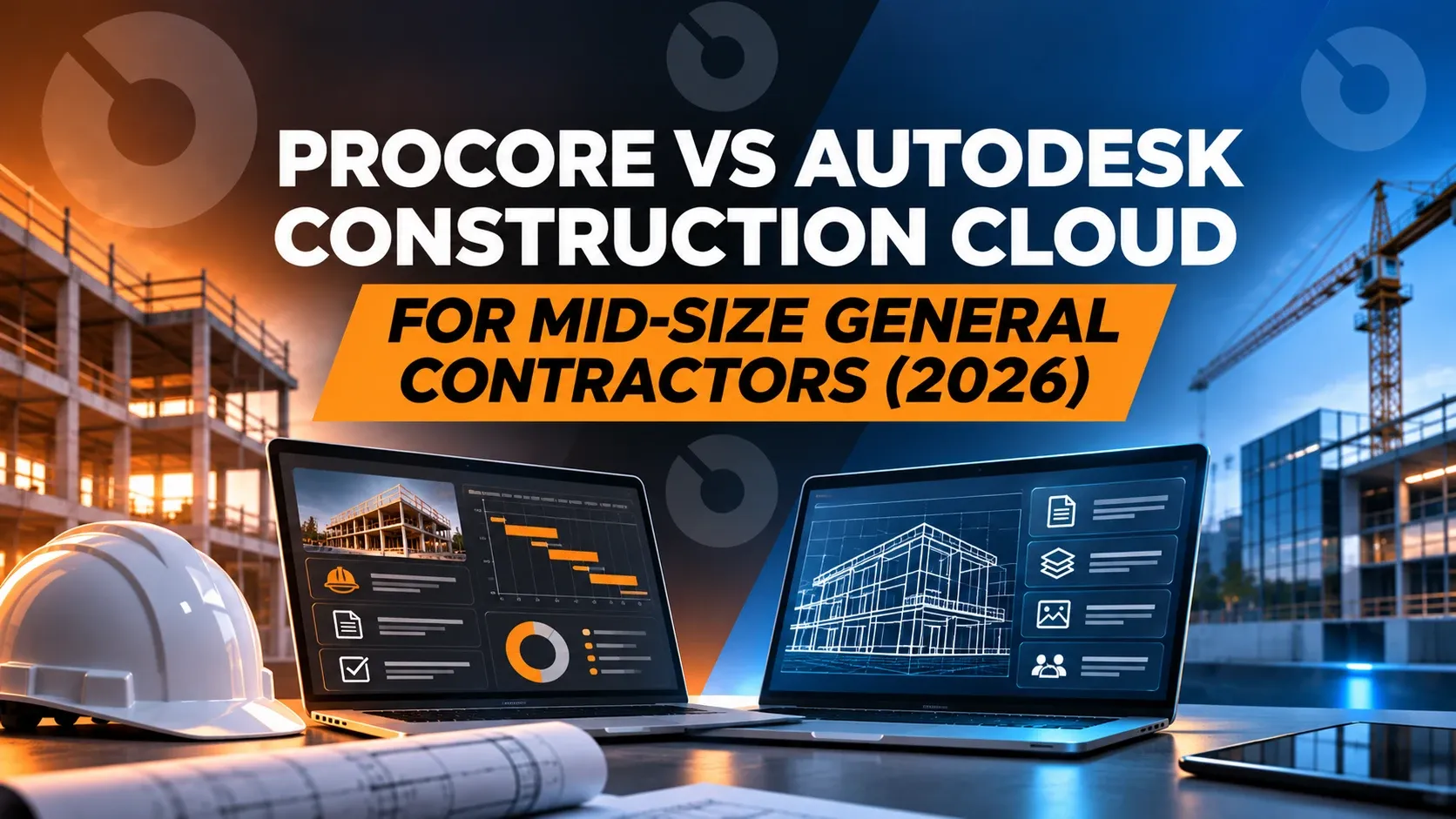
Procore vs Autodesk Construction Cloud for Mid-Size General Contractors (2026)
How Procore and Autodesk Forma (formerly Autodesk Construction Cloud) compare for mid-size GCs on pricing, financials and job cost, RFIs, scheduling, AI and working with owners.
If you run a mid-size general contractor, the Procore vs Autodesk question usually comes up when the spreadsheets and email threads stop scaling: a dozen active jobs, a few hundred subs, owners asking for cost reports you have to build by hand. Both platforms are big, established names. But they're sold differently, they bundle different things, and neither was designed around the problem most mid-size GCs actually have: working with owners, designers and subs who are all on different systems.
This guide compares Procore and Autodesk Forma (formerly Autodesk Construction Cloud) on what a mid-size GC needs day to day: project management, financials and job cost, RFIs and submittals, scheduling, AI, and how you work with the other companies on the job. Where a platform's own pages say something, we say where. Vendor facts were checked on Procore's and Autodesk's own sites in October and November 2026.
The short version
| What a mid-size GC needs | Procore | Autodesk Forma (formerly ACC) | INGENIOUS.BUILD |
|---|---|---|---|
| How you pay | Bill follows your annual construction volume, and many products (bid management, estimating, prequalification, portfolio financials, AI) are sold separately | Bundles priced by quote, with "user, project, and account-based pricing" | Transparent, per-user based pricing, billed annually; projects are unlimited and collaborators are free for the work you invite them to |
| Budgets, change orders, pay apps | Yes, in Procore's financial tools | Cost management is in Forma Build; the Essentials tier excludes cost | Yes, included: budgets, commitments, change orders, invoices and pay apps on one platform |
| RFIs and submittals | Yes | Yes in Forma Build; Essentials excludes RFIs and submittals | Yes, included |
| Scheduling | Native Procore Scheduling (generally available January 2026) | Imports P6, MS Project or Asta schedules; not editable in the tool | Scheduling included, with P6 and MS Project import |
| Working with owners and subs | Each company has its own Procore account; Procore Connect copies data one way between them | Bridge copies sheets and files between accounts | Every company works in its own connected workspace on the same live project data |
| AI | Procore AI through paid Digital Coworker packages with a credit pool; Procore AI MCP announced for enterprise Claude, no release date | AI on value-based subscriptions (bundles, EBAs); most construction agents in beta or coming soon; no MCP server for Forma Build | Built-in AI for every user, and a native MCP server, included in Pro, so your own AI works with your project data |
How each platform is priced, and why it matters at mid-size
Pricing is where mid-size GCs feel the difference most, because it decides what you pay as you grow.
Procore says it doesn't charge per user ("unlimited users"). Instead, the bill follows your annual construction volume and the products you add. As a mid-size GC grows its backlog, the bill grows with it, even if the team doesn't. Procore also sells many capabilities as separate products: Bid Management, Estimating and Prequalification are their own products, Portfolio Financials and Capital Planning are add-ons, AI comes in Digital Coworker packages, and implementation is sold as Professional Services.
Autodesk Forma is sold in bundles, and every bundle on Autodesk's pricing page is "Get a quote", with "user, project, and account-based pricing". The entry tier, Forma Build Essentials, leaves out cost management, RFIs, submittals, schedules and AI, so a GC who needs those is quoting a higher bundle. Estimating is a separate product (Forma Estimate, formerly ProEst).
INGENIOUS.BUILD uses transparent, per-user based pricing, billed annually. Projects are unlimited, and the subs, owners and designers you invite are free for the work you invite them to. Capital Planning, Custom Reporting and Support are offered separately as advanced modules. You can calculate your price before you talk to anyone.
What this means for a mid-size GC: with Procore, a bigger year costs more even with the same team. With Autodesk, you need a quote, and the tier you need depends on whether you want cost, RFIs and submittals in the same place. With per-user pricing, cost follows the size of your team, not the size of your backlog.
Project financials and job cost
Mid-size GCs live and die on margin, so this is usually the deciding section.
Procore has budgets, commitments, change orders, invoicing and pay apps in its financial tools. It's a mature set. The friction GCs mention is less about features than cost and setup: financial tools, bidding and estimating can be separate purchases, and getting reporting the way your CFO wants often means configuration work.
Autodesk Forma has cost management in Forma Build, but not in the Essentials tier. Lien waivers run through a GCPay integration rather than natively, and contracts have no built-in redlining (they integrate with DocuSign). Teams that come to Autodesk for its design and BIM tools often keep cost somewhere else.
INGENIOUS.BUILD keeps budgets, commitments, change orders, invoices and pay applications on one platform, tracked by cost code. An approved change order updates the contract, budget and forecast right away. Subs submit pay applications into your project instead of emailing PDFs, and the job cost side syncs two ways with your accounting system (QuickBooks, Sage Intacct, Xero, Dynamics 365 and others), with integrations included in your plan. See Project Financials for how money moves from contract to payment.
RFIs, submittals and the paperwork between you and the owner
Both Procore and Autodesk handle RFIs and submittals well inside your own account. The difference shows up at the edge of your account, where the owner, the architect and the subs sit.
Procore gives each company its own account. When the owner runs Procore too, the two accounts don't share live data; Procore Connect copies published items one way between them, and a downstream project connects to only one upstream project. When the owner doesn't use Procore, they're a guest in yours, or the paperwork goes back to email.
Autodesk connects accounts through Bridge, which copies sheets and files between them. That's useful for drawings, but it's still copies.
INGENIOUS.BUILD works differently: every company on the project, from the owner and the owner's rep to the GC, the design team and every sub, works in its own connected workspace on the same live project data. An RFI the architect answers is the same record your super sees in the field. A change order the owner approves updates your contract and budget at the same moment it updates theirs. Nobody re-keys, and every approval is on record. See Construction Administration.
Scheduling
Procore launched its native Procore Scheduling as generally available in January 2026, so it's newer than the rest of the platform.
Autodesk Forma imports schedules from Primavera P6, Microsoft Project or Asta, but the imported schedule isn't editable in the tool, so the master schedule still lives somewhere else.
INGENIOUS.BUILD includes scheduling and imports P6 and MS Project schedules, so the schedule sits next to the RFIs, submittals and costs that affect it.
AI: built-in, add-on, or announced
AI is where the marketing is loudest, so it helps to separate what each one actually sells.
Procore AI is generally available with a paid Digital Coworker package. On the Pro and Enterprise packages, every question, search, agent run and daily data sync draws from one shared credit pool, and when the pool runs out, AI pauses until it refreshes. Procore has also announced Procore AI MCP, which will let companies connect their enterprise Claude environment to Procore AI. It has no release date, Claude is the only AI named, other providers are planned for 2027, and it works inside one company's Procore account.
Autodesk offers AI only on value-based subscriptions (bundles and enterprise agreements), and most of the construction agents shown at Autodesk University 2026 are in beta or "coming soon". Autodesk's public MCP servers (April 2026) cover Revit, Fusion and product help, not Forma Build.
INGENIOUS.BUILD has two kinds of AI, and they do different jobs:
- Built-in AI, for every user (including the collaborators you invite): it reads invoices, contracts, change orders, budgets and drawings, and sends daily or weekly email summaries of your unread notifications. No credits, no metering.
- A native MCP server, included in Pro: it lets the AI your team already uses, such as Claude or ChatGPT, work with your project data, live today. Your own AI can pull an RFI register, summarize a pay app against the schedule of values, set up a new project or chase open items, under each person's permissions. Customer data is never used to train AI models.
See AI construction software for how the two work together.
Which one fits a mid-size GC?
Procore can fit if you're a large, Procore-standard GC with an admin team, the owners you work for also use Procore, and you're comfortable with a bill that grows with your volume and add-ons.
Autodesk Forma can fit if design coordination and BIM drive most of your work, your design partners already live in Autodesk tools, and you're happy to keep cost and the master schedule in other systems.
INGENIOUS.BUILD fits mid-size GCs who want project management, financials and construction administration on one platform, with owners, designers and subs connected on the same live data, pricing that follows team size instead of backlog, and AI that's built in for everyone with MCP included in Pro. It's also the shortest path to one record of every RFI, change order and pay app across all your jobs.
For a wider look at the market, see our list of the best construction software for mid-size general contractors, our Procore alternatives comparison, and our pages comparing INGENIOUS.BUILD with Procore and Autodesk.
Frequently asked questions
Is Procore or Autodesk Construction Cloud better for a mid-size general contractor?
It depends on what drives your work. Procore has the broader construction feature set but prices by annual construction volume and sells many products separately. Autodesk Forma (formerly Autodesk Construction Cloud) suits design-heavy, BIM-led work, but its entry tier leaves out cost, RFIs, submittals and schedules. Mid-size GCs that want PM, financials and owner collaboration on one platform with per-user pricing often choose INGENIOUS.BUILD instead.
What is Autodesk Construction Cloud called now?
On March 24, 2026, Autodesk Construction Cloud became part of Autodesk Forma. Autodesk Build is now Forma Build, Autodesk Docs is Forma Data Management, BIM Collaborate Pro is Forma Design Collaboration, and Autodesk Takeoff is Forma Takeoff.
How is Procore priced compared with Autodesk?
Procore says it doesn't charge per user; the bill follows annual construction volume and the products you buy, with bid management, estimating, prequalification, portfolio financials and AI sold separately. Autodesk Forma bundles are quote-only, with user, project and account-based pricing. INGENIOUS.BUILD uses transparent, per-user based pricing, billed annually, with unlimited projects and free collaborators for the work you invite them to.
Which construction software has budgets, job cost and change orders built in for GCs?
INGENIOUS.BUILD keeps budgets, commitments, change orders, invoices and pay applications on one platform by cost code, and an approved change order updates the contract, budget and forecast right away. Job cost syncs two ways with accounting systems such as QuickBooks, Sage Intacct, Xero and Dynamics 365, included in your plan.
Does Procore or Autodesk have an MCP server?
Procore has announced Procore AI MCP for enterprise Claude, with no release date and other AI providers planned for 2027. Autodesk's public MCP servers cover Revit, Fusion and product help, not Forma Build. INGENIOUS.BUILD's native MCP server is live today and included in Pro, and it works with any AI that supports MCP, such as Claude or ChatGPT.
Can owners and subcontractors work in the same platform as the GC?
In INGENIOUS.BUILD, yes: the owner, the GC, the design team and every sub each work in their own connected workspace on the same live project data, and the subs and vendors you invite are free for the work you invite them to. In Procore and Autodesk, each company has its own account, and data moves between accounts by copying.
Related: For general contractors · Procore alternative · Autodesk alternative · Project Financials · AI construction software