CMiC Explained: Pricing, Features, Integrations & Alternatives (2026)
A 2026 breakdown of CMiC’s pricing, features, integrations, pros, cons, and top alternatives—everything construction teams need to evaluate the platform with confidence.
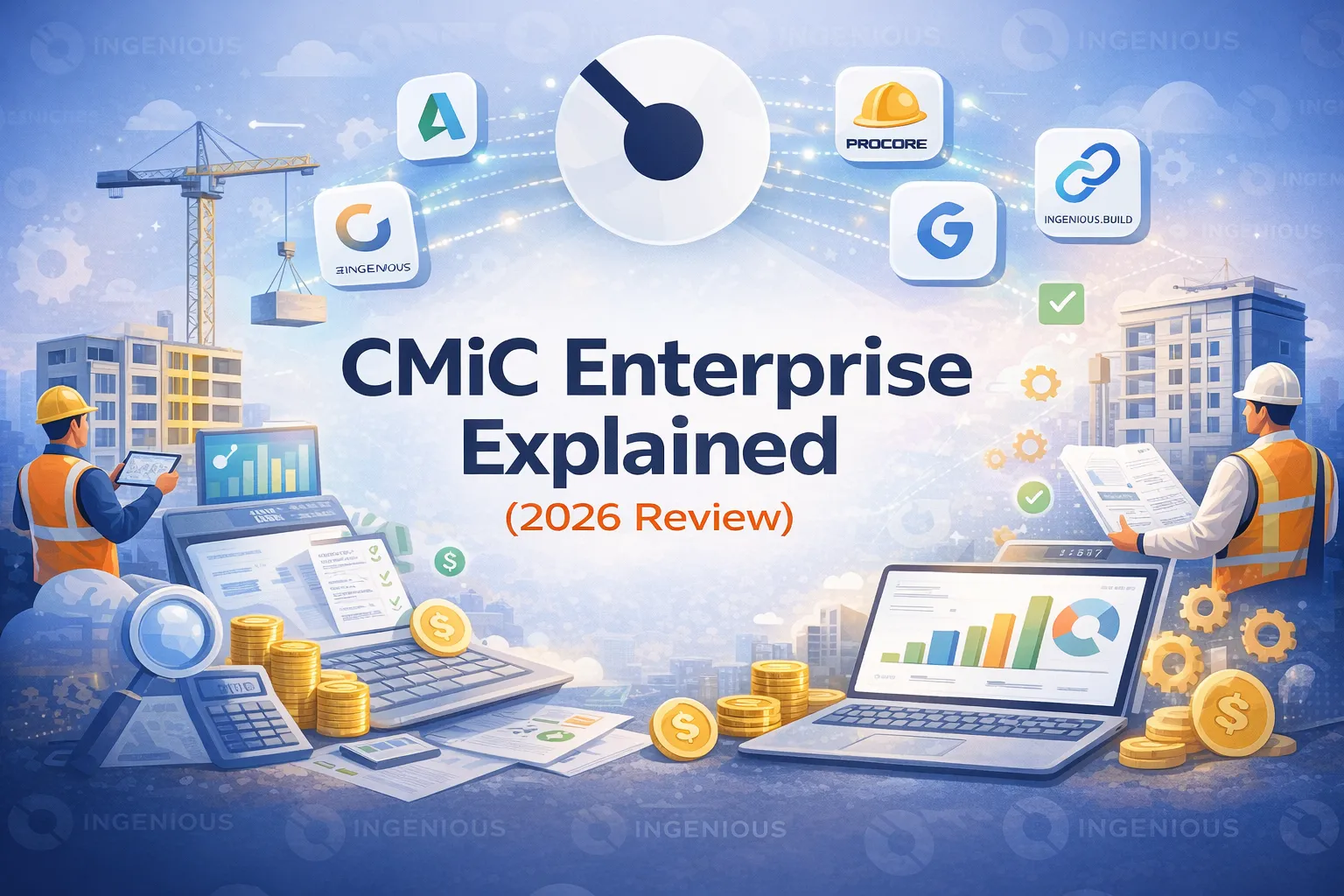
CMiC is one of the longest-standing names in construction ERP. But longevity doesn’t automatically mean fit.
In 2026, construction firms evaluating CMiC aren’t just looking for software. They’re evaluating:
- Financial control vs operational flexibility
- ERP depth vs usability
- Integration complexity vs system consolidation
- Implementation weight vs speed to value
Whether you’re comparing CMiC to Procore, Autodesk or newer oversight-focused platforms, this article gives you a practical breakdown.
We’ll cover:
- What CMiC is and what it stands for
- Its construction accounting capabilities
- Pricing structure realities
- Integration ecosystem
- And how it compares to modern alternatives
What Is CMiC in Construction?
CMiC is a construction ERP (Enterprise Resource Planning) software platform built specifically for construction firms. It centralizes financial management, project management and operational workflows into a single system.
In simple terms, CMiC is construction accounting software + project management software + ERP infrastructure in one platform.
When users ask, “What is CMiC in construction?”, they are usually referring to CMiC Enterprise, the company’s flagship construction ERP solution.
CMiC is designed to manage:
- Project management workflows
- Financial management and job cost control
- Construction accounting (general ledger, AP/AR, payroll)
- Payroll and HR functions
- Equipment tracking and asset management
- Procurement and subcontract management
Unlike field-first construction platforms, CMiC is accounting-first. Its architecture is centered around financial control and ERP consolidation rather than field collaboration.
Because it functions as a full construction ERP, CMiC is typically implemented by mid-sized to large contractors that need accounting integration across multiple departments.
What Does CMiC Stand For in Construction?
CMiC originally stood for Computer Methods International Corp.
Today, the company operates under the simplified brand name CMiC, focusing exclusively on enterprise construction software.
When users search:
- “What does CMiC stand for in construction?”
- “What does CMiC stand for in construction management?”
- “What does CMiC stand for in construction accounting?”
They’re typically looking to verify the company’s background, credibility or legacy.
CMiC was founded in the 1970s and has positioned itself as a long-standing provider of construction ERP and construction accounting systems. Its history is often associated with enterprise-level financial software rather than field-first construction tools.
So, in short:
- CMiC = Computer Methods International Corp
- It is now branded simply as CMiC
- It focuses on construction ERP and accounting software
The acronym reflects its origins in enterprise computing, while its modern identity centers on construction-specific ERP systems.
CMiC Construction ERP Overview
CMiC Enterprise is a construction ERP built around a single, unified database. In practical terms, that means financial data, job cost, payroll, and project management all live in one connected system.
CMiC construction ERP brings together:
- Financials (general ledger, AP/AR, reporting)
- Job cost tracking
- Project management
- Payroll and HR
- Equipment management
- Procurement
The pitch is straightforward: one platform, one database, full lifecycle visibility.
Unlike field-first construction tools, CMiC leans heavily into financial governance. It’s accounting-centered by design, which makes it appealing to firms that want tight integration between project operations and accounting. At the same time, that ERP depth usually means more implementation weight and configuration compared to lighter, modular construction platforms.
CMiC Construction Accounting Software
One of CMiC’s strongest areas is construction accounting. It includes:
- Job cost tracking
- Accounts payable & receivable
- General ledger
- Payroll
- Equipment costing
- Financial reporting
For firms prioritizing accounting integration and ERP consolidation, this is a major advantage.
However, accounting strength doesn’t always translate to intuitive project management workflows. Adoption can depend heavily on implementation quality.
CMiC Pricing & Cost
CMiC does not publicly list pricing. But costs typically vary based on:
- Company size
- Modules selected
- Implementation scope
- User count
- Hosting model (cloud vs on-premise)
Because CMiC is an enterprise ERP, implementation costs can be significant. Potential buyers should evaluate:
- Total cost of ownership
- Implementation timeline
- Internal change management requirements
- IT dependency
Enterprise ERPs often require longer rollout periods compared to modular SaaS tools.
CMiC Integrations
Modern construction teams rarely run on a single system, especially at the enterprise level. CMiC supports integrations through APIs and third-party connectors, allowing firms to link their ERP to field, design and workforce tools.
Common integration searches include:
- CMiC Procore integration
- Time tracking CMiC integration
- Autodesk Build to CMiC integration
- PlanGrid CMiC integration
In practice, CMiC is often used as the financial backbone, while other platforms handle field collaboration or design coordination.
For example:
- Some contractors use Procore or Autodesk Build for site management and push financial data into CMiC for accounting control
- Time tracking tools integrate with CMiC to sync payroll and labor cost data
- PlanGrid or Autodesk solutions may connect document workflows back to ERP-level reporting
Technically, integration is usually possible. The real challenge is operational.
When financial data, field data and documentation live across multiple systems, reconciliation becomes ongoing work. Without strong governance, integration layers can introduce audit friction instead of eliminating it.
The question isn’t just “Can CMiC integrate?”. It’s “How much system coordination will your team need to maintain long term?”.
Where CMiC Works Well
CMiC tends to work best in organizations where accounting drives decision-making. It’s often a strong fit for:
- Accounting-led construction firms that want tight control over job cost and financial reporting
- Companies looking to consolidate multiple systems into a single ERP
- Large contractors with internal IT teams to manage configuration and maintenance
- Established organizations with defined processes that can absorb ERP complexity
Its core strength is financial depth. CMiC construction accounting and ERP capabilities are robust especially for firms that prioritize general ledger integration, payroll alignment and cost control at scale.
Where CMiC May Create Friction
CMiC’s ERP depth can also introduce complexity. Common concerns raised by evaluators include:
- A dense, less intuitive interface
- Longer implementation timelines
- Steeper learning curves
- Heavy reliance on configuration and internal IT support
- Field user adoption challenges
For some teams, especially Owners and Developers, full ERP depth may be more than necessary.
In those cases, financial oversight and structured governance may matter more than full accounting consolidation.
CMiC Alternatives in 2026
If you’re evaluating CMiC Enterprise, you’re likely comparing it to other construction management and ERP platforms. Common alternatives include:
1. Procore
Best known as a field-first construction management platform with a large ecosystem of integrations. Strong in site collaboration, document management and subcontractor coordination.
2. INGENIOUS.BUILD
Built for Owners, Developers and Owner’s Representatives. Focuses on financial oversight, structured change management and portfolio-level visibility rather than full ERP consolidation.
3. Autodesk Construction Cloud
Often chosen in design-build environments. Offers strong document control, issue tracking and integration with Autodesk’s design tools.
4. Oracle Aconex
Designed for large infrastructure and compliance-heavy projects. Known for strict document control and structured workflow enforcement.
The right alternative depends on your priority: field collaboration, design integration, compliance control or financial governance.
Final Thoughts: Is CMiC the Right Fit?
CMiC is not lightweight software. It’s a full enterprise construction ERP.
If your organization needs:
- Deep construction accounting integration
- Payroll and HR within the same system
- A unified ERP architecture across departments
CMiC can be a powerful backbone. But if your priority is:
- Financial oversight across projects
- Audit defensibility and traceable approvals
- Portfolio-level risk visibility
- Structured change management without full ERP consolidation
Then a more focused platform may be a better fit. The right decision isn’t about feature volume, it’s about risk alignment.
Frequently asked questions
What is CMiC in construction?
CMiC is a construction ERP platform that combines construction accounting, project management and ERP infrastructure in one system, and the name usually refers to its flagship product, CMiC Enterprise. It is accounting-first and built around a single unified database covering financials, job cost, payroll and HR, equipment and procurement.
What does CMiC stand for?
CMiC originally stood for Computer Methods International Corp. The company was founded in the 1970s and now operates under the simplified brand name CMiC, focusing on enterprise construction ERP and construction accounting software.
How much does CMiC cost?
CMiC does not publicly list pricing. Costs typically vary by company size, modules selected, implementation scope, user count and hosting model, and because it is an enterprise ERP, buyers should also weigh implementation costs, rollout timeline, change management requirements and IT dependency.
What are the best alternatives to CMiC?
Common CMiC alternatives include Procore for field collaboration, Autodesk Construction Cloud for design-build document control, Oracle Aconex for compliance-heavy infrastructure projects, and INGENIOUS.BUILD for owners, developers and owner's reps focused on financial oversight and portfolio visibility without full ERP consolidation. The right choice depends on your priority.