|

MENU


.svg)
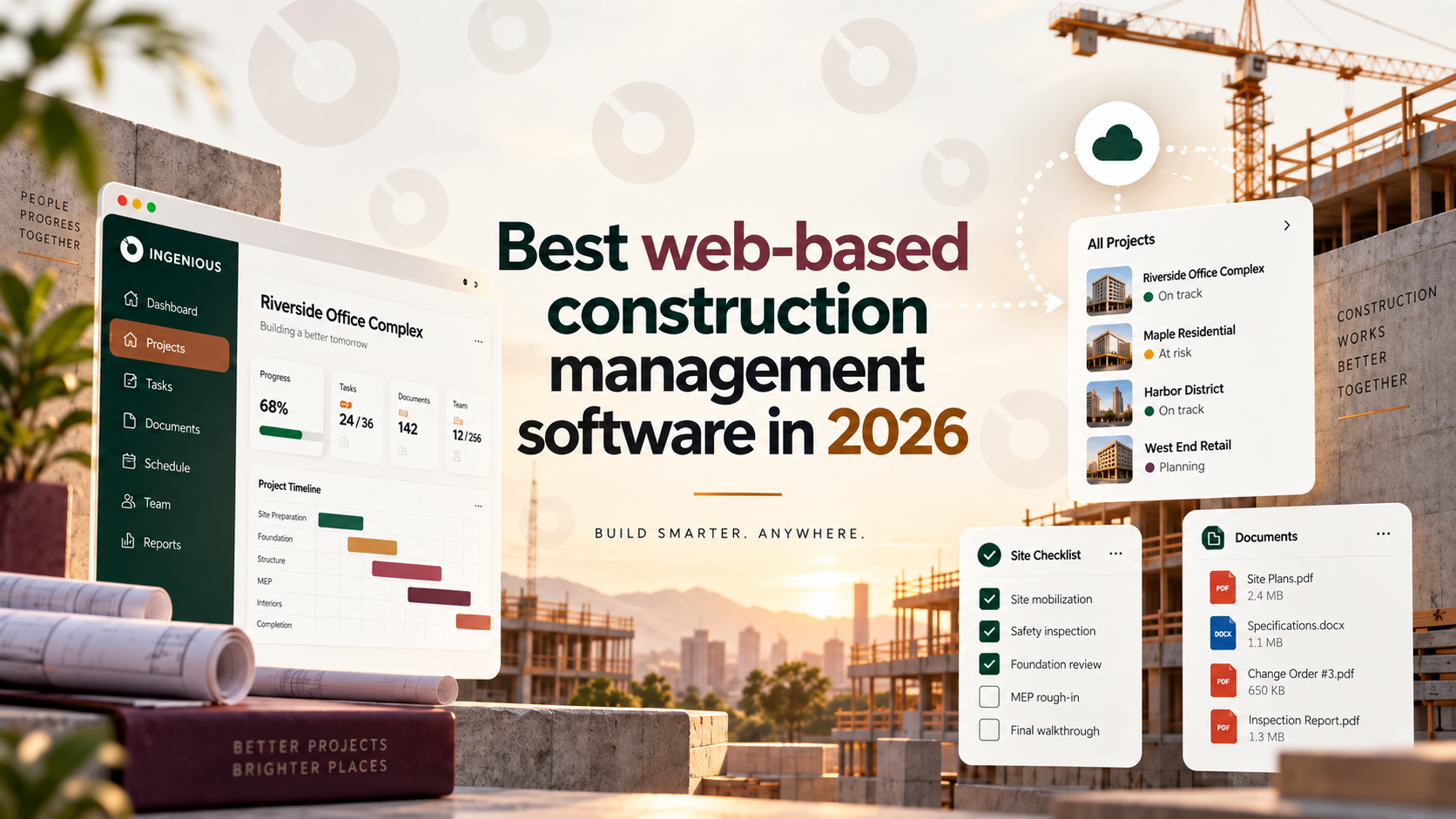
If your team already knows why cloud-based software beats spreadsheets and installed systems, the next question is which platform actually fits. "Web-based" and "cloud-based" construction management software mean the same thing in practice — browser-accessible tools that keep everyone on the same current data — so this guide uses both terms and focuses on what actually differs between platforms: who they're built for, what they cost, and where each one is strongest.
Who it's built for. A platform built for large commercial GCs looks very different from one built for residential home builders or specialty subcontractors. Match the platform to your project type before comparing features.
Real-time collaboration across stakeholders. Check whether owners, GCs, subs, and architects can all work from the same current data, or whether the platform is really built for just one side of the project.
Mobile and field access. Since most of the construction workforce isn't at a desk, confirm the mobile experience is a full extension of the platform, not a stripped-down companion app.
Security practices. Look for clear answers on encryption, access controls, and data ownership — not just a "we take security seriously" statement. This matters more as more of your financial and contractual data lives in one system.
Pricing model. Some platforms price per user, some scale with project value, and some require a sales call before you see a number at all. Know which model you're evaluating before you compare costs.
Integrations. Confirm the platform connects cleanly to your accounting or ERP system — this is often where cloud platforms create the most day-to-day time savings or, if done poorly, the most friction.
Best for: teams that want owners, GCs, subs, and architects working in one connected cloud platform, not just one side of the project.
Best for: large commercial general contractors running complex projects.
Best for: residential remodelers and custom home builders.
Best for: regional and production homebuilders who want construction management integrated with sales, purchasing, and accounting in one ERP.
Best for: specialty contractors and field crews who need fast, mobile-first coordination.
True full-featured, free construction management platforms are rare — most "free" options are either a limited free tier of a paid platform or a general-purpose tool repurposed for construction. A few worth knowing about:
These can bridge the gap for a solo contractor or a single small project, but they lack the RFI tracking, submittal workflows, and cost control that growing teams need — treat them as a stopgap, not a long-term system of record.
Security is one of the most common hesitations about moving to the cloud, and it deserves a direct answer rather than a vague reassurance. When evaluating any platform, ask specifically about data encryption in transit and at rest, role-based access controls (so subs only see what's relevant to their scope), audit logs for who changed what and when, and data export terms if you ever need to leave.
Reputable cloud vendors generally invest more in security infrastructure than an individual construction company could replicate with an in-house server — but "cloud-based" alone isn't a security guarantee. The practical move is asking each vendor these questions directly rather than assuming the answer.
Patterns show up consistently across G2, Capterra, and Software Advice reviews for this category, regardless of which specific platform.
What gets praised most often: centralized data that replaces spreadsheet chaos, mobile access that actually works in the field, and time saved on reporting that used to be manual. Reviewers consistently describe the switch from spreadsheets or paper as the single biggest improvement, more than any specific feature.
What gets criticized most often: a learning curve during the first few weeks, inconsistent accounting integrations depending on which ERP a company runs, and — for enterprise platforms specifically — pricing that's hard to predict upfront. Smaller, more focused tools tend to get praised for ease of use and criticized for lacking depth in financial reporting; broader platforms tend to get the opposite pattern.
The practical takeaway: almost every platform in this category earns genuine praise for solving the spreadsheet problem. Where they differentiate is depth versus simplicity, and that trade-off — not raw star ratings — is what's worth comparing.
Pricing models vary enough across this category that comparing sticker prices alone is misleading. Here's how each generally works:
The cheapest sticker price isn't always the lowest total cost — a narrower tool that requires a second platform for financials can cost more in total than a single connected system once you add up the full stack.
"Collaboration" means something different depending on which stakeholders a platform is actually built to connect.
INGENIOUS.BUILD connects owners, GCs, subs, and architects in the same system, so collaboration spans every party on the project, not just one side of it.
Procore centers collaboration around the general contractor's field operations, with owners and subs typically working through more limited, permissioned views into that same system.
Buildertrend's collaboration is built primarily around the builder-to-homeowner relationship, with a client portal as its core interaction point.
BuildTopia centers collaboration around internal teams — sales, purchasing, and construction — coordinating on the same homebuilding pipeline, more than external stakeholder collaboration.
Fieldwire's collaboration is field-team-to-field-team: supers and subs coordinating tasks and punch lists on-site, with lighter emphasis on owner or architect involvement.
If cross-stakeholder collaboration — not just internal team coordination — is the goal, that's the clearest differentiator to check before choosing.
The best web-based or cloud-based construction management software depends far more on who you are than which vendor has the most features. Commercial GCs generally do best with Procore; residential remodelers with Buildertrend; production homebuilders with BuildTopia; field-first subs with Fieldwire. Teams that want every stakeholder — owner, GC, subs, and architect — working from one connected system, with transparent pricing and fast onboarding, are the best fit for INGENIOUS.BUILD.
Book a demo today to see how a connected cloud platform compares to what you're running now.
In practice, they mean the same thing — browser-accessible software hosted on the vendor's servers. The distinction rarely affects a buying decision.
Fieldwire is the strongest fit for specialty contractors and field crews specifically, thanks to its mobile-first punch list and task tracking built for jobsite use.
Yes — Buildertrend fits custom home builders and remodelers focused on client communication, while BuildTopia fits production homebuilders who want sales, purchasing, and accounting integrated with construction management.
Fieldwire and Buildertrend generally have more accessible entry pricing than enterprise platforms like Procore, though exact costs depend on team size and the features you need.
Procore is the most widely adopted platform among large commercial GCs, while INGENIOUS.BUILD is positioned around connecting every project stakeholder — owners, GCs, subs, and architects — in one system.

INGENIOUS.BUILD
.svg)
.svg)



Company Type

Product Solutions
Information
.svg)
Speak to a Product Specialist
Streamline your Development & Construction projects with our cutting-edge project management software.
Discover why people are switching to INGENIOUS today!
By submitting this form, you agree with our Privacy Policy.