|

MENU


.svg)
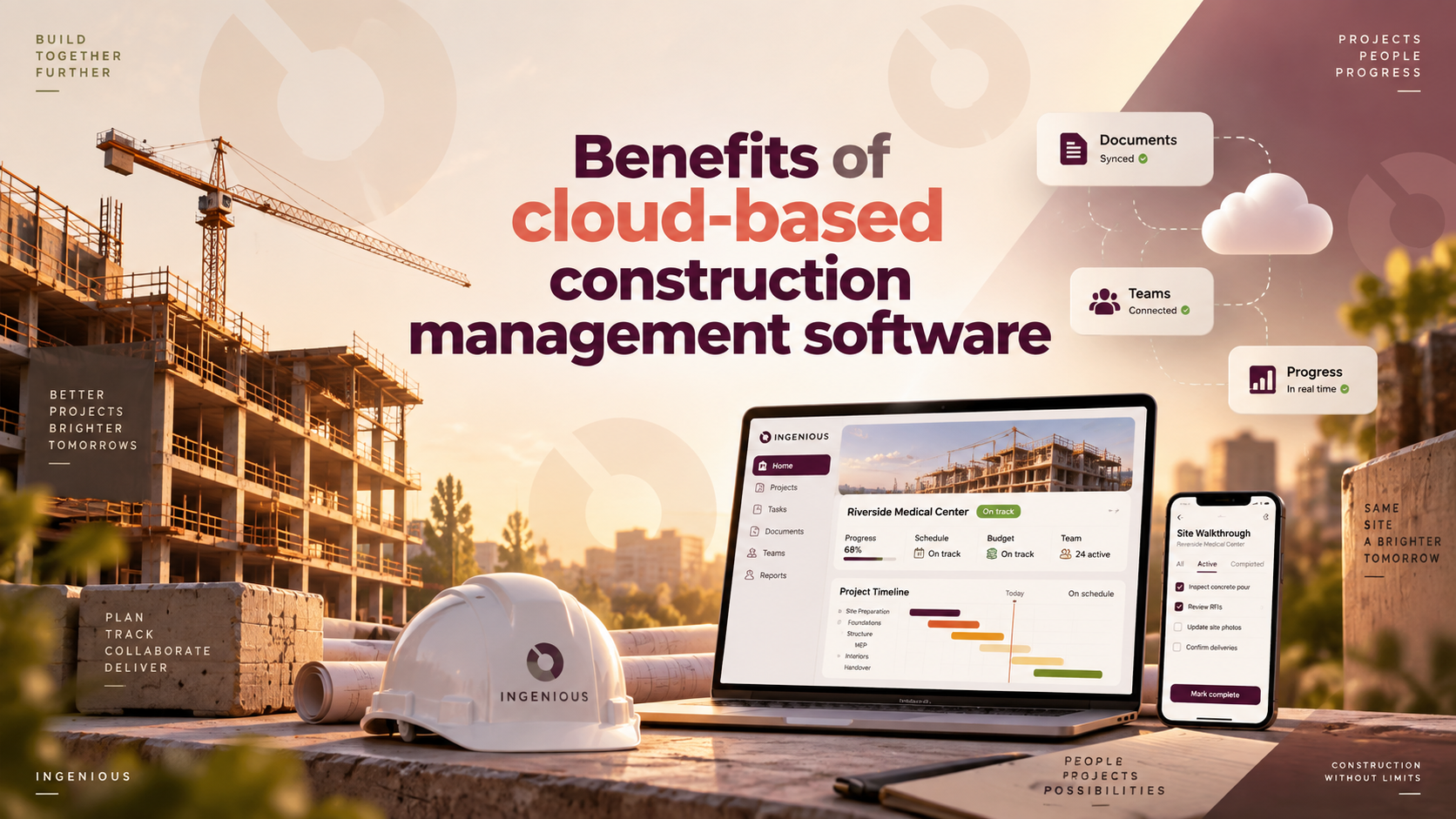
Most construction companies don't switch to cloud-based software because they read about "digital transformation" — they switch because someone spent a Friday afternoon reconciling three versions of the same spreadsheet, or a sub built off an outdated drawing that cost a week of rework. Cloud-based construction management software fixes the underlying problem: data scattered across desktops, email threads, and paper trails instead of living in one place everyone can reach. Here's what actually changes when a team makes the switch.
"Cloud-based" and "web-based" are used almost interchangeably in construction software, and for practical purposes, they mean the same thing: software that runs on a browser and lives on the vendor's servers rather than being installed on an individual computer. There's a technical distinction — "web-based" strictly refers to browser access, while "cloud-based" specifically implies hosted, scalable infrastructure — but it rarely affects a buying decision. What matters to a construction team is simpler: can everyone reach the same current data from any device, without installing anything or waiting for an IT department to push an update?
That's the real dividing line worth caring about — not the terminology, but whether the software lives in one connected place or is scattered across individual machines.
Construction has a few characteristics that make cloud-based tools matter more than they would in a typical office environment.
If you're juggling more than two or three active projects, spreadsheet version control is very likely already costing you time you're not tracking. This is where the switch tends to pay off fastest.
If your field and office teams are working from different versions of the same documents, that's a direct symptom cloud-based, centralized data solves.
If you're spending real IT time maintaining an on-premise system, that maintenance burden usually disappears entirely with a cloud platform.
If you're a very small team on a single project, the benefits are real but smaller in absolute terms — still worth having, just less urgent than for a multi-project portfolio.
The comparison that actually matters isn't web-based versus cloud-based — it's cloud-based versus on-premise, installed software. That's the real fork in the road for a team deciding how to modernize.
Where it's installed. On-premise software runs on a server your company owns and maintains, usually in an office. Cloud-based software runs on the vendor's infrastructure and is reached through a browser from anywhere.
Who maintains it. On-premise software puts updates, security patches, and backups on your team — or whoever your IT contact is. Cloud-based software shifts that maintenance to the vendor, which is usually the single biggest time saving nobody accounts for upfront.
How it scales. Adding a project or a user to on-premise software often means new licenses, new server capacity, or a support call. Cloud-based software scales with a login.
What happens when someone's not in the office. On-premise systems are often only fully accessible from the office network or through a clunky VPN. Cloud-based systems are built for remote and field access from day one.
Upfront cost versus ongoing cost. On-premise software sometimes has a lower sticker price with a large upfront license fee; cloud-based software is typically subscription-based, trading a big upfront cost for predictable ongoing spend and no server hardware to buy or replace.
Nobody puts "spreadsheet reconciliation" on a budget line, which is exactly why it's easy to underestimate. A project manager spending even 30–45 minutes a day chasing down the current version of a budget or schedule adds up to several hours a week — time that shows up nowhere except a general sense that the team is always behind.
The costlier version shows up less often but hits harder: a sub building off a drawing revision that never made it into their inbox, a change order that got approved verbally but never documented anywhere searchable, a dispute where nobody can produce a clear timestamp of who approved what. Those aren't hypothetical — they're the most common reasons construction disputes escalate, and they're also the exact gaps centralized, cloud-based data closes by default.
The honest comparison isn't "the cost of switching" versus "staying at zero cost". It's the cost of switching versus the cost — mostly hidden, rarely tracked — of not switching.
Most teams don't need a hard cutover, and trying to force one mid-project is usually where switching efforts stall.
Start with new projects, not active ones. Onboard the new platform on the next project you kick off, while finishing current work on your existing tools. This limits risk to work that hasn't started yet.
Migrate historical data selectively. Active project data — current budgets, open RFIs, live schedules — is worth migrating. Closed-out projects from two years ago usually aren't; archive them instead of forcing a full historical import.
Train the people who'll use it daily first. Project managers and field leads adopting the platform early make it easier for subs and less frequent users to follow, rather than rolling everything out to everyone at once.
Run both systems in parallel briefly, then set a hard cutoff date. A short overlap period is normal and useful. An indefinite one just recreates the version-control problem you're trying to solve, with two systems instead of one.
INGENIOUS.BUILD is a cloud-based platform that connects owners, GCs, subs, and architects in one system — drawings, budgets, RFIs, submittals, and schedules all live in the same place instead of split across tools and inboxes. Teams using it see 5x faster collaboration and 10x fewer change-order disputes, largely because everyone is working from the same current data instead of reconciling different versions after the fact.
It also runs natively across Windows, Mac, iOS, and Android, so field and office teams access the same system regardless of device — no separate mobile app with limited functionality, no waiting for someone back at the office to send an update.
Book a personalized demo to see what switching to a connected, cloud-based platform actually looks like for your projects.
The case for cloud-based construction software isn't really about the cloud — it's about what stops happening once your data lives in one place: no more reconciling three versions of a budget, no more building off an outdated drawing, no more IT afternoon lost to a server issue. The teams that benefit most are the ones juggling multiple active projects and multiple stakeholders, which describes most construction companies past a certain size. The real question isn't whether to make the switch — it's how much longer version-control problems are worth tolerating before you do.
In practice, they mean the same thing — browser-accessible software hosted on the vendor's servers rather than installed locally. The distinction rarely affects a buying decision.
Reputable vendors typically invest more in security — encryption, access controls, redundant backups — than most individual companies can match with in-house servers. Security practices vary by vendor, so it's worth confirming directly.
Some platforms offer offline modes with automatic sync once connectivity returns; most browser-based tools require an active connection for full functionality. Confirm this directly with any vendor if your projects run in low-connectivity environments.
Even small teams benefit from centralized data and no IT maintenance, though the time savings are largest for teams managing multiple active projects at once, where spreadsheet version control breaks down fastest.
No, reputable vendors host your data but don't own it. What to verify before signing is each vendor's specific data export and ownership terms.

INGENIOUS.BUILD
.svg)
.svg)



Company Type

Product Solutions
Information
.svg)
Speak to a Product Specialist
Streamline your Development & Construction projects with our cutting-edge project management software.
Discover why people are switching to INGENIOUS today!
By submitting this form, you agree with our Privacy Policy.