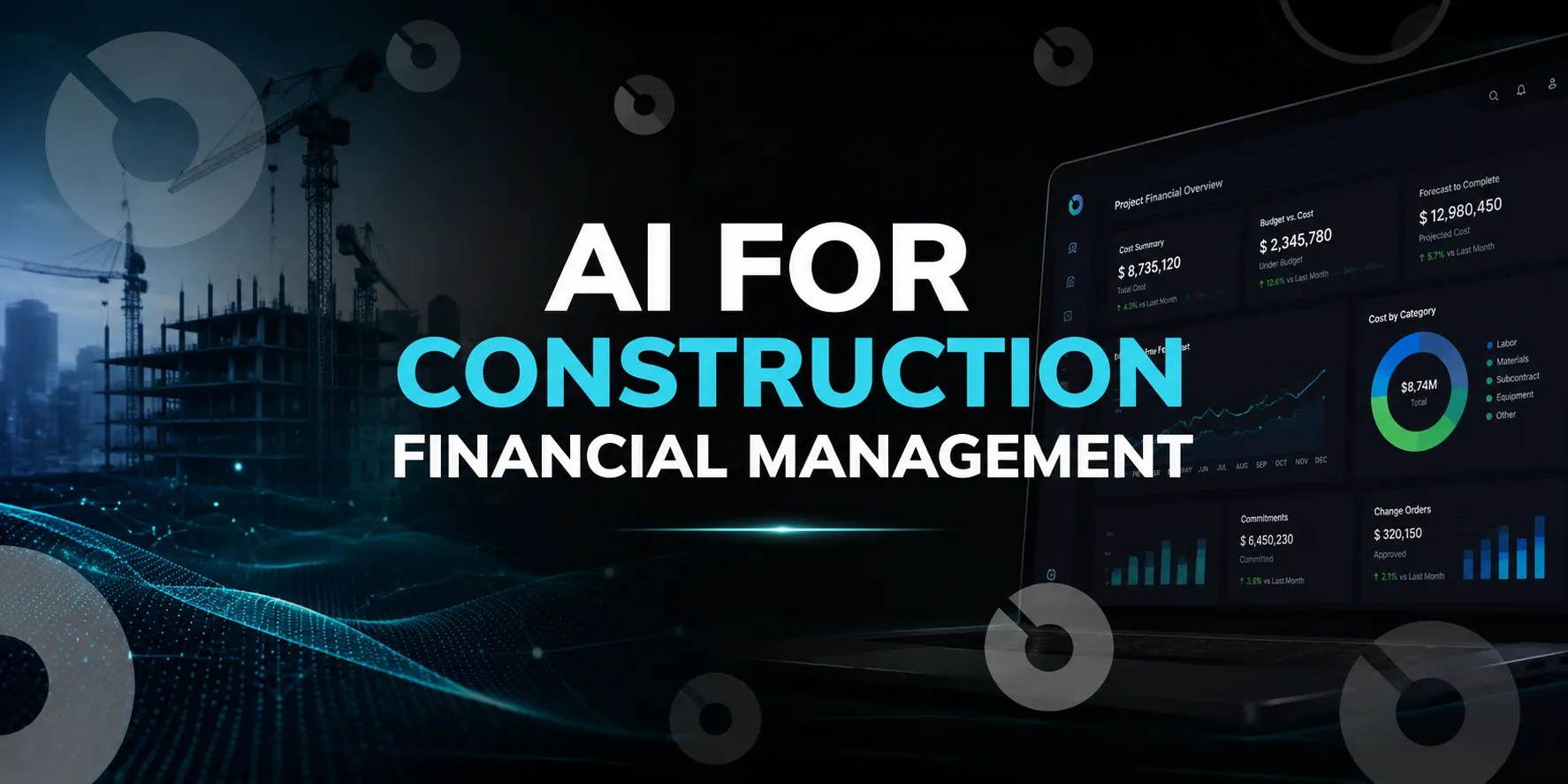
Informative
How to Automate Construction Finance Workflows (2026 Guide)
Automate construction finance workflows in 2026 with smarter AP, pay apps, retainage, WIP reporting, forecasting, and connected project financial data.
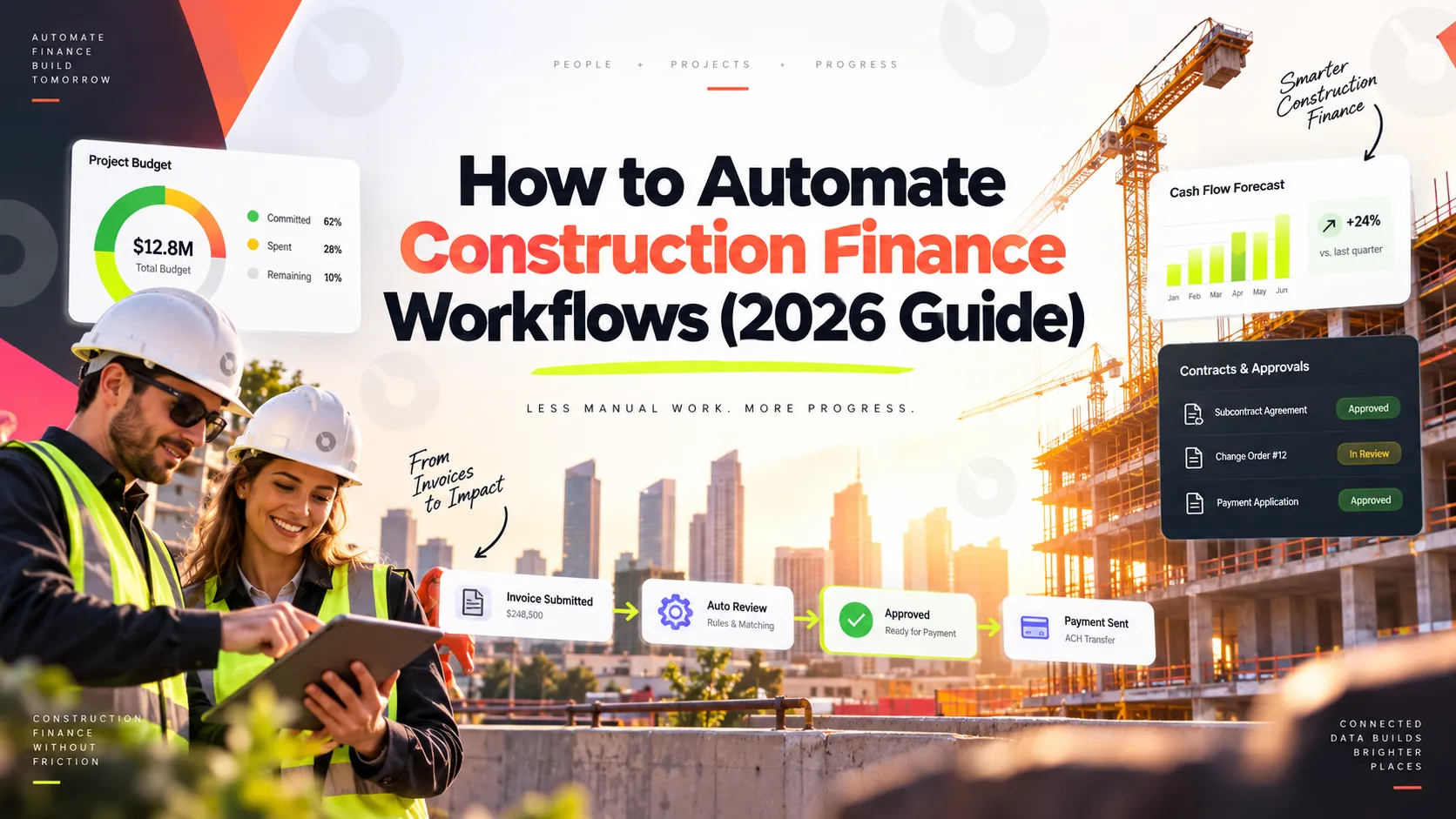
Most construction finance teams aren't slow because they're understaffed. They're slow because the numbers live in three places at once — job cost in the project system, billings in the accounting system, and the actual reconciliation in a spreadsheet somebody rebuilds every month. By the time a WIP report is finished, it's describing a project that's already moved on.
This guide covers which construction finance workflows are worth automating, what WIP automation actually changes, and where automation genuinely shouldn't replace a controller's judgment.
Key takeaways
- WIP reporting is the highest-value finance workflow to automate, because it feeds revenue recognition, the balance sheet, bonding capacity, and lender compliance simultaneously.
- Manual WIP has a structural timing problem: by the time the report is assembled from exports, the underlying job cost data has changed.
- The fastest-payback automations are the repetitive, rules-driven ones — AP coding, pay application generation, retainage calculation, lien waiver tracking.
- Automation doesn't fix bad cost coding. If your cost codes are inconsistent across projects, automating on top of them just produces wrong numbers faster.
- QuickBooks has no native construction WIP reporting, which is why many growing contractors hit a wall and move to a construction-specific ERP.
Quick definitions: construction finance terms
- WIP report (work in progress): A schedule showing, for every active job, contract value, costs to date, estimated cost at completion, percent complete, amount billed, and the resulting over- or underbilling position.
- Percentage-of-completion method: The revenue recognition approach required under GAAP (ASC 606) and IFRS 15 for long-term contracts, where revenue is recognized as work is performed rather than when invoices are issued or cash is collected.
- Overbilling: Billing ahead of work performed. Sits on the balance sheet as a current liability — cash you're holding but haven't yet earned.
- Underbilling: Performing work ahead of billing. Sits as a current asset — revenue earned but not yet invoiced, and working capital tied up.
- Profit fade: Declining projected margin on a job over time, usually caused by estimated cost at completion rising above the original bid.
- Retainage: A percentage of each payment (commonly 5–10%) withheld until the project is complete.
- AIA billing: Standardized progress billing forms (G702/G703) used widely in commercial construction.
Which finance workflows are worth automating first
Not everything in a construction finance department automates equally well. Ranked roughly by certainty of return:
- Highest certainty — repetitive and rules-driven:
- Invoice coding and AP approval routing
- Pay application and AIA billing generation
- Retainage calculation and tracking
- Lien waiver collection and status tracking
- Recurring financial report generation
- Strong return, more setup required:
- WIP schedule generation
- Job cost allocation and burden application
- Committed cost tracking (POs and subcontracts)
- Month-end close checklists and reconciliation
- Genuine judgment required — automate the inputs, not the decision:
- Estimated cost at completion revisions
- Cash flow forecasting assumptions
- Change order pricing and negotiation
- Bad debt and collectability assessment
The pattern: automate the assembly of the numbers, not the interpretation of them.
WIP reporting automation: the highest-value target
What a WIP report actually does
A WIP report applies the percentage-of-completion method across every active project simultaneously, calculating earned revenue against amounts billed. It serves four purposes at once: GAAP revenue recognition, balance sheet classification of over- and underbillings, surety underwriting for bonding capacity, and lender compliance monitoring.
That's why WIP accuracy matters far beyond the finance department — a messy or inconsistent WIP schedule directly affects how much bonding capacity a contractor can access and on what terms.
Why manual WIP breaks down
In a typical manual workflow, the accounting team gathers job cost data from multiple sources at month-end, exports everything to Excel, and manually calculates percent complete, over/under billings, and retainage for each job. Several problems compound:
The timing gap. The report describes the state of the projects at export time, not today. On a fast-moving portfolio, that's already stale before it's distributed.
Late-surfacing profit fade. When a PM revises estimated cost to complete, the impact doesn't appear until the next WIP cycle — so leadership, lenders, and sureties see sudden job fade rather than a gradual trend they could have acted on.
Version conflicts. Finance and operations end up arguing about whose numbers are right, because job costs look different depending on which report you open and when it was last refreshed.
Formula fragility. A spreadsheet WIP schedule is only as reliable as the person maintaining the formulas — and that knowledge usually lives with one person.
What WIP automation changes
Automated WIP connects job cost activity directly to the WIP schedule, so labor approvals, subcontractor invoices, and material purchases update earned revenue as they post rather than at month-end. Project managers can revise estimated costs to complete when conditions change instead of waiting for a reporting cycle. Over- and underbilling GL entries generate automatically rather than being calculated by hand and journalized.
The practical result isn't just speed — it's that WIP shifts from a backward-looking compliance exercise to a live management report a controller can act on mid-month.
WIP automation platforms worth knowing
These are the platforms most commonly cited for automated WIP reporting. Verify current capabilities directly with any vendor — this category moves quickly.
- Sage Intacct Construction — added a native WIP feature that automates the monthly WIP statement and automatically creates over/under billing GL transactions within the ERP.
- Acumatica Construction Edition — connects job cost, billing, payroll, and project management, with WIP data updating from job costs, labor entries, and billing automatically.
- Premier Construction Software — posts costs directly from AP, payroll, and subcontract workflows with real-time WIP updates and committed cost tracking alongside actuals.
- Viewpoint Vista and Sage 300 CRE — established enterprise systems with WIP capability, often paired with dedicated reporting layers for more customized WIP outputs.
Worth knowing: QuickBooks lacks native WIP reporting for construction. Contractors on QuickBooks typically build WIP in Excel or a bolt-on tool — a common reason growing contractors eventually migrate to a construction-specific ERP. If you're on QuickBooks now, our guide to construction software that integrates with QuickBooks covers what connects and what doesn't.
AP and invoice approval automation
Accounts payable is usually the fastest win in a construction finance department, because the process is high-volume and rules-driven:
- Automated invoice capture and coding — extracting vendor, amount, and job/cost code from incoming invoices rather than manual entry
- Approval routing by threshold and role — invoices under a set amount route to a PM, above it to a controller, without anyone forwarding emails
- Three-way matching — automatically reconciling the invoice against the PO/subcontract and the receipt of goods or work in place
- Duplicate detection — flagging a resubmitted invoice before it's paid twice
- Exception flagging — routing anything that doesn't match cleanly to a human instead of forcing a manual review of everything
The reason AP automates well: most invoices are routine, and the exceptions are exactly what you want a person looking at.
Pay application and AIA billing automation
Progress billing is repetitive by design, which makes it a strong automation candidate. Automated pay app workflows typically generate G702/G703 forms from the current schedule of values, calculate retainage automatically per contract terms, pull in stored materials and change orders already approved, track submission and approval status against owner review deadlines, and flag when a pay app is approaching or past a contractual deadline.
The upstream dependency matters here: pay app automation only works cleanly if approved change orders are already reflected in the schedule of values. If change orders live in email and get manually added at billing time, that's the bottleneck to fix first — see our guide on reducing change order delays.
Retainage and lien waiver automation
Two workflows that are almost pure administrative overhead, and automate accordingly:
Retainage tracking. Automated calculation per contract terms (which often differ between the prime contract and each subcontract), tracking of accrued retainage receivable and payable by job, and alerts when retainage becomes releasable at substantial completion or per contractual milestones.
Lien waiver management. Automated generation of conditional and unconditional waivers tied to payment status, tracking of which subcontractors have returned signed waivers, and blocking of payment release when a required waiver is outstanding. This last control is worth automating specifically because it's a compliance failure that's easy to miss under deadline pressure and expensive to unwind.
Job costing and cash flow forecasting automation
Job costing automation allocates labor, materials, equipment, and burden to the correct job and cost code as transactions post, rather than through a periodic manual allocation exercise. The prerequisite: a consistent cost code structure across projects. Automation applied to inconsistent coding produces wrong numbers faster, not better numbers.
Cash flow forecasting benefits from automation on the data assembly side — projecting inflows from the billing schedule and outflows from committed costs and payment terms. But the assumptions underneath (will this owner pay on time, will this change order be approved, will this job hold its margin) remain judgment calls. Automate the model, not the assumptions.
Month-end close automation
Close is less a single workflow than a sequence of dependencies, which is why it benefits from a different kind of automation: automated close checklists with task assignment and status visibility, automated reconciliation of subledgers to GL with exception flagging, scheduled recurring journal entries, and automated variance reports that flag unusual movements for review before anyone asks.
The gain isn't usually a dramatically shorter close on day one — it's a close that doesn't depend on one person remembering the sequence.
What not to automate in construction finance
- Estimated cost at completion. This is a judgment call informed by field conditions, and automating it away is how profit fade gets hidden rather than surfaced.
- Change order pricing. Negotiable, relationship-dependent, and contract-specific.
- Collectability assessment. Whether a slow-paying owner is a timing issue or a real risk requires context no rule captures.
- Final sign-off on financial statements. Automation assembles; a controller or CFO still owns the numbers.
- Anything on a process you haven't standardized yet. Automating an inconsistent process locks in the inconsistency.
Common pitfalls when automating construction finance
- Automating on top of inconsistent cost codes. The single most common failure. Standardize the coding structure before automating anything that depends on it.
- Treating integration as a one-time setup. Syncs drift. Someone needs to own periodic verification that the project system and accounting system still agree. Our guide to construction accounting software integration covers the specific integration issues that cause this.
- Automating reporting without fixing the inputs. A faster WIP report built on stale estimated-cost-to-complete data is a faster wrong answer.
- Rolling out everything simultaneously. Sequential rollout makes it possible to identify what's actually working and where a problem originated.
- Skipping the PM side of the workflow. Finance automation depends on project managers entering cost and progress data consistently. If adoption stops at the finance department, the automation starves.
How to sequence a finance automation rollout
- Standardize your cost code structure across projects before automating anything downstream of it.
- Start with AP — highest volume, clearest rules, fastest visible return.
- Add pay application and retainage automation once change orders reliably flow into the schedule of values.
- Automate WIP reporting once job cost data is posting consistently and on time.
- Layer on forecasting and close automation last, since both depend on everything above being reliable.
- Measure your baseline first — days to close, hours per WIP cycle, invoice processing time — so you can tell whether it worked.
How INGENIOUS.BUILD fits into construction finance workflows
INGENIOUS.BUILD isn't an accounting system or an ERP — it doesn't run your general ledger or produce your WIP schedule, and platforms like Sage Intacct or Acumatica handle that layer. Where it fits is upstream: the project-side financial data that feeds those systems.
Its Project Financials module covers the master project budget, contracts, bid packages, change orders, invoicing and pay applications, funding source tracking, and capital planning — connected to the same system where owners, GCs, subs, and architects manage the project itself. That matters for finance specifically because the most common source of bad WIP data isn't the accounting system; it's project-side cost and progress data arriving late, inconsistently, or through email.
Teams using INGENIOUS.BUILD see 10x fewer change-order disputes — which is a finance outcome as much as a project one, since disputed and undocumented change orders are a leading cause of the billing and WIP discrepancies controllers spend month-end reconciling.
Book a demo to see how connected project financial data reaches your accounting system.
Wrap-up
Construction finance automation pays off in a specific order: standardize your cost codes, automate the repetitive assembly work, and keep judgment where it belongs. WIP reporting is the highest-value target because it feeds revenue recognition, bonding, and lender relationships simultaneously — but automated WIP built on late or inconsistent project data just delivers a wrong answer faster. The finance departments getting real returns here fixed their inputs first.
FAQ
How do you automate construction finance workflows?
Start by standardizing cost codes, then automate in order of rule-density: AP coding and approval routing first, then pay applications and retainage, then WIP reporting, then forecasting and close. Automate the assembly of numbers, not the judgment calls.
What is a WIP report in construction?
A schedule showing each active job's contract value, costs to date, estimated cost at completion, percent complete, amount billed, and resulting over- or underbilling — used for GAAP revenue recognition, balance sheet reporting, bonding underwriting, and lender compliance.
What's the difference between overbilling and underbilling?
Overbilling means billing ahead of work performed, recorded as a current liability. Underbilling means performing work ahead of billing, recorded as a current asset that ties up working capital.
Which companies offer WIP automation for construction?
Commonly cited platforms include Sage Intacct Construction (native automated WIP statements with automatic over/under billing GL entries), Acumatica Construction Edition, Premier Construction Software, and enterprise systems like Viewpoint Vista and Sage 300 CRE.
Can QuickBooks produce a construction WIP report?
Not natively. QuickBooks lacks built-in construction WIP reporting, so contractors typically build WIP in Excel or a bolt-on tool — a common reason growing firms migrate to construction-specific ERP systems.
What causes profit fade on a WIP report?
Profit fade occurs when estimated cost at completion rises above the original bid — commonly from labor productivity problems, unpriced change order work, material escalation, or an underestimated original scope.
What shouldn't be automated in construction finance?
Estimated cost at completion revisions, change order pricing, collectability assessment, and final sign-off on financial statements — all require judgment. Also avoid automating any process that isn't standardized yet.
Why does WIP accuracy affect bonding capacity?
Surety companies analyze the WIP schedule to assess a contractor's financial capacity and project risk. Inconsistent or manually assembled WIP reports can result in tighter bonding capacity or less favorable terms.
How long does construction finance automation take to pay back?
Published payback figures vary widely by source and firm size, so they're unreliable as benchmarks. Measuring your own baseline — days to close, hours per WIP cycle, invoice processing time — gives a far more useful answer than any vendor's published percentage.