How Specialty Contractors Get Paid Faster on Construction Jobs
A complete guide to faster payments for specialty contractors: why pay apps stall, a step-by-step construction project billing workflow, and what GCs and owners can fix on their side.

Specialty contractors get paid faster when every pay application is approved the first time it's submitted. That means a schedule of values that matches the contract, change orders billed only after they're approved, complete pay apps with backup and conditional lien waivers sent on the cutoff date, and a clear view of where each one sits in the approval chain, so nothing waits on a missing document or a status email.
Most late payments on construction projects aren't caused by a client who refuses to pay. They're caused by paperwork that stops moving: a rejected line item, a missing waiver, an unapproved change, or a pay app sitting in someone's inbox two companies up the chain. This guide explains why trades get paid late, lays out a billing workflow that removes those delays, and covers what general contractors and owners can do on their side.
Why specialty contractors get paid late
Pay applications get rejected or sent back
A pay app that comes back for corrections usually misses the current billing cycle and waits for the next one. Common reasons include math errors, billing ahead of the work in place, stored materials without the backup the GC requires, and line items that don't match the approved schedule of values. We cover the most common ones in nine reasons subcontractor pay applications get rejected.
Lien waivers are missing or wrong
Most GCs and owners won't release payment without a lien waiver, and many need waivers from lower-tier suppliers and subs too. A waiver on the wrong form, with the wrong amount or through the wrong date holds up the whole draw, not just one line. Treat lien waiver management as the gate on every draw, not a closeout task.
The schedule of values doesn't match the work
If the schedule of values was set up loosely at contract, every pay app becomes a negotiation. Lines that are too broad make percent-complete hard to prove. Front-loaded lines get pushed back. Lines that don't map to the GC's own billing to the owner create mismatches that someone has to reconcile before anyone gets paid.
Change orders are billed before they're approved
Billing for extra work that's still pending is one of the fastest ways to get a pay app rejected. The GC can't pass an unapproved change through to the owner, so the whole application gets returned or the line gets cut. Meanwhile the cost is already on your books, which hurts contractor cash flow.
Retainage sits until closeout
Retainage is held on every progress payment and released only when closeout requirements are met. When those requirements (punch lists, warranties, O&M manuals, final waivers, as-builts) aren't tracked from the start, retainage can sit long after your scope is finished.
Approvals pass through too many hands
On most projects, a trade's pay app becomes part of the GC's billing, which goes to the owner's rep for review and then to the owner for approval. If one reviewer is out or a question goes unanswered, every trade on the project waits.
The GC is waiting on the owner's funding
Even a perfect pay app can stall if the owner's funding draw is late. Trades rarely see this, which makes cash hard to plan.
Status lives in email
When the only way to find out where a payment stands is to call or email the project manager, follow-up becomes a part-time job. And by the time you learn a pay app was rejected, the cutoff for the next cycle may already have passed.
A step-by-step construction project billing workflow
Faster payments for contractors come from a billing process that's built to pass review on the first try. Here's a workflow specialty trades can run on every project.
Step 1: Set up the schedule of values right at contract
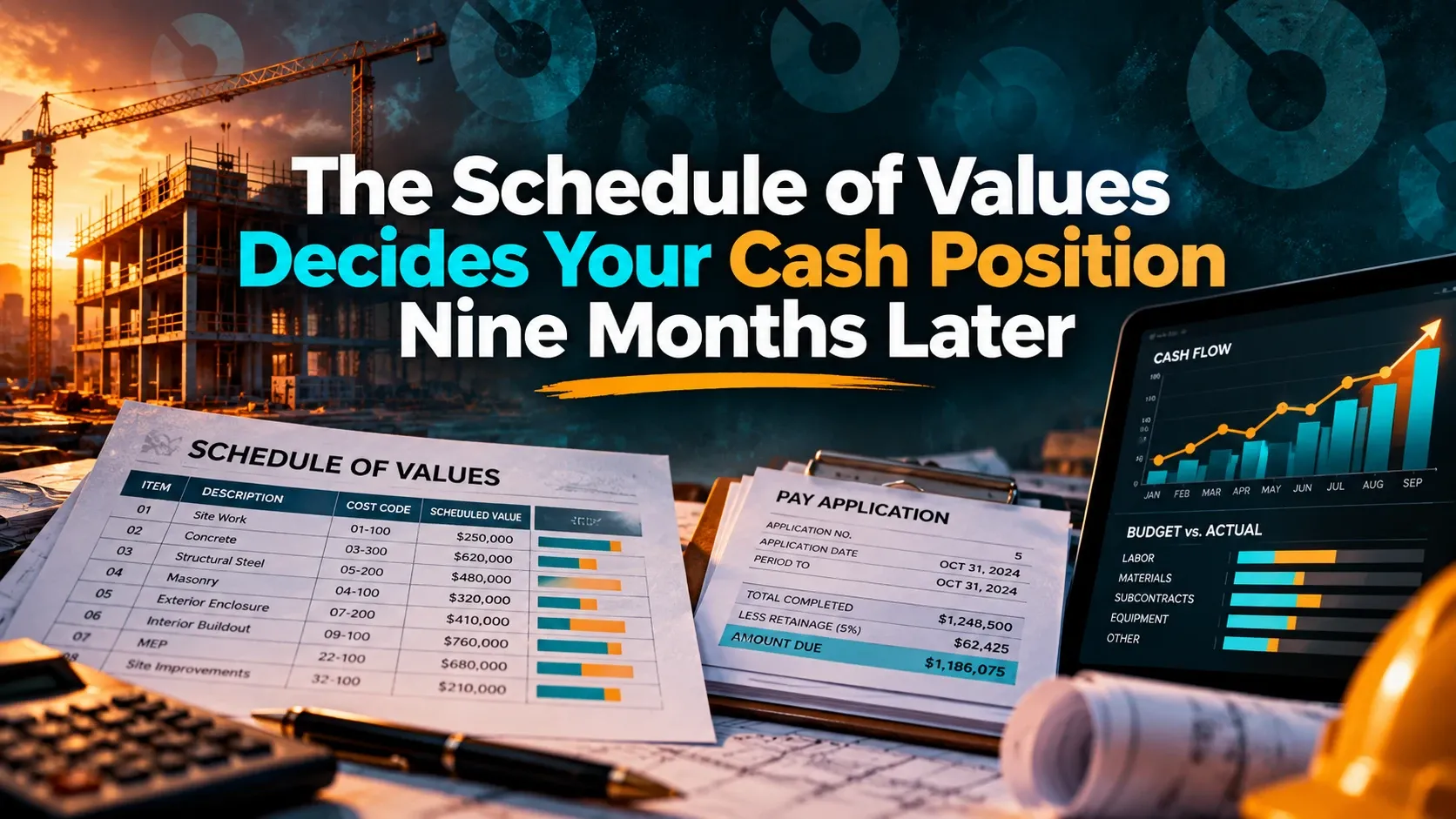
Build the schedule of values when the contract is signed, not when the first pay app is due. Break it into lines you can measure and prove, match it to how the GC bills the owner, separate labor, materials and stored materials where the GC asks for it, and get it approved in writing. Read more on why the schedule of values decides your cash position nine months later.
Step 2: Track change orders to approval before you bill them
Submit change orders as soon as the scope changes, with clear scope, pricing and backup. Track each one to a decision and bill it only after it's approved and added to your contract value. Pending changes go on a separate log, not on the pay app.
Step 3: Submit complete pay apps on the cutoff date
Know the GC's billing cutoff and submission format for every project, and submit on time with everything attached:
- Progress against each approved SOV line
- Approved change orders only
- Backup for stored materials, if billed
- Conditional lien waivers for this payment, and any lower-tier waivers the GC requires
- Unconditional waivers for the previous payment, once it has cleared
Step 4: Follow approval status, don't wait for it
Check where each pay app sits after you submit it: received, under review, returned or approved. If it's returned, fix it and resubmit right away so it can still make the current cycle.
Step 5: Track retainage and closeout requirements from day one
Keep a running total of retainage held on each project, and list the closeout items required to release it at the start of the job, not the end. Collect warranties, manuals and as-builts as each area finishes so the final billing is ready when your scope is.
Step 6: Reconcile with accounting every cycle
Match what was billed, approved and paid against your accounting records after every cycle. Short payments and missing change orders are easier to fix in the month they happen than at closeout.
Pay app checklist
Before you submit, confirm:
- The schedule of values matches the approved contract and current contract value.
- Only approved change orders are billed.
- Percent complete matches the work in place, and the math checks.
- Stored materials have the backup the GC requires.
- Conditional lien waivers, and any lower-tier waivers, are attached and correct.
- The pay app is submitted on or before the cutoff date, in the GC's format.
- Retainage held to date is recorded and matches the GC's figure.
Prompt payment laws also affect when you should be paid, and they vary by state and by type of project. Check the rules that apply to your projects and your contract terms; this guide isn't legal advice.
What GCs and owners can do to pay trades faster
Specialty contractor payments don't speed up on the trade's side alone. GCs and owners control most of the approval chain and can remove delays too:
- Set clear billing rules at the start. Publish the cutoff date, pay app format, waiver forms and backup requirements before the first billing cycle.
- Approve the schedule of values early. Agree on it at contract so pay apps don't turn into negotiations later.
- Decide on change orders quickly. Pending changes can't be billed, so slow decisions turn into slow payments.
- Give trades visibility into status. When trades can see where their pay app stands, nobody spends the week chasing it by email.
- Shorten the review chain. Route pay apps by role and amount, and set backups for reviewers who are out.
- Track retainage and closeout openly. Share what's required to release retainage early, not at the end of the job.
How INGENIOUS.BUILD helps specialty contractors get paid
INGENIOUS.BUILD is built to take the paperwork delays out of getting paid. In INGENIOUS.BUILD, specialty trades submit invoices and pay applications and track each one to paid, and submit change orders upstream to the GC, all in a workspace connected to the GC's project, so nobody chases status by email.
With Project Financials, teams process AIA pay apps with lien waivers and track retainage and billing status, all tied to the contract and budget. A sub's pay app becomes the GC's billing, the owner's rep's review and the owner's approval, with no re-keying, and role-based permissions mean trades see their pay apps while owners see the full picture. With change order management, the trade submits the change with its scope and cost, the GC reviews and approves it, and the linked contract, budget line and forecast update on approval.
INGENIOUS.BUILD has AI built in for every user, and a native MCP server in Pro. Built-in AI reads invoices, drawings, contracts, change orders and budgets so nobody retypes them, and sends email summaries of your unread notifications, while the MCP server lets your own AI work on live project data.
The collaborators a GC or owner invites are free for the work they're invited to, including pay apps, invoices and change orders.
Frequently asked questions
How can specialty contractors get paid faster on construction projects?
Get every pay app approved the first time. Set up an accurate schedule of values at contract, bill change orders only after they're approved, submit complete pay apps with backup and conditional lien waivers by the cutoff date, follow each one through approval, and track retainage and closeout requirements from the start.
Why do subcontractor pay applications get rejected?
The most common reasons are math errors, billing ahead of the work in place, unapproved change orders on the pay app, missing or incorrect lien waivers, stored materials without backup, and line items that don't match the approved schedule of values.
What should be included in a subcontractor pay application?
Progress against each approved schedule of values line, approved change orders only, backup for any stored materials, conditional lien waivers for the current payment, unconditional waivers for the previous payment once it has cleared, and any lower-tier waivers or documents the GC requires.
How can subcontractors improve cash flow on construction projects?
Bill accurately and on time every cycle, get change orders approved quickly so they can be billed, keep lien waivers current, track retainage and closeout items from the start of the job, and reconcile billed, approved and paid amounts with accounting every month.
Do subcontractors pay to use INGENIOUS.BUILD?
No. The collaborators a GC or owner invites are free for the work they're invited to, including pay apps, invoices, change orders, RFIs and bid responses.