|

MENU


.svg)
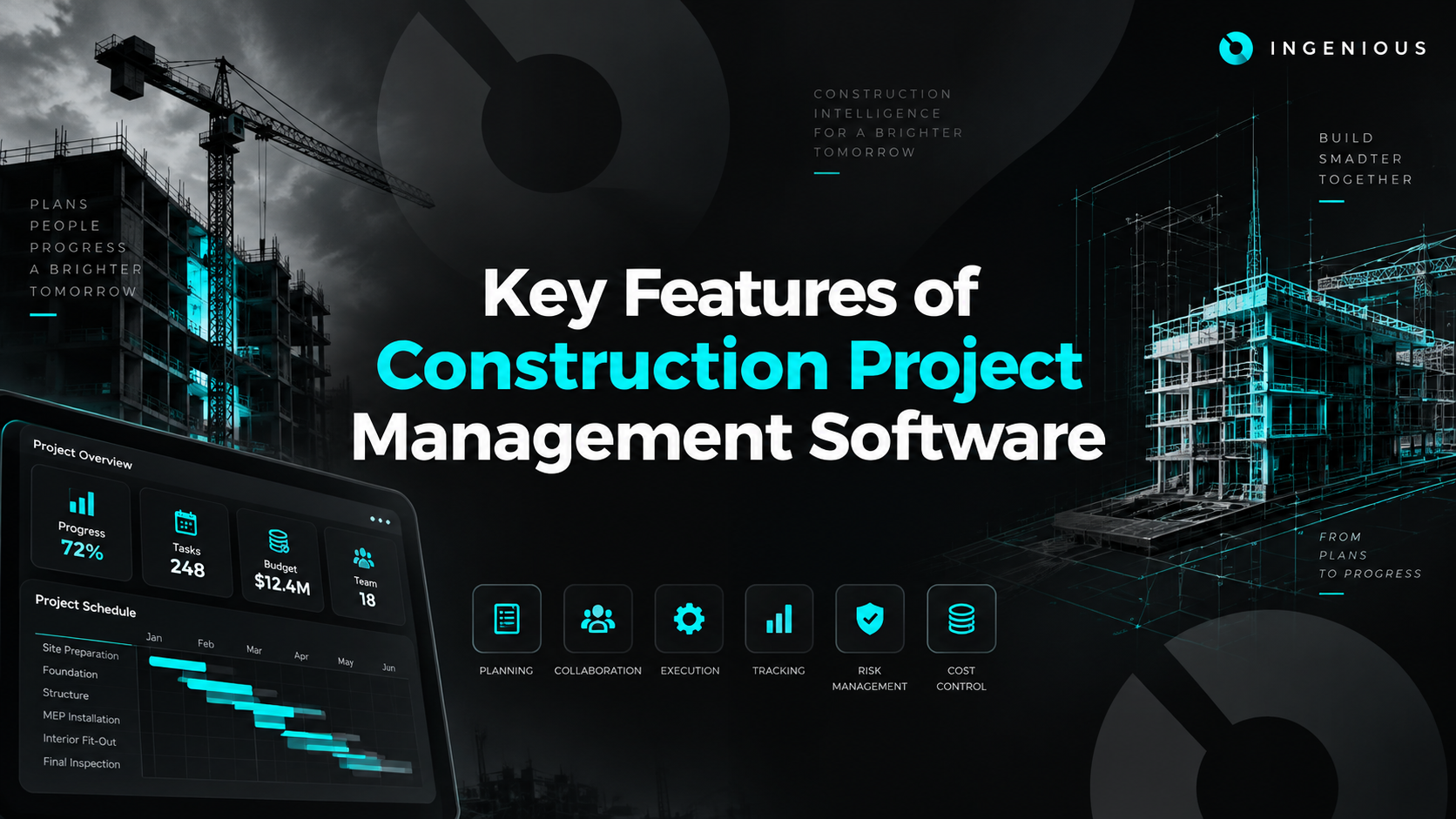
Most construction project management software looks similar on a features page — schedules, budgets, documents, mobile app, check, check, check. The differences that actually matter show up in how deep each feature goes, and whether it's built for one role on the project or every stakeholder involved. This guide breaks down the features worth evaluating carefully, the ones that sound good but rarely matter in practice, and how to weigh them against your team's actual workflow.
The single biggest differentiator among platforms in 2026 isn't any individual feature — it's who the platform is actually built to connect. Some tools center collaboration around one role (usually the general contractor's field team), with owners, subs, and architects getting limited, secondary access. Others are built from the ground up for every stakeholder to work from the same data.
When evaluating collaboration features, ask a specific question: can an owner, a GC, a subcontractor, and an architect all see the same current project data with permissions appropriate to their role — or does one party get the full platform while everyone else gets a stripped-down view? That answer predicts how much of your project actually ends up living in the tool versus back in email.
A mobile app existing isn't the bar — most platforms have one. What matters is what the app actually lets a superintendent or field engineer do without going back to a desktop:
If your field team ends up doing "the real work" on a laptop later because the mobile app can't handle it, the mobile features were mostly cosmetic.
Real-time tracking means the data reflects what's actually happening on the project right now, not what was true when someone last updated a spreadsheet. This shows up most clearly in schedule and budget dashboards: a real-time platform reflects a logged delay or an approved change order immediately, while a batch-updated system might lag by days.
For project executives managing a portfolio, this is often the highest-value feature category — a real-time, portfolio-level dashboard replaces what used to be a weekly manual compile across every active project.
Not all integrations matter equally. Prioritize, in order:
A platform with ten shallow integrations is often less useful than one with three that actually sync data both ways instead of a one-time export.
Security deserves specific questions, not a general reassurance. Ask any vendor directly about:
"Cloud-based" alone isn't a security guarantee — the specific practices behind it are what actually matter, and they vary meaningfully between vendors.
For teams managing multiple active projects, permit and compliance tracking is worth evaluating as its own category rather than assuming it's covered by general document management. Look for the ability to track permit status, expiration dates, and required inspections per project, ideally tied to the same schedule and document system as everything else — rather than a separate spreadsheet someone maintains on the side.
AI is the feature category with the widest gap between marketing language and actual functionality today. A few genuinely useful applications are emerging: predictive cost forecasting based on historical project data, automated flagging of schedule or budget anomalies, and smarter document search across large drawing sets.
What to be skeptical of: vague claims of "AI-powered insights" without a specific description of what the AI actually does or what data it's trained on. A reasonable question for any vendor: ask them to describe exactly what the AI feature does, on what data, and what a user sees differently as a result. If the answer is vague, the feature probably is too.
Feature checklists are a starting point, not a decision. The more useful exercise is mapping features to your actual project types:
A few gaps don't show up during a demo, but surface reliably a few months into real use:
None of these show up in a features list. They show up in how a team actually uses the software three or six months in — which is exactly why evaluating depth, not just presence, matters more than checking boxes.
A features page and a sales demo will show you the best-case version of every feature. A short, structured trial period reveals more:
INGENIOUS.BUILD's Project Financials, Project Management, and Construction Administration modules cover this feature set as one connected system rather than a checklist of disconnected tools — budgets, schedules, drawings, RFIs, submittals, and punch lists all live in the same platform, visible to owners, GCs, subs, and architects with role-appropriate permissions.
That connectivity is why teams using INGENIOUS.BUILD see 5x faster collaboration and 10x fewer change-order disputes — the features aren't just present, they're built to work together across every stakeholder on the project.
Book a personalized demo to see how these features work together in practice, not just on a features page.
Almost every construction project management platform can list the same features on a comparison page. The real differences show up in depth — how connected the scheduling and budget data actually are, how much of the mobile app is real functionality versus a stripped-down companion, and whether collaboration extends to every stakeholder or just one role. Evaluate features against your actual project type, not a generic checklist, and ask vendors specific questions on security and AI rather than accepting broad claims at face value.
Scheduling with dependency tracking, connected budget and cost tracking, version-controlled document management, RFI and submittal workflows, and mobile field access are the core features worth prioritizing.
Real-time, cross-stakeholder collaboration and genuinely functional mobile access are the features that most separate platforms in 2026 — more than any single new feature category.
Full drawing access, the ability to log RFIs and punch list items directly from the field, and consistent performance on unreliable jobsite connections matter more than the app simply existing.
Encryption in transit and at rest, role-based access control, audit logs, and clear data export and ownership terms are the specifics worth asking any vendor about directly.
Usage varies by platform and how much photo and drawing data you're syncing, but most modern platforms are built to function reasonably on limited connectivity — worth asking a vendor directly if your sites have poor signal.
Both, depending on the vendor. Predictive cost forecasting and anomaly detection are genuinely emerging; vague "AI-powered insights" claims without a specific description of the underlying functionality are worth treating skeptically.
Accounting and ERP integrations typically matter most, since that's where the most manual data re-entry happens without a reliable sync, followed by design tool integrations for drawings.
An RFI, or Request for Information, is a formal question submitted when drawings or specs are unclear, requiring a documented response before work can proceed.
Shallow financial tracking, collaboration that's really limited to one role, a mobile app field teams stop using, and rigid reporting are the most common gaps that surface a few months into real use.
Run an actual project's data through it rather than a demo dataset, test the mobile app on-site with field staff, and ask to see the accounting integration working live rather than just described.

INGENIOUS.BUILD
.svg)
.svg)


Company Type

Product Solutions
Information
.svg)
Speak to a Product Specialist
Streamline your Development & Construction projects with our cutting-edge project management software.
Discover why people are switching to INGENIOUS today!
By submitting this form, you agree with our Privacy Policy.