Best construction quality management software in 2026
Compare the best construction quality management software for 2026, including inspections, punch lists, defect tracking, compliance, mobile use, and integrations.
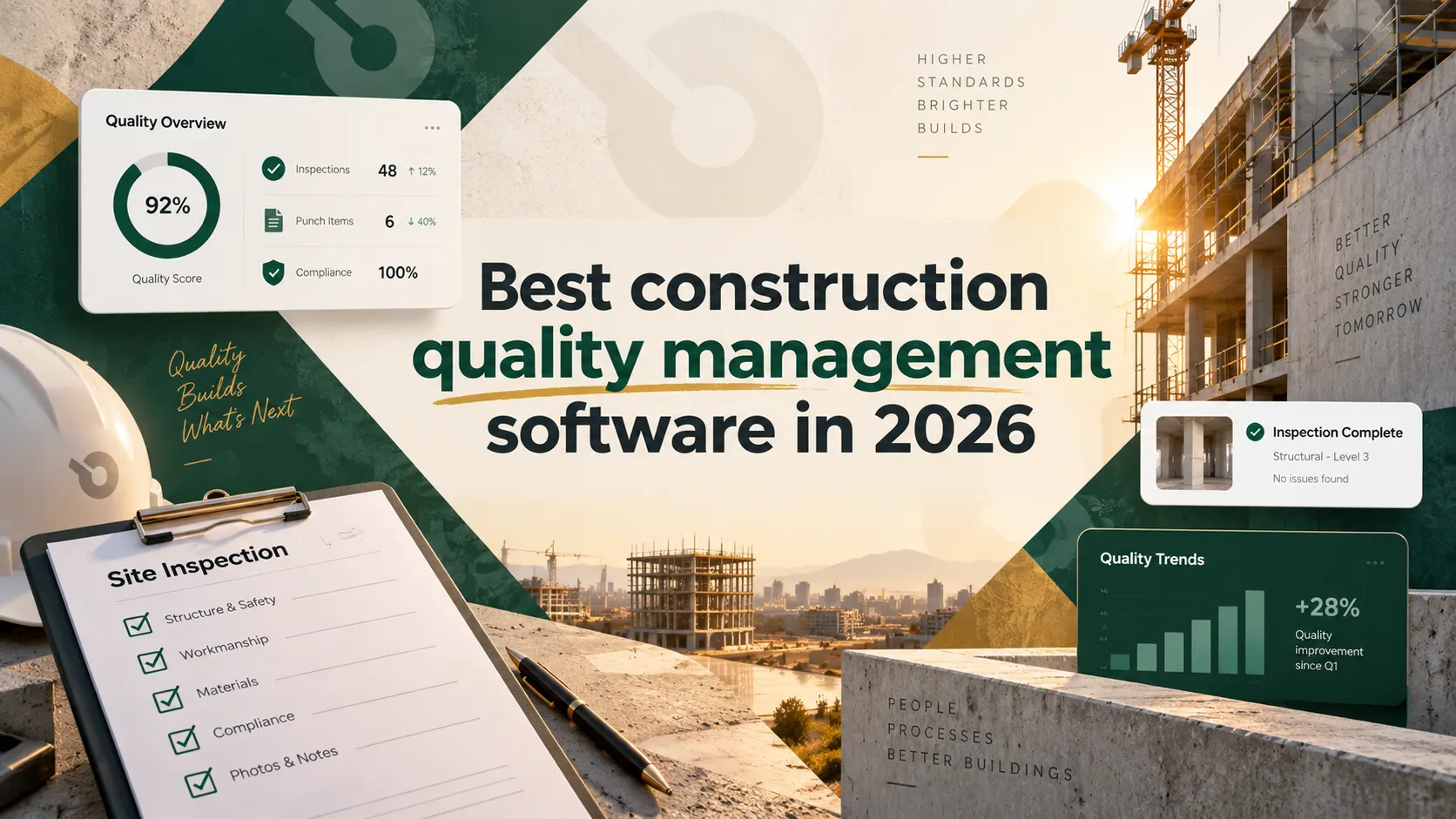
Quality issues on a construction project rarely announce themselves early — they show up as a failed inspection, a defect discovered after drywall is closed up, or a punch list that keeps growing instead of shrinking. Construction quality management software exists to catch those issues while they're still cheap to fix: through inspections, checklists, defect tracking, and a documented record that holds up for compliance and disputes alike. This guide covers what the category actually does, what to look for, and the strongest platforms in 2026.
What is construction quality management software?
Construction quality management software is a system for planning, tracking, and documenting quality control activities across a project — inspections, checklists, defect and non-conformance tracking, corrective actions, and closeout documentation. It replaces paper checklists and scattered photos with a structured, auditable record tied to a specific location, trade, and point in the schedule.
The category overlaps heavily with safety management software, since many inspection and checklist workflows serve both purposes, and with general punch list tracking, since unresolved quality issues typically become punch list items before closeout.
What poor quality management actually costs
Rework is one of the most consistently studied costs in construction, and the research is remarkably aligned: the Construction Industry Institute puts direct field rework at an average of 5% of total project cost, with a range of 2–20% depending on project type. On a $20 million project, even the average figure represents $1 million in avoidable cost — before accounting for the schedule delays and disputes that often come with it.
The research also points to where that cost originates. Studies consistently trace the majority of rework to design errors, miscommunication, and inadequate documentation — not poor workmanship on its own. That's directly relevant to software evaluation: a quality management system that catches issues early through inspections and clear documentation addresses the root causes the research points to, not just the symptom.
What to look for in construction quality management software
- Inspection and checklist depth. Look for customizable checklists tied to specific trades or scopes of work, not a single generic template applied to everything.
- Defect and non-conformance tracking. The software should track not just that an issue was found, but its resolution status, who's responsible, and how long it's been open — the same accountability data that matters for contractor performance tracking generally.
- Photo and location tagging. Defects tied to a specific location and photo documentation hold up far better in a dispute or warranty claim than a written description alone.
- Integration with punch lists and RFIs. Quality issues frequently turn into punch list items or trigger an RFI. A platform where these live separately forces manual re-entry between systems that should be connected.
- Audit trail and compliance reporting. For regulated work or ISO-aligned quality programs, a clear, exportable audit trail of inspections and corrective actions matters as much as the inspection itself.
- Mobile usability. Inspections happen on-site, not at a desk — the mobile experience needs to support full checklist completion and photo capture, not just viewing.
The best construction quality management software in 2026
1. INGENIOUS.BUILD
Best for: teams that want quality tracking connected to punch lists, inspections, and RFIs in one system, not a standalone tool.
INGENIOUS.BUILD's Construction Administration module includes inspections, punch lists, and quality and safety tracking alongside RFIs, submittals, and closeout documentation — all in the same connected system used by owners, GCs, subs, and architects. Because quality data lives alongside the rest of the project record rather than in a separate app, teams see 10x fewer change-order disputes, since defect and rework issues are documented and resolved in the same system everyone already works from.
- Inspections, punch lists, and quality/safety tracking connected to the broader project record, not siloed
- Full audit trail across every stakeholder, useful for both compliance and dispute resolution
- Transparent pricing that isn't tied to project value
- Limitation: teams that only need a standalone inspection app without broader project management may find the full platform broader than they need
2. Procore
Best for: enterprise GCs wanting a full Quality & Safety module within a broader platform.
- Established Quality & Safety module covering inspections, checklists, and observations
- Deep integration with Procore's broader project management and RFI workflows
- Wide industry adoption and support resources
- Limitation: pricing tied to project value, and the depth of the broader platform can be more than a team needs if quality tracking is the only priority
3. Autodesk Construction Cloud
Best for: teams already using Autodesk design tools who want BIM-integrated inspections.
- Quality management tied to issue tracking, submittals, and BIM data
- Strong fit for teams already standardized on the Autodesk ecosystem
- Solid document control tied to design data
- Limitation: higher learning curve, and the most value is realized by teams already invested in Autodesk's broader suite
4. Novade
Best for: teams wanting a specialized, dedicated quality and safety inspection platform.
- Purpose-built specifically for construction quality assurance and safety inspections
- Strong defect management and workforce tracking features
- Mobile-first design built around field inspection workflows
- Limitation: more narrowly focused than an all-in-one platform, so it's often paired with a separate tool for scheduling and financials
5. SafetyCulture (iAuditor)
Best for: lightweight, checklist-based inspections for smaller teams or multi-industry portfolios.
- Flexible, customizable checklist and inspection templates
- Simple to deploy across small teams without heavy setup
- Used across multiple industries, not construction-exclusive, which can be an advantage for multi-sector operators
- Limitation: not construction-specific, so it lacks the deeper integration with RFIs, punch lists, and project schedules that dedicated construction platforms offer
Construction quality management software and ISO 9001
ISO 9001 certifies a company's quality management process, not a piece of software — no platform is itself "ISO 9001 certified". What quality management software can do is support the documentation an ISO 9001 program requires: consistent inspection checklists, a clear audit trail of corrective actions, and traceable records tied to specific dates, people, and locations. When evaluating software with ISO alignment in mind, focus on export capability and audit-log completeness rather than any vendor's certification claims about the software itself.
Quality vs. safety management software: how they overlap
The two categories share more than they differ. Both rely on inspections, checklists, and photo documentation tied to a specific location and time. The distinction is mostly about what's being checked: quality management focuses on whether work meets the design and workmanship standard, while safety management focuses on whether conditions and practices meet safety requirements.
In practice, most platforms handle both within the same inspection framework, since the underlying workflow (checklist, photo, resolution, sign-off) is nearly identical. Standalone tools like SafetyCulture originated on the safety side but are commonly used for quality checklists too, for exactly that reason.
Quality management considerations for subcontractors
Subcontractors evaluating quality management tools face a different question than GCs: whether to adopt a standalone tool or work within whatever system the GC already uses on a given project. A sub running their own quality program across multiple GCs' projects often benefits from a lightweight, portable tool like SafetyCulture that isn't tied to any one platform. A sub working primarily within one or two GC relationships often gets more value from working directly inside the GC's connected system — like INGENIOUS.BUILD or Procore — where their inspection data is automatically visible to the GC without a separate export step.
How to choose the right platform for your team
- If you want quality tracking connected to punch lists, RFIs, and the rest of your project data, INGENIOUS.BUILD is built for that connectivity from the start.
- If you're an enterprise GC already invested in a broader platform, Procore's Quality & Safety module extends what you're already running.
- If your team is deep in the Autodesk ecosystem, Autodesk Construction Cloud's BIM-integrated inspections fit that workflow.
- If quality and safety inspections are your primary need, not full project management, Novade or SafetyCulture offer more focused, lighter-weight options.
Bottom line
The construction quality management software category is growing quickly as regulatory pressure and rework costs push teams away from paper checklists and toward documented, auditable inspection processes. Enterprise GCs already on a broader platform tend to extend that platform's quality module rather than adopt a separate tool; teams that want quality tracking genuinely connected to punch lists, RFIs, and the rest of the project record are the best fit for INGENIOUS.BUILD.
Frequently asked questions
What is the best construction quality management software?
It depends on your setup: INGENIOUS.BUILD for connected quality tracking across the full project record, Procore for enterprise GCs on a broader platform, and Novade or SafetyCulture for focused, standalone inspection needs.
Is there construction quality management software built for ISO 9001 compliance?
No software is itself ISO 9001 certified — certification applies to a company's process, not a tool. What to look for is strong audit-trail and export capability that supports whatever ISO-aligned documentation your quality program requires.
What's the best construction quality management software for subcontractors?
Subs working across many different GCs' projects often do better with a portable, standalone tool like SafetyCulture. Subs working primarily within one or two GC relationships often benefit more from working inside the GC's connected platform directly.
What's the difference between quality management and safety management software in construction?
Quality management checks whether work meets design and workmanship standards; safety management checks whether site conditions and practices meet safety requirements. Most platforms handle both within the same inspection framework.
Is the construction quality management software market growing?
Yes — industry analysts consistently point to steady, multi-year growth in this category, driven by increasing regulatory requirements and the cost pressure of rework and defects. Exact market-size figures vary significantly by source, so treat any single number with some skepticism.
Do I need separate software for quality and safety management?
Not necessarily. Most modern platforms, including INGENIOUS.BUILD and Procore, handle quality and safety inspections within the same connected system rather than requiring two separate tools.