|

MENU


.svg)
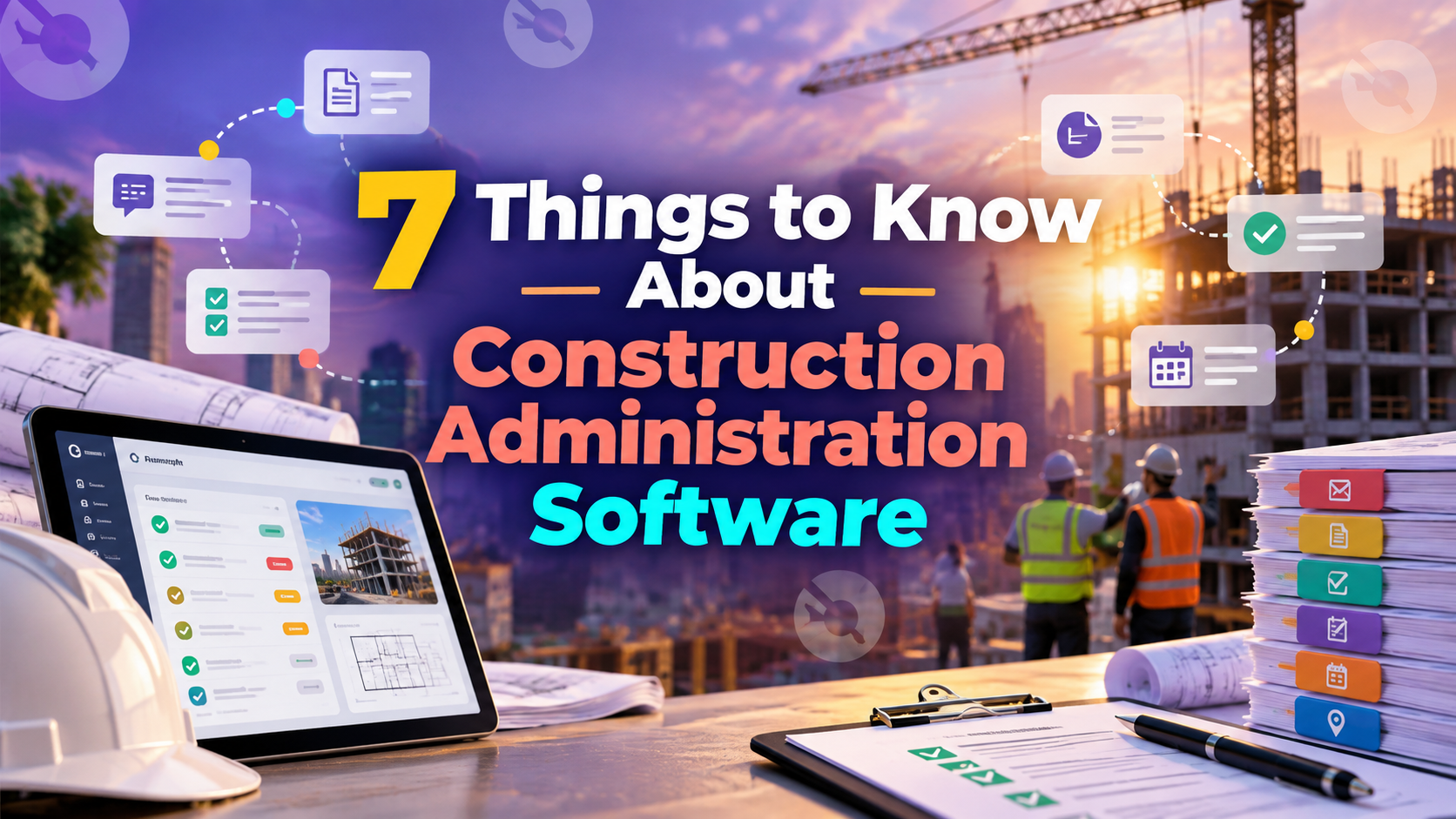
Choosing construction administration software is a different exercise depending on whether you're running one project or a portfolio of them. A single-project team mostly needs RFIs and submittals to move faster. A program manager or owner's rep overseeing multiple projects at once needs something else on top of that: standardized documentation, cross-project visibility, and reporting that rolls up cleanly across every job. This guide covers what to actually evaluate before choosing a platform, from that program-level vantage point.
Construction administration software centralizes the workflows that generate a project's documentation trail — RFIs, submittals, meeting minutes, daily reports, and closeout records. At the single-project level, that mostly shows up as faster RFI responses and cleaner submittal tracking.
At the program level, it's bigger than that: it's the system that determines whether every project in your portfolio documents the same way, or whether each one invents its own process. If you're specifically troubleshooting slow RFI turnaround or submittal delays on an active project, that's a deep enough topic to deserve its own read — what matters here is evaluating the category as a whole before you commit to a platform.
The single biggest problem program managers run into isn't a missing feature — it's inconsistency. One project manager names RFI categories one way, another does it differently, and a third tracks submittals in a format nobody else uses. None of that shows up in a demo, but it shows up fast once you try to compare performance or spending across projects.
When evaluating construction administration software, prioritize how much the platform enforces — or at least encourages — consistent templates, naming conventions, and workflows across every project, rather than just allowing each PM to configure their own. Flexibility at the project level is good; total inconsistency at the portfolio level is a hidden cost most teams don't notice until they try to report on it.
Most construction administration tools are built and evaluated at the single-project level — can one PM manage RFIs and submittals efficiently on one job. For a program manager, the more important question is different: can you see the status of every open RFI, every pending submittal, and every documentation gap across ten projects at once, without opening ten separate project files.
This is where a lot of platforms quietly fall short. They handle a single project well but were never designed to aggregate data across a portfolio, which forces program managers back into manually compiling status updates from each project team — exactly the kind of manual work the software was supposed to eliminate.
Here's what the gap in point 3 actually looks like in practice. A program manager needs a Monday-morning status update across eight active projects. Without cross-project visibility, that means opening eight separate project files, checking each one's open RFIs and pending submittals individually, and manually assembling the results into a summary — often an hour or more of work that produces a snapshot that's already a few hours stale by the time it's shared.
With genuine cross-project visibility, the same update is a filtered view: every open RFI and pending submittal across all eight projects, sorted by age or urgency, available in minutes instead of an hour of manual compiling. The underlying data isn't different — what changes is whether the system aggregates it automatically or requires someone to do it by hand every single time.
Project-level reporting answers "where does this job stand." Program-level reporting answers a different question: which projects are falling behind on documentation discipline, where are RFIs piling up across the portfolio, and which teams need support before a problem becomes visible in the schedule or budget.
When evaluating construction reporting features, check whether the platform actually supports that second kind of report — a portfolio-wide rollup usable by a program manager or executive — or whether "reporting" really just means a project-level dashboard duplicated project by project. The difference determines whether reporting is a five-minute task or a half-day compile every time someone asks for a portfolio update.
Every RFI, submittal, and approval logged in the system builds a timestamped record of who did what and when. That record matters in a dispute, but for program managers specifically, it matters just as much for internal compliance and lender or owner reporting — being able to show, across every project in a portfolio, that documentation standards were consistently followed.
This is a deeper topic on its own, especially when it comes to fixing gaps in an existing documentation process — worth a dedicated look if that's the specific problem you're solving for. For evaluation purposes, the key question is simpler: does the audit trail aggregate across projects, or does each project's history live in isolation.
The best documentation standard in the world doesn't help if field teams don't actually use it. Construction administration software needs to work as well from a phone or tablet on-site as it does from a desktop in the office — logging an RFI or reviewing a submittal shouldn't require waiting until someone's back at their desk.
For a program manager, this matters even more across a portfolio than it does for a single project: inconsistent field adoption on even one or two projects out of ten is enough to break the cross-project visibility and standardization the rest of this list depends on.
A feature checklist treats every program the same way, which isn't how the decision should actually work. A portfolio of five similar residential projects has different documentation and reporting needs than a portfolio of ten complex commercial builds with multiple owners and design teams involved.
Before comparing platforms, get specific about your own portfolio: how many concurrent projects, how many distinct stakeholder types need visibility, and how standardized your current documentation process already is. That context determines whether you need a lightweight tool or a platform built specifically for program-level oversight — and it's a more useful evaluation starting point than any generic features list.
A features page will tell you what a platform claims to do. These questions tend to reveal what it actually does at the program level:
Vague or deflected answers to any of these are worth noting — they usually mean the capability doesn't fully exist yet at the program level, even if the sales conversation implies it does.
A few patterns are worth watching for specifically when a vendor is trying to sell portfolio-level capability:
INGENIOUS.BUILD's Construction Administration module standardizes RFIs, submittals, meeting minutes, and daily reports across every project in a portfolio, with reporting built to roll up at the program level — not just project by project. Because every project uses the same connected system, program managers and owner's reps get real-time, cross-project visibility instead of manually compiling updates from separate project files.
Teams using INGENIOUS.BUILD see 5x faster collaboration and 10x fewer change-order disputes, driven in large part by that same standardization and visibility across every project a program manager oversees.
Book a personalized demo to see program-level reporting and cross-project visibility in action.
Evaluating construction administration software as a program manager is a different exercise than evaluating it for a single job. The features that matter most — standardization, cross-project visibility, and program-level reporting — often don't show up clearly in a single-project demo, which is exactly why they're worth asking about directly before choosing a platform. Get specific about your own portfolio's complexity first, and the right evaluation criteria follow from there.
It's software that centralizes a project's documentation workflows — RFIs, submittals, meeting minutes, daily reports, and closeout records — into one system rather than scattered emails and spreadsheets.
Cross-project visibility, standardized documentation across every project, and program-level reporting that rolls up a full portfolio rather than requiring a manual compile from individual project files.
Project-level reporting shows where one job stands. Program-level reporting shows patterns across an entire portfolio — which projects are falling behind on documentation, and where issues are concentrated before they become bigger problems.
Inconsistent naming, templates, and workflows across projects make cross-project comparison and reporting far harder, even if each individual project's tools work fine on their own.
Start with your portfolio's specifics — number of concurrent projects, stakeholder types involved, and how standardized your current documentation process already is — rather than comparing platforms on a generic feature checklist.

INGENIOUS.BUILD
.svg)
.svg)

Company Type

Product Solutions
Information
.svg)
Speak to a Product Specialist
Streamline your Development & Construction projects with our cutting-edge project management software.
Discover why people are switching to INGENIOUS today!
By submitting this form, you agree with our Privacy Policy.