Informative
Top Tools for Managing Construction Timelines
Compare the top construction timeline tools—from CPM and lookahead planning to AI scheduling and connected project platforms—and choose the right layer for your workflow.
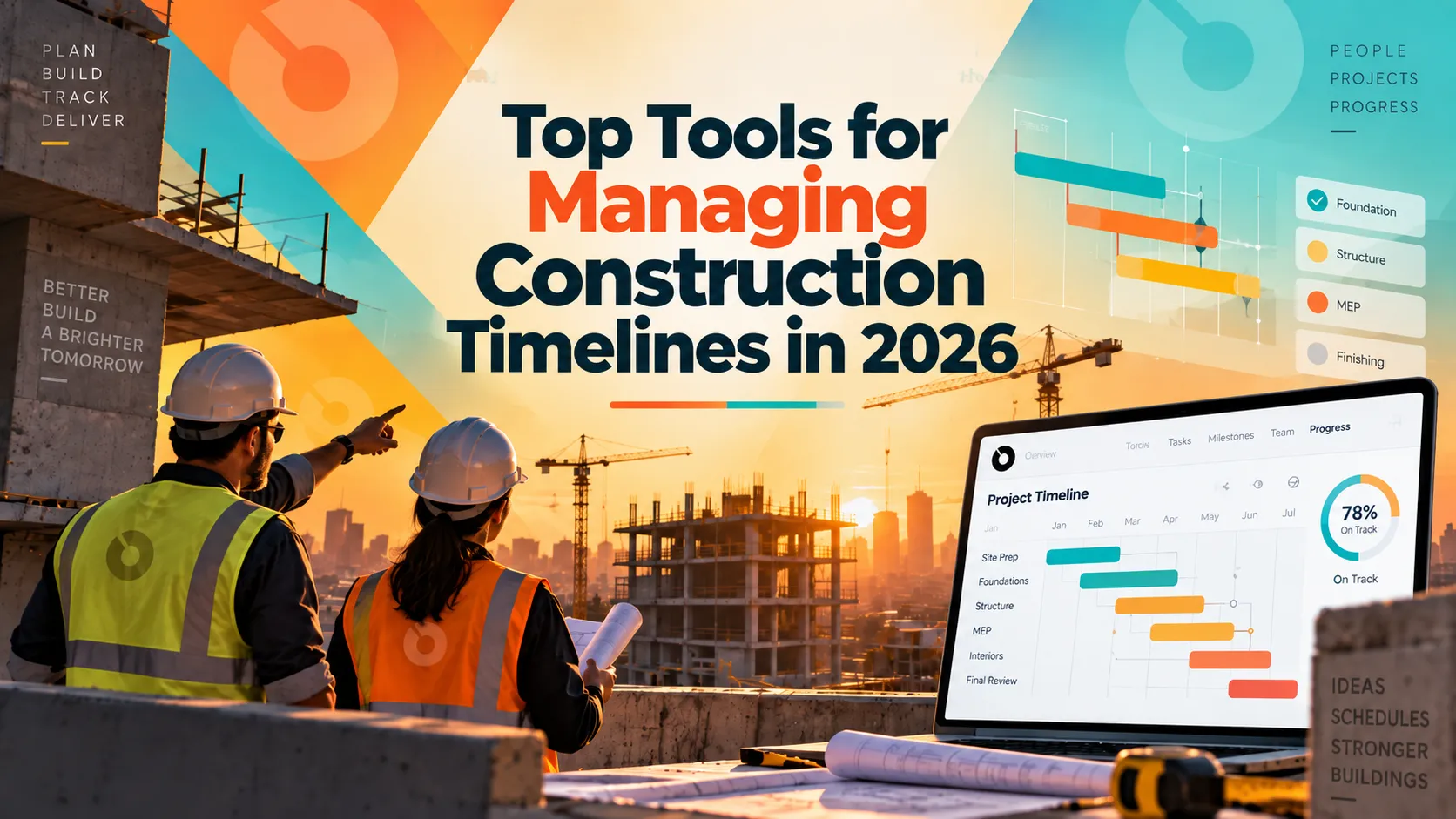
Most projects run two schedules. There's the CPM schedule in the office, updated monthly, the one that goes to the owner and would matter in a claim. Then there's what the superintendent actually plans with the trades on Thursday, which is the schedule the work follows.
Everyone knows this. Almost nobody says it out loud in a software evaluation, which is why so many scheduling tool purchases solve a problem the team didn't have.
The useful question isn't which tool is best. It's which of these layers you're missing, and whether adding a tool closes the gap between them or widens it.
Four categories that get lumped together
Comparison lists tend to rank P6 against Touchplan against ALICE as though they compete. They don't. They do different jobs.
- CPM scheduling engines build and maintain the logic-driven master schedule. Critical path, baselines, contractual milestones, the record you'd need for a time impact analysis. This is the office schedule.
- Lean and lookahead planning tools handle the three to six week window with the people doing the work. Pull planning, constraint removal, weekly commitments. This is the field schedule.
- AI scheduling tools either generate better sequences before you start or predict which activities will slip once you're running. Those are two different products, which we'll get to.
- Schedule visibility inside a project platform connects the schedule to the RFIs, submittals and budget it actually depends on, without being a scheduling engine itself.
You can own all four layers or two. What you can't do is buy something in one category expecting it to fix a problem in another, which is the most common way this goes wrong.
CPM scheduling engines
- Oracle Primavera P6 remains the standard for large, complex and public work. Rigorous baseline tracking, resource loading, and the schedule format owners and courts expect in heavy civil, infrastructure and government projects. It's also genuinely hard to learn and generally requires a dedicated scheduler, which is a real cost line rather than an inconvenience.
- Microsoft Project is more accessible and widely understood, and it handles straightforward commercial work adequately. It struggles with the resource complexity and multi-project structures larger contractors need.
- Asta Powerproject has strong adoption in UK and international construction, with a linked-bar interface many schedulers find more natural for construction sequencing than P6's approach.
- Planera is a newer cloud-native CPM entrant built with collaboration in mind, aimed at teams who want critical path rigor without P6's overhead.
Choose from this category if you need claims-grade schedule records, contractual baselines, or you're on public work where the schedule format is specified.
Lean and lookahead planning tools
These run the Last Planner System, where trade foremen and superintendents plan the near term collaboratively rather than receiving a plan built months earlier by someone in an office.
- Touchplan is the most established, purpose-built for Last Planner and Takt planning, with integrations to P6, Oracle Primavera Cloud and Microsoft Project for syncing against the master. G2 reviewers rate its support highly.
- Outbuild connects lookaheads back to the master schedule, which addresses the reconciliation problem more directly than tools that treat the lookahead as a separate artifact. Worth noting for disclosure that Hilti Ventures is an investor in Outbuild and Hilti owns Fieldwire outright, so those two sit in the same corporate orbit if you're comparing them.
- Bosch RefinemySite and Nialli cover similar ground with different interface approaches.
The important limitation, and vendors in this category are generally upfront about it: these are not CPM platforms. They don't calculate critical path, maintain contractual baselines or produce claims-grade records. Teams running Lean typically keep a P6 or equivalent schedule alongside.
Choose from this category if your field plan lives on a wall of sticky notes and you want it structured, or if trade commitment reliability is your actual problem.
AI scheduling tools, and the distinction that matters
Two genuinely different products get called AI scheduling, and confusing them wastes money.
- ALICE Technologies is generative. You upload an existing P6 or Microsoft Project schedule plus drawings, define constraints and goals, and it produces optimized sequence options you can compare. It answers "is there a better way to build this," which makes it a preconstruction and planning tool. It imports and exports P6 and MSP rather than replacing them.
- nPlan is predictive. It analyzes your schedule against a large body of historical project outcomes and forecasts which activities are most likely to drive delay. It answers "what's going to slip," which makes it an execution tool.
Teams sometimes use ALICE to plan and nPlan to monitor, because those are different questions at different moments.
- SmartPM sits nearby, automating schedule quality grading and delay analytics, which is useful if your concern is whether the schedule itself is sound rather than what it predicts.
- Buildots approaches from another angle, using site imagery to track actual progress against the schedule, which addresses the perennial problem of percent-complete being a matter of opinion.
One caveat applies across this whole category, and it's the thing to weigh hardest: output quality is bounded by input quality. Optimizing a schedule nobody updates gives you a confident answer to the wrong question. If your baseline is stale, fix that before buying anything here.
Schedule inside a project management platform
Procore, Autodesk Construction Cloud and INGENIOUS.BUILD all include schedule functionality within broader platforms. None of them replaces a dedicated CPM engine on a complex project, and the honest ones say so.
What this layer does is connect the schedule to everything it actually depends on. An RFI holding up an activity. A submittal with lead time attached. A change order that moved a milestone. On most projects, those dependencies are what actually drive schedule slippage, and they live in a different system than the schedule does.
Choose this layer if your problem is that nobody can see why the schedule moved, rather than that the schedule itself is poorly built.
The reconciliation problem
Here's the thing most comparison content skips:
Adding a lookahead tool alongside a CPM schedule can genuinely improve field execution. It can also create a second source of truth that nobody reconciles, so the master schedule quietly becomes fiction while the real plan lives somewhere the owner never sees.
Before adopting anything in this space, settle one question: which system owns the master schedule, and how does the other one stay in sync with it. If the answer is "someone updates both manually," you've bought a coordination problem rather than solved one.
This is also the question to put to vendors directly. Tools that integrate with P6 and Primavera Cloud are answering it. Tools that don't are leaving it to you.
What owners and owner's reps actually need
Most scheduling software is sold to schedulers and superintendents. Owners have different requirements and often end up with tools that don't serve them.
What an owner typically needs is milestone-level visibility without wading through thousands of activities, an understanding of why a date moved rather than just that it moved, exposure to the cost implications of a delay, and a record clean enough to support a conversation about time extensions.
That's mostly not a CPM engine problem. It's a connection problem, since the reasons dates move are RFIs, submittals, change orders and procurement lead times, all of which live outside the schedule file. An owner staring at an updated Gantt chart with no visibility into the RFI that caused the change has data without information.
If you're an owner or owner's rep whose schedule frustration is "I can see it slipped but not why", more scheduling software is unlikely to fix it.
How to choose
Start by naming which layer is actually broken.
If your schedule isn't logic-driven and you can't defend a delay claim, you need a CPM engine and probably a scheduler to run it. If your CPM schedule is fine but the field ignores it, you need lookahead planning, not a better master schedule. If your schedule is well built and reliably updated but you suspect the sequence could be better, that's ALICE territory. If you're regularly surprised by delays you should have seen coming, look at predictive tools. And if the schedule is fine but nobody can explain movement, the gap is connection to the rest of your project data.
Then check integration honestly. Ask specifically whether it's bidirectional or a one-time import, and how often sync happens.
And be realistic about who maintains it. P6 needs a scheduler. Lookahead tools need a superintendent who runs the sessions. AI tools need reliable input data. A tool nobody owns produces a schedule nobody trusts.
What no tool fixes
- Schedules that were unrealistic at bid. Compressing an already-optimistic timeline in software doesn't make it buildable.
- Trades that don't show up. Software makes the constraint visible. Manpower is a different conversation.
- Owners who take six weeks to answer an RFI. The schedule will accurately show you the delay you already knew about.
- Percent-complete that's a matter of opinion. Progress tracking tools help, but if nobody agrees what 60% means, the number stays soft.
- Two systems nobody reconciles. Covered above, and worth repeating because it's the most expensive version of a tool purchase going wrong.
Where INGENIOUS.BUILD fits
INGENIOUS.BUILD isn't a CPM scheduling engine, and on a complex project you'll still want P6 or equivalent for critical path and baseline management.
What it handles is the connection layer: schedules alongside the RFIs, submittals, change orders and budgets that determine whether dates hold. When a submittal review runs long or a change order adds scope, the schedule impact and the cost impact sit in the same system rather than being reconciled across two.
That's most useful for owners, developers and owner's reps whose frustration is understanding why a date moved rather than building the network logic behind it. If your gap is claims-grade CPM, a dedicated engine is the right answer and we'd say so.
Book a demo if the connection layer is the piece you're missing.
The short version
There isn't a best construction scheduling tool, because these products don't compete with each other. There's a CPM layer, a field planning layer, an analytics layer and a connection layer, and most projects need more than one.
Work out which one is failing before you shop. And whatever you add, decide upfront which system owns the master schedule, because the alternative is two schedules that disagree and a team that trusts neither.
FAQ
What are the best tools for managing construction timelines?
It depends on the layer you need. Primavera P6, Microsoft Project, Asta Powerproject and Planera for CPM master scheduling. Touchplan and Outbuild for lookahead and Lean planning. ALICE Technologies and nPlan for AI optimization and risk forecasting. Procore, Autodesk Construction Cloud and INGENIOUS.BUILD for schedule visibility connected to the rest of a project.
What's the difference between CPM scheduling and lookahead planning?
CPM builds a logic-driven master schedule covering the full project, maintained in the office and used for baselines and claims. Lookahead planning covers the next three to six weeks, built collaboratively with the trades doing the work. Most commercial projects run both.
What's the difference between ALICE Technologies and nPlan?
ALICE is generative and used in preconstruction, producing optimized build sequences from an existing schedule. nPlan is predictive and used during execution, forecasting which activities are most likely to cause delay based on historical project data. They answer different questions and some teams use both.
Does Touchplan replace Primavera P6?
No. Touchplan digitizes Last Planner and Takt planning for short-interval field planning but doesn't manage critical path logic, contractual baselines or claims-grade records. Teams typically maintain a CPM schedule alongside it and sync between them.
Do I need a dedicated scheduler to use Primavera P6?
Usually yes on complex projects. P6's capability comes with real complexity, and the common failure is buying it without the person to run it, which produces a schedule that's technically sophisticated and never updated.
Can AI scheduling tools replace a CPM schedule?
Not currently. The major AI scheduling tools import and export P6 and Microsoft Project files and layer on top of existing workflows rather than replacing them.
What do owners need from construction schedule software?
Milestone-level visibility rather than thousands of activities, an explanation of why dates moved, the cost implications of delay, and a defensible record for time extension discussions. That's often a connection problem between the schedule and the RFIs and change orders driving it, not a CPM problem.
What's the biggest risk when adding a scheduling tool?
Ending up with two schedules nobody reconciles. Decide before adopting anything which system owns the master schedule and how the other stays in sync, or the field plan and the contractual schedule quietly drift apart.