Informative
Microsoft Dynamics 365 for Construction: Connect ERP, Finance & Project Management (2026)
Microsoft Dynamics 365 powers construction finance — but not field execution. Learn how to integrate ERP with project management for full visibility and control.
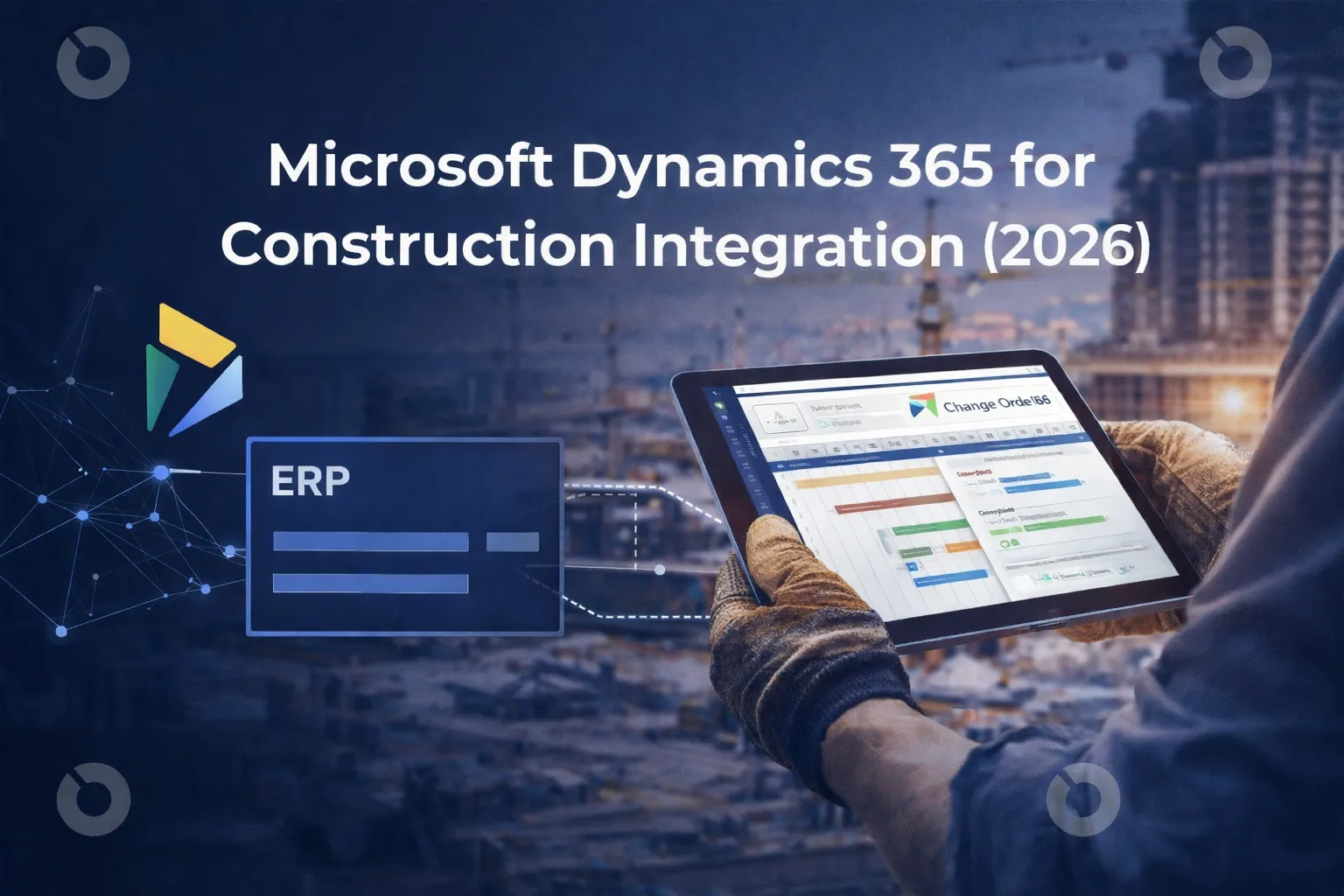
Microsoft Dynamics 365 is widely used across industries as an enterprise-grade ERP and business management system. In construction, it often becomes the financial backbone of an organization — handling accounting, procurement, payroll and reporting.
But here’s the reality: Microsoft Dynamics 365 for construction manages financials well. It does not manage construction projects on its own.
That gap is where many construction companies start looking for construction management software for Microsoft Dynamics 365 — systems that integrate cleanly and connect finance with real-world project delivery.
This guide explains:
- How Microsoft Dynamics 365 is used in the construction industry
- Where it excels (and where it doesn’t)
- How Microsoft Dynamics 365 integration works
- What to look for in construction software that integrates with Dynamics
- How to connect ERP, field execution and capital project controls
What Is Microsoft Dynamics 365 in Construction?
Microsoft Dynamics 365 is a cloud-based suite of enterprise resource planning (ERP) and customer relationship management (CRM) applications used by construction companies to manage their financial and operational backbone.
In the construction industry, it is typically used for:
- Financial management — tracking revenue, expenses, multi-entity accounting and financial compliance
- General ledger and job costing — allocating costs by project, cost code or phase
- Procurement and vendor management — managing purchase orders, subcontractor payments and supplier records
- Payroll and HR — handling labor costs, workforce data and internal resource tracking
- Enterprise reporting and forecasting — generating financial statements, cash flow projections and portfolio-level insights
In simple terms, Microsoft Dynamics 365 acts as the financial system of record for many construction organizations. It centralizes accounting, compliance and enterprise reporting, but it does not replace construction-specific project management workflows.
Companies also often use:
- Microsoft Dynamics 365 Business Central for construction
- Dynamics 365 Finance (for larger enterprises)
- Microsoft Business Central for construction-specific accounting workflows
Where Microsoft Dynamics 365 Works Well in Construction
Microsoft Dynamics 365 performs best when used as the financial and enterprise control system for construction organizations. For construction companies, it delivers strong value in:
- Multi-entity accounting – managing multiple legal entities, projects and cost centers within one ERP structure
- Complex financial structures – handling layered funding sources, joint ventures and capital allocations
- Enterprise compliance and audit control – supporting regulated environments and internal governance standards
- Cost code tracking and job costing – aligning expenses with structured accounting frameworks
- Vendor payment management – controlling subcontractor payments, purchase orders and procurement workflows
- Budget vs actual financial reporting – providing structured financial oversight and variance analysis
It is particularly powerful for:
- General contractors with dedicated internal finance teams
- Real estate developers managing multiple SPVs or entities
- Enterprise construction firms with strict audit, compliance, or investor reporting requirements
In short, Microsoft Dynamics 365 excels at back-office financial control and ERP governance.
Where Microsoft Dynamics 365 Falls Short for Construction Execution
Challenges arise when organizations attempt to use Dynamics 365 as a full construction project management system.
It is not designed to natively manage:
- RFIs and submittals
- Drawing coordination and document control
- Field-level documentation and mobile workflows
- Structured change order approval processes
- Real-time project dashboards tied to operational progress
- Portfolio-level capital visibility across active projects
These operational workflows require construction-specific project management tools.
This is where integration becomes critical — connecting ERP-level financial control with real-time construction execution and approvals.
Why Construction Companies Need Microsoft Dynamics 365 Integration
Construction is operationally complex. Finance lives in ERP. Execution lives in the field. Approvals involve multiple stakeholders.
Without proper Dynamics 365 integration, teams often end up with:
- Manual exports between systems
- Spreadsheet-based reconciliation
- Delays in budget visibility
- Disconnected approvals
- Limited real-time insight
Modern Microsoft Dynamics 365 integrations solve this by connecting ERP data with construction project management software.
What Does a Strong Microsoft Dynamics 365 Integration Look Like?
A meaningful integration goes beyond invoice syncing. Strong Microsoft Dynamics 365 integration API connections should support:
- Cost code alignment between ERP and project budgets
- Automated sync of approved change orders
- Commitment tracking flowing into ERP
- Real-time actual cost updates
- Vendor and contract data alignment
- Controlled permissions and audit trails
In enterprise environments, Dynamics 365 integration with external systems must be:
- Secure
- Scalable
- API-driven
- Bi-directional
If your integration still requires manual reconciliation, it’s not solving the problem.
Microsoft Dynamics 365 Business Central for Construction
Microsoft Dynamics 365 Business Central for construction is often used by mid-sized firms because it offers:
- Financial reporting
- Job costing
- Vendor management
- Basic project tracking
However, Business Central is still primarily an accounting platform. Most construction companies pair Microsoft Business Central for construction with dedicated construction management software to handle operational workflows.
How Construction Management Software Extends Dynamics 365
Construction management software for Microsoft Dynamics 365 typically handles:
- Project scheduling
- RFIs and submittals
- Change order management
- Budget forecasting
- Portfolio dashboards
- Field collaboration
When integrated properly: ERP = financial system of record
And more, construction platform = operational system of record
The integration ensures:
- Finance sees approved costs
- Project teams see live financial data
- Executives see portfolio-level performance
Common Integration Questions
Does Dynamics 365 integrate with QuickBooks?
Yes, but typically through connectors or third-party tools. Dynamics 365 QuickBooks integration is more common in transitional setups rather than long-term enterprise architecture.
Does Dynamics 365 integrate with Xero?
Dynamics 365 Xero integration exists through middleware tools, but it’s not a common long-term structure. Most firms choose one ERP backbone rather than running both.
What about other Microsoft Dynamics 365 integrations?
Dynamics 365 integrates well with:
- Microsoft 365 tools
- Power BI
- SharePoint
- Azure services
- Third-party construction platforms
The Microsoft Dynamics 365 integration API allows structured connections to external systems, which is how construction platforms integrate securely.
What to Look for in Construction Software That Integrates with Dynamics 365
When evaluating software, focus on these criteria:
1. Financial Alignment
Budgets and cost codes must mirror ERP structure.
2. Approval-Driven Sync
Only approved changes should flow into ERP, not drafts.
3. Real-Time Visibility
Executives shouldn’t wait for month-end reconciliation.
4. Portfolio-Level Control
Multi-project dashboards are essential for enterprise construction.
5. Scalable Architecture
The system should handle growth without custom rebuilding.
5 Construction Software Platforms That Integrate with Microsoft 365
When construction companies use Microsoft 365 (Outlook, Teams, SharePoint, OneDrive) as their collaboration backbone, the key question becomes: which construction platforms integrate cleanly into that ecosystem?
Here are five widely used construction software platforms that integrate well with Microsoft 365.
1. INGENIOUS.BUILD - Best for owner-led and capital-intensive projects
INGENIOUS.BUILD integrates with Microsoft 365 to centralize communication and document management alongside project execution. Teams can connect email threads, documents, and approvals directly to live project records, reducing context switching and manual uploads.
Strong fit for: Owners, developers, enterprise teams managing multiple projects.
2. Procore - Best for contractor-heavy environments
Procore integrates with Microsoft 365 for document storage and communication workflows. It allows users to sync files and collaborate through Teams integrations.
Strong fit for: General contractors running large field operations.
3. Autodesk Construction Cloud - Best for BIM-centric teams
Autodesk integrates with Microsoft 365 primarily through document workflows and enterprise authentication. It works well in environments where BIM coordination and structured documentation are critical.
Strong fit for: Large commercial projects and design-build firms.
4. e-Builder (Trimble) - Best for capital improvement programs
e-Builder integrates with Microsoft 365 for document management and enterprise reporting. It is commonly used in public sector and infrastructure programs where governance and compliance are priorities.
Strong fit for: Public agencies and institutional capital programs.
5. Buildertrend - Best for residential and smaller teams
Buildertrend connects with Microsoft 365 for email and document workflows, making it easier for smaller teams to manage communication and client updates within familiar Microsoft tools.
Strong fit for: Residential builders and small-to-mid-sized contractors.
Who Typically Needs This Setup?
This combination works best for:
- Real estate developers managing multiple capital projects
- Enterprise general contractors
- Owner’s representatives
- Firms with structured finance departments
- Organizations transitioning from spreadsheets to structured systems
If your finance team uses Microsoft Dynamics 365 but your project team still lives in email and Excel, integration becomes a strategic priority.
FAQ: Microsoft Dynamics 365 for Construction
Is Microsoft Dynamics 365 good for construction companies?
Yes, especially for accounting and financial management. However, it needs integrated construction management software for full project control.
Does Microsoft Dynamics 365 handle project management?
It supports basic job costing but does not manage RFIs, submittals, drawings, or field collaboration at a construction-specific level.
What is the best construction management software for Microsoft Dynamics 365?
The best option depends on project complexity. Look for software that connects cost control, approvals and portfolio visibility — not just invoicing sync.
How does Microsoft Dynamics 365 integration work?
Through API-based integrations that securely sync financial and project data between systems.
Can small construction companies use Dynamics 365?
Yes, especially through Microsoft Dynamics 365 Business Central for construction. However, pairing it with a construction-focused platform improves usability and operational visibility.
Final Thoughts
Microsoft Dynamics 365 for construction is powerful — but incomplete on its own.
Construction companies that succeed long-term don’t try to force ERP systems to manage field execution. They connect financial control with operational clarity.
If you’re already using Microsoft Dynamics 365 and feeling the gap between finance and execution, the solution isn’t replacing your ERP, it’s connecting it properly. That’s where the right construction management platform makes all the difference - get a demo to see how we do it at INGENIOUS.BUILD!