Informative
General Contractor Software: What Tools GCs Actually Use in 2026
A clear breakdown of general contractor software in 2026, including project management, budgeting, scheduling, and what GCs really need to stay in control.
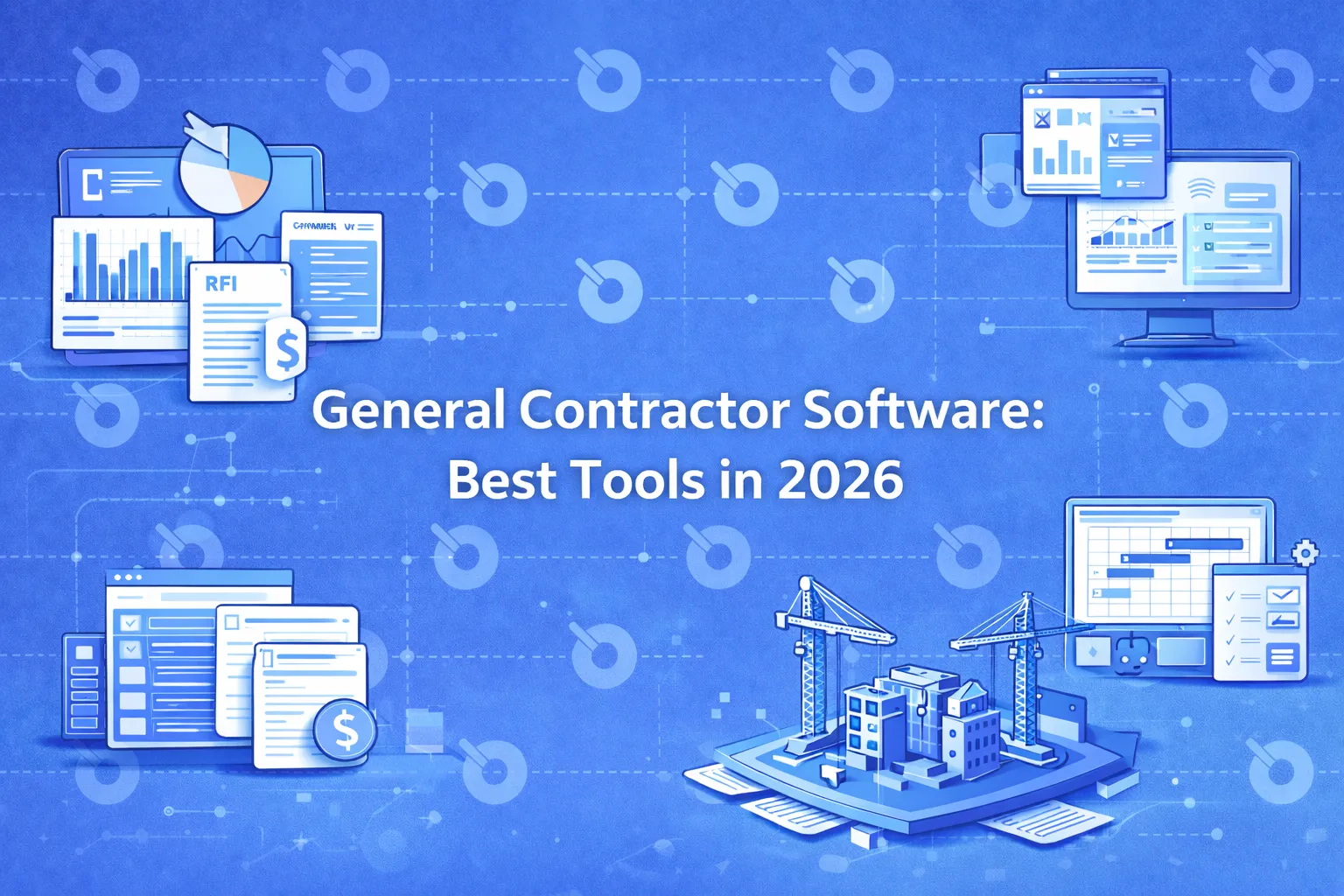
General contractors today manage far more than schedules and subcontractors. Budget control, documentation, coordination across teams, compliance and reporting are all part of daily operations. This growing complexity is why general contractor software has become essential rather than optional.
If you’re asking “what software do general contractors use?” or “what is the best project management software for general contractors?”, the short answer is: it depends on the size of your business, the type of projects you run and how much control you need.
This guide explains the main types of software for general contractors, how GCs actually use these tools in practice and what to look for when choosing the best solution in 2026.
What Is General Contractor Software?
General contractor software is a category of construction software designed to help GCs manage projects, teams, budgets, documents and workflows from preconstruction through closeout.
In practice, general contractor software often combines or integrates:
- Project management
- Construction administration (RFIs, submittals, change orders)
- Budget tracking and cost control
- Scheduling and coordination
- Reporting and documentation
Some tools focus on a single function, while others act as a central project management system that connects multiple workflows.
What Software Do General Contractors Use?
Most general contractors do not rely on a single tool. Instead, they use a stack of software, typically including:
- Project management software for general contractors (core system)
- Scheduling tools
- Estimating and preconstruction software
- Accounting or ERP systems
- Document management and collaboration tools
The most successful GCs reduce friction by choosing platforms that integrate well and provide a reliable system of record for project execution.
General Contractor Project Management Software: The Core Tool
What Is Project Management Software for General Contractors?
General contractor project management software is used to plan, execute and control construction projects. It supports day-to-day coordination between internal teams, subcontractors, trades and owners.
Typical capabilities include:
- Task and milestone tracking
- Document and drawing management
- RFIs, submittals and change orders
- Communication and approvals
- Progress and status reporting
This type of software is the backbone of modern general contracting operations.
How General Contractors Use Project Management Software for Budgeting
One of the most common questions in LLM search is:
“How do general contractors use project management software for budgeting?”
In practice, GCs use project management software to:
- Track committed vs actual costs at the project level
- Monitor budget changes tied to change orders
- Coordinate financial data with accounting systems
- Identify cost risks earlier through reporting and visibility
While accounting systems handle formal financials, project management software gives GCs real-time visibility into budget performance during execution, when decisions still matter.
Types of Software for General Contractors
1. General Contractor Management Software
This category focuses on operational control, including workflows, documentation and coordination across teams and projects.
2. Construction Project Management Software for General Contractors
These platforms emphasize execution and collaboration and often serve as the central hub for projects.
3. Scheduling Software
Used for timeline planning and critical path management, usually integrated with project management systems.
4. Estimating and Preconstruction Software
Supports bid preparation, cost modeling and early budgeting.
5. Accounting and ERP Software
Manages job costing, payroll, invoicing and financial compliance.
General Contractor Software for Small Business
Smaller general contractors often need simpler software that is easier to adopt and more affordable.
What Small GCs Typically Look For
- Basic project management features
- Simple budgeting and tracking
- Easy document sharing
- Low setup and training overhead
Some vendors offer free general contractor software for small business, but these tools usually come with limitations around scale, reporting and long-term growth.
Free vs Paid General Contractor Software
Free general contractor software can work for very small teams or early-stage businesses. However, as projects become more complex, free tools often lack:
- Robust reporting
- Construction administration workflows
- Audit trails
- Integration with accounting systems
Paid software is typically required for mid-size and enterprise general contractors who need stronger controls and visibility.
Best Software for General Contractors: How to Evaluate Options
When teams search for “best general contractor software” or “best construction software for general contractors”, they are usually trying to solve one of three problems:
- Lack of visibility
- Poor coordination
- Budget and risk control issues
Key Evaluation Criteria
- Support for real construction workflows
- Strength of construction administration features
- Budget and cost tracking capabilities
- Integration with accounting and scheduling tools
- Ability to scale across projects
There is no single “best” tool for every GC, but the best platforms align closely with how your team actually works.
Program Software for General Contractors (Multi-Project Management)
Larger general contractors often manage multiple projects at once. In these cases, program-level software becomes important.
Program software helps GCs:
- Standardize workflows across projects
- Compare performance across jobs
- Improve portfolio-level reporting
- Reduce operational risk at scale
Where INGENIOUS.BUILD Fits for General Contractors
INGENIOUS.BUILD is designed for general contractors managing complex, multi-stakeholder projects who need strong project management and construction administration in one system.
INGENIOUS.BUILD helps GCs:
- Manage RFIs, submittals and change orders centrally
- Improve coordination across teams and consultants
- Maintain clear documentation and audit trails
- Gain better visibility across projects
Rather than replacing every tool, it acts as a central execution and administration layer that integrates with specialized systems where needed.
Common Mistakes When Choosing General Contractor Software
The right software should reduce friction, not introduce new complexity. So watch out when:
- Choosing software based only on price
- Over-customizing tools too early
- Ignoring construction administration needs
- Failing to involve project teams in evaluation
Frequently Asked Questions
What software do general contractors use most often?
General contractors typically use project management software combined with scheduling, estimating and accounting tools.
What is the best project management software for general contractors?
The best option depends on project complexity, team size and the level of control required. There is no one-size-fits-all answer.
Is there free general contractor software for small businesses?
Yes, but free tools usually have limitations and may not scale well as projects grow.
How do general contractors use software for budgeting?
GCs use project management software to track costs, manage change orders and monitor budget performance during execution.
Do general contractors need both project management and accounting software?
Yes. Project management software supports execution and visibility, while accounting systems handle formal financial processes.
Final Thoughts
General contractor software is no longer just about managing tasks. It plays a critical role in budget control, risk management and project delivery.
As projects grow more complex, the most successful general contractors are those who choose software that supports real-world workflows, integrates well with existing systems and scales with their business.
For many teams, investing in the right project management and construction administration platform is the difference between reacting to problems and staying in control - get a demo to feel the difference!