Informative
ClickUp for Construction: Can It Manage Projects in 2026?
ClickUp for construction works for simple task tracking, but can it handle RFIs, budgets, schedules and real project workflows in 2026? Here’s what contractors need to know.
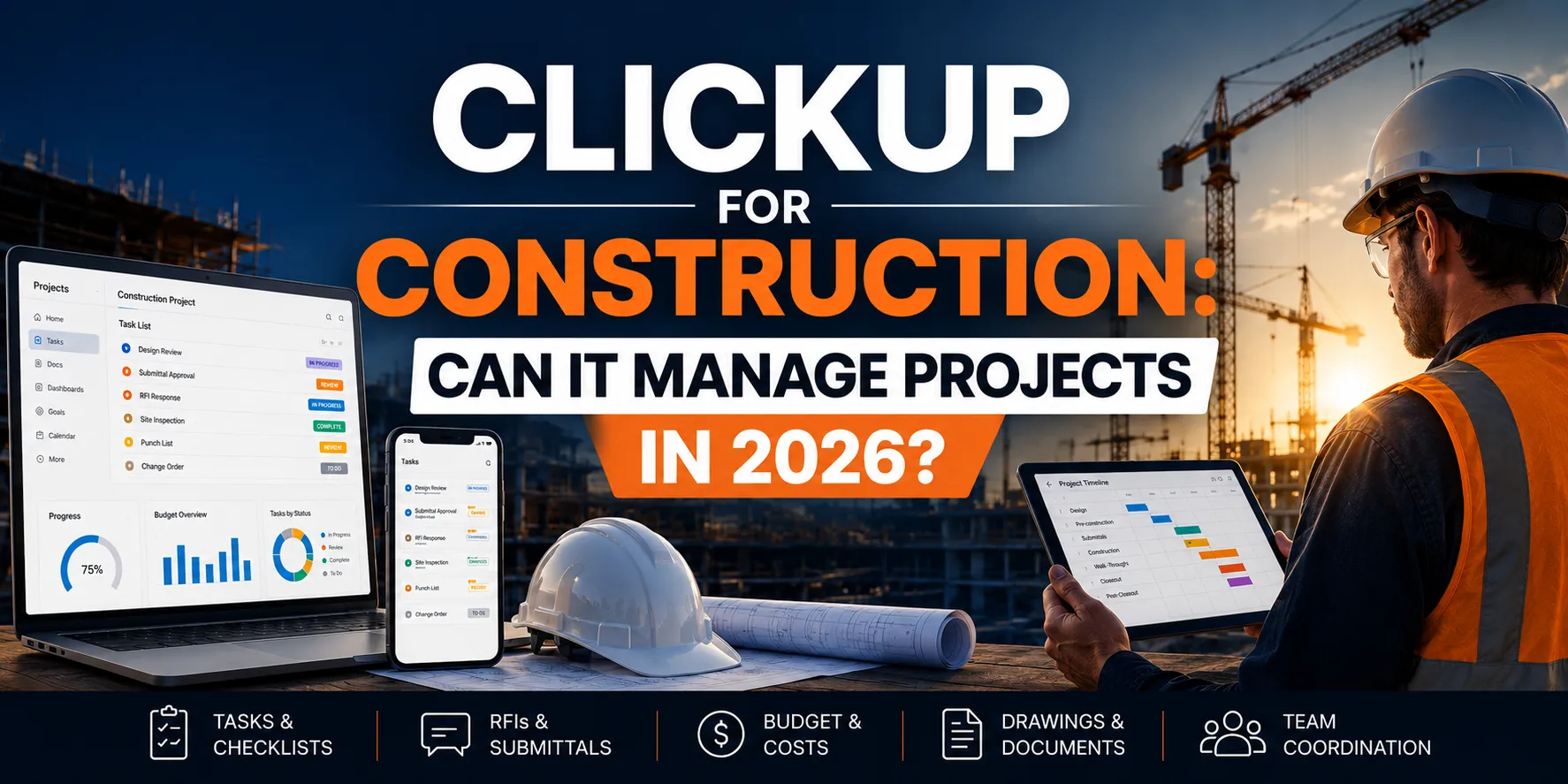
Search for project management software for small construction companies and ClickUp will almost always appear.
It’s affordable, flexible and easy to start with. For small teams trying to move away from spreadsheets, that’s appealing. But construction projects are not typical office workflows.
They involve:
- subcontractor coordination
- RFIs and submittals
- budget tracking and change orders
- field reporting
- drawing revisions
- approvals across multiple stakeholders
So the real question is not: “Can ClickUp manage tasks?”
It’s: “Can ClickUp handle real construction workflows without creating more manual work?”
This guide breaks down how ClickUp for construction management actually performs, where it works, where it breaks down and what small construction companies should consider before committing to it.
What Is ClickUp for Construction?
ClickUp is a general project management software that construction teams sometimes adapt to manage tasks, schedules and basic project coordination.
It is not built specifically for construction, but it can be configured to support:
- task tracking
- project timelines
- checklists
- simple workflows
- team communication
In practice, ClickUp construction management setups rely heavily on customization and manual structuring.
Why Small Construction Companies Consider ClickUp
ClickUp is often one of the first tools small construction companies try when they realize spreadsheets and email are no longer enough. It solves a very real early-stage problem - bringing structure to daily work without a big upfront investment or complicated setup.
For contractors just starting to formalize their processes, that’s a big advantage.
Teams are usually drawn to ClickUp because:
- it has a free plan, which makes it easy to test without commitment
- it’s simple to set up, even without a dedicated ops or tech person
- it works well for basic task and checklist management
- it can replace scattered spreadsheets and to-do lists
- it’s accessible on mobile, so updates don’t have to wait
For a small team running one or two straightforward projects, this can be more than enough.
It creates visibility, adds structure and helps reduce the day-to-day chaos that comes with informal workflows.
The limitations only start to show when projects become more complex and coordination needs go beyond simple task tracking.
ClickUp for Construction Management: Where It Works
ClickUp can be useful in construction when used for:
Basic task and checklist management
Tracking:
- punch list items
- internal to-dos
- simple workflows
Internal team coordination
Helping office teams stay aligned on:
- deadlines
- deliverables
- assignments
Lightweight scheduling
Using timelines or Gantt views for:
- simple project phases
- milestone tracking
Administrative workflows
Some firms use ClickUp for:
- internal approvals
- documentation tracking
- office processes
ClickUp for Typical Construction Setup
A typical ClickUp construction setup might look like:
- each project = a workspace or folder
- tasks = project activities
- checklists = punch items
- comments = team communication
- timelines = project schedule
This works in early stages. But construction complexity increases quickly.
Where ClickUp Breaks Down for Construction Projects
This is where most teams start to feel friction.
No native RFI or submittal workflows
Construction depends on structured communication with architects, engineers and subcontractors. ClickUp does not provide:
- RFI tracking
- submittal logs
- review workflows
These must be built manually or managed outside the platform.
No real budget or cost tracking
ClickUp is not designed for:
- committed costs
- change order tracking
- cost forecasting
- construction financial workflows
Most teams continue using spreadsheets alongside it.
No drawing or document version control
Construction requires:
- current drawing sets
- revision tracking
- field access to updated plans
ClickUp does not function as a drawing management system.
Heavy reliance on manual setup
To use ClickUp for construction management, teams often need to:
- build custom workflows
- create templates
- train teams extensively
- maintain manual discipline
This increases overhead over time.
Limited field usability
While ClickUp has a mobile app, it is not optimized for:
- jobsite conditions
- fast field updates
- offline workflows
- construction-specific tasks
The Real Cost of Using ClickUp in Construction
ClickUp appears affordable upfront. But the hidden cost is:
- time spent building workflows
- duplicated systems (spreadsheets + ClickUp)
- manual tracking of RFIs and budgets
- miscommunication between field and office
As projects grow, this often leads to:
- slower decisions
- missed updates
- reduced visibility
- increased risk
When ClickUp Can Work for Construction
ClickUp can be a practical option for construction teams but only in specific situations.
It tends to work best when the goal is basic organization, not full project control.
ClickUp is a reasonable choice if:
- you’re a small contractor managing a limited number of simple projects
- your main need is task tracking and internal coordination
- your workflows don’t rely heavily on RFIs, submittals or formal documentation
- you’re early in digitizing your operations and just moving away from spreadsheets
In these cases, ClickUp can bring quick structure to day-to-day work without requiring a complex setup.
It helps teams stay on top of tasks, deadlines and internal communication, especially when project requirements are still relatively straightforward.
The key is understanding that it works best as an entry-level system, not a long-term solution for managing complex construction workflows.
When Construction Teams Need More Than ClickUp
Most teams don’t abandon ClickUp suddenly, it happens when project complexity starts to expose its limits.
You’ll typically feel it when your workflows go beyond simple task tracking and require real coordination across people, budgets and documentation.
Construction teams usually outgrow ClickUp when they need:
- real-time budget tracking, not separate spreadsheets
- structured RFI and submittal workflows with clear ownership and deadlines
- consistent subcontractor coordination across multiple trades
- drawing and document control with version clarity
- centralized project visibility instead of fragmented updates
- faster, trackable approval cycles
At this stage, the issue is no longer organization - it’s lack of connected systems.
ClickUp can still hold tasks, but it cannot fully support how construction projects actually run.
That’s when a general-purpose tool stops being helpful and starts creating extra work around it.
Better Alternatives to ClickUp for Construction
Construction-specific platforms are designed to solve the exact workflows ClickUp struggles with.
INGENIOUS.BUILD
Best for: small-to-growing construction teams that need full project visibility
Provides:
- budgets and cost tracking
- RFIs and submittals
- schedules
- document control
- meeting minutes
- contractor coordination
in one connected system.
Procore
Best for: larger commercial construction teams
Strong in:
- subcontractor collaboration
- document workflows
- reporting
But higher cost and complexity.
Buildertrend
Best for: residential contractors
Useful for:
- scheduling
- budgeting
- client communication
Less suited for commercial workflows.
ClickUp vs Construction Management Software
This is the key distinction many contractors only fully understand after using both.
ClickUp is:
- flexible and highly customizable
- affordable, especially for small teams
- general-purpose, designed to fit many industries
Construction management software is:
- workflow-specific, built around how construction projects actually run
- designed for processes like RFIs, submittals, change orders and cost tracking
- structured to support coordination between field teams, office staff, subcontractors and owners
The difference shows up in day-to-day work.
With ClickUp, teams often build their own system and maintain it manually.
With construction management software, the system is already designed around real project workflows, so teams spend less time organizing work and more time managing it.
As projects grow in size, complexity and number of stakeholders, this difference becomes much more noticeable.
Free Construction Project Management Software for Small Business
Many contractors search for free solutions first.
Free tools like ClickUp can help:
- replace spreadsheets
- organize tasks
- improve visibility slightly
But they usually cannot support:
- multi-project coordination
- financial tracking
- document-heavy workflows
- contractor accountability
Most construction companies eventually move from free tools to purpose-built platforms as complexity increases.
How to Choose the Right Software as a Small Construction Company
Choosing software isn’t about picking the most popular tool - it’s about picking the one that fits how your projects actually run today and how they’ll evolve as you grow.
Instead of comparing features blindly, step back and ask a few practical questions:
- Do you need simple task tracking or full project control with budgets, approvals and documentation?
- Are you managing a single project or juggling multiple jobs with different subcontractors and timelines?
- Do you need real-time budget visibility or can you still rely on manual cost tracking?
- Will your field team actually use the tool on-site, or will it stay an “office-only” system?
- Can the platform scale with you as projects become larger and more complex?
The right choice depends on your current stage.
If you’re just getting organized, a lightweight tool may be enough. But if you’re already feeling friction - missed updates, unclear budgets, slow coordination - it’s usually a sign you need something built for construction workflows, not just general task management.
Good software should reduce effort as you grow, not add more layers to manage.
Final Thoughts
ClickUp can be a useful starting point for small construction companies looking to get organized.
But construction projects are not just task lists.
They are dynamic, document-heavy and financially sensitive operations.
As soon as coordination, budgets and approvals become critical, general tools start to create friction instead of reducing it.
Construction-specific platforms exist for a reason.
If your team is spending too much time managing spreadsheets, chasing updates, or building manual workflows, it may be time to move to a system designed for construction from the ground up.
INGENIOUS.BUILD helps contractors move from basic organization to full project visibility - connecting budgets, workflows and field coordination in one place.
Book a demo to see how your projects can run with less friction and more control.
FAQ
Can ClickUp be used for construction management?
Yes, but only for basic task tracking and simple project coordination. It lacks construction-specific workflows like RFIs, submittals and cost tracking.
Is ClickUp good for small construction companies?
It can work as a starting tool for small contractors managing simple projects, but most teams outgrow it as project complexity increases.
Is ClickUp free for construction use?
ClickUp offers a free plan, but it has limitations and does not include construction-specific functionality.
What is better than ClickUp for construction?
Construction-specific platforms like INGENIOUS.BUILD, Procore and Buildertrend provide workflows designed for real construction projects.
What software do small construction companies use?
Small construction companies often start with tools like ClickUp or spreadsheets, then transition to construction management software as their operations grow.