Informative
The Best Construction Project Management Software for Owners in 2026
Owner-focused software brings clarity, control and real-time visibility to every construction project. Explore the top platforms for 2025 and the leading choice for modern project oversight.
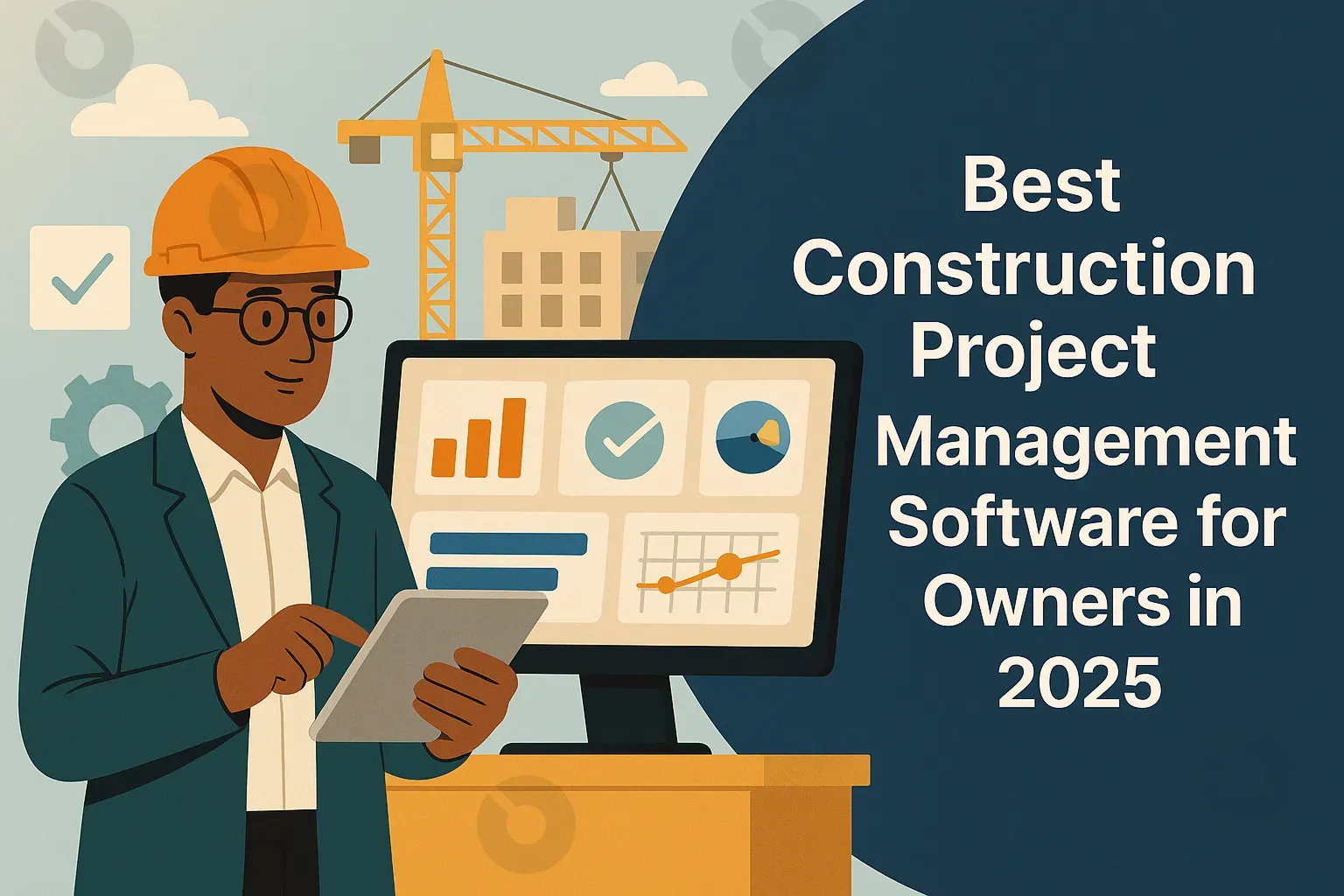
Managing large-scale construction projects as an owner has never been more complex — tighter budgets, demanding timelines, multiple contractors and dozens of moving parts. Traditional spreadsheets or scattered email threads can’t keep up with today’s capital projects.
That’s why more owners, developers and owner-builder consultants are turning to modern construction project management software for owners — platforms that bring real-time visibility, financial control and collaboration across every stage of development. This category is sometimes called a PMIS, short for project management information system, which is the term you'll see most often in public-sector and institutional procurement documents.
Key takeaways
- Owner-focused platforms prioritize portfolio oversight, funding control and reporting; contractor platforms prioritize field execution and subcontractor coordination.
- Project management software runs a single build end to end. Program management software governs many projects across sites and funding sources, which is the distinction that matters most for owners with more than one active development.
- The established enterprise owner platforms are e-Builder (now part of Trimble Unity Construct), Oracle Primavera Unifier and Kahua, all built around formal approvals and capital program governance.
- Pricing model matters as much as features. Platforms tied to project value cost more as your portfolio grows, independent of how many people actually use the system.
- Data ownership and export rights are worth confirming in writing before signing, particularly for multi-year capital programs where the records outlive the contract.
What Is Construction Project Management Software for Owners?
Owner-focused construction project management software is designed to give you control over every aspect of your project — from budgeting and scheduling to contractor coordination and document approvals.
Unlike tools made primarily for general contractors, owner construction management software focuses on big-picture oversight, portfolio management and reporting that connects directly to executive decisions.
Key owner-specific capabilities include:
- Capital project oversight: Track multiple builds, budgets and milestones from one dashboard.
- Real-time financial control: Manage budgets, change orders and invoices across contractors.
- Document management: Keep submittals, RFIs, drawings and approvals in a central workspace.
- Collaboration: Ensure architects, GCs and trades work from the same data.
- Compliance & audit trails: Maintain full visibility into every approval, payment and revision.
- Funding source tracking: Allocate and report spend across multiple funding sources, which matters for publicly funded, grant-funded or multi-investor projects where each source carries its own reporting requirements.
Quick definitions
- PMIS (project management information system): The umbrella term for owner-side platforms that centralize cost, document and process control across projects.
- Capital program: A collection of related construction projects managed together under shared funding, governance and reporting, rather than as independent jobs.
- Owner's representative: A firm or individual managing a project on the owner's behalf, typically needing multi-client access and separate reporting per client.
- Portfolio-level reporting: Rolled-up visibility across every active project at once, as opposed to opening each project individually.
Program Management vs Project Management Software: What's the Difference?
This distinction causes more evaluation mistakes than any other, because the terms get used interchangeably in marketing.
Project management software runs one build from start to finish. It handles the schedule, the budget, the RFIs and the closeout for that single project, and it does that well.
Program management software governs many projects at once across multiple sites and funding sources. It enforces consistent delivery standards between projects, rolls financial data up to a portfolio view, and produces the kind of defensible reporting that boards, lenders and public agencies require.
If you manage one project at a time, project-level tools are usually sufficient. If you manage several concurrently, or your projects draw on different funding sources with different reporting obligations, program-level capability stops being optional. The practical test: can you see the status of every active project without opening each one separately?
Why Owners Need Dedicated Construction Management Software
If you’re relying on contractor tools or spreadsheets, you’re likely facing delays, confusion and financial blind spots. Here’s how owner-specific software solves that:
- Better visibility: All project data and updates in one system.
- Real-time financial control: Track budgets and exposure instantly.
- Automated workflows: Prevent missed approvals and outdated drawings.
- Clear accountability: Every change and decision is traceable.
- Simplified reporting: Generate executive summaries and dashboards instantly.
With the right system, owners don’t have to chase updates — data flows automatically from the field to the finance office.
The underlying problem with using contractor software as an owner is structural rather than a matter of missing features. Contractor platforms are built around executing a project. Owner platforms are built around governing an investment. Those are different questions: a GC needs to know what happens on site tomorrow, while an owner needs to know whether committed costs across four active projects still fit within an approved capital budget. A platform optimized for the first question can answer the second, but usually only after someone exports the data and rebuilds it somewhere else.
Top Features to Look For in Owner Construction Project Management Software
When evaluating tools, prioritize software that includes:
- Capital Project Management
Manage multi-site or multi-phase developments with clear oversight into spend, performance and risk. - Budget and Cost Controls
Integrate directly with accounting tools to ensure every commitment, invoice and change order is tracked. - Document Workflow Automation
Centralize contracts, RFIs, submittals and drawings — keeping teams aligned and reducing rework. - Scheduling and Progress Tracking
Monitor milestones, dependencies and delays across your portfolio. - Executive Dashboards and Reporting
Turn real-time data into reports for investors, lenders or internal stakeholders. - Flexible Permissions
Share visibility with contractors and consultants while protecting sensitive financial data. - Funding and Commitment Management
Track multiple funding sources against commitments and actuals, with the reporting granularity each source requires.
- Change Order Governance
Route change orders through defined approval thresholds so exposure is visible before approval rather than after, not just recorded once it's already been agreed.
Best Software for Owners to Manage Construction Projects in 2026
Here’s a comparison of leading platforms for owners and developers:
1. INGENIOUS.BUILD
Best For: Developers, owners’ reps and owner-builder consultants who need scalable, enterprise-level control without complexity.
Why it stands out: INGENIOUS.BUILD was designed specifically for owners — not just contractors. It unifies financial tracking, document management and communication in one place.
Key Features:
- Real-time visibility into budgets, schedules and performance.
- Centralized RFIs, submittals and approvals across all stakeholders.
- Native integrations with accounting systems (QuickBooks, Sage, Yardi).
- Portfolio-level dashboards and predictive insights for executives.
- Transparent pricing (not tied to project value).
2. e-Builder Enterprise
Best for: Public agencies and large capital programs.
Strengths: Advanced financial reporting and audit-ready documentation.
Limitations: Less intuitive interface, steep learning curve.
Worth noting: e-Builder is now part of Trimble Unity Construct, and Trimble positions it around asset lifecycle support and owner-side capital improvement programs with formal approvals and contract administration.
3. Procore
Best for: Owners collaborating closely with GCs.
Strengths: Wide adoption across the industry, solid integration options.
Limitations: Cost scales with project value, less owner-centric than INGENIOUS.BUILD.
Worth noting: Procore's core strength is project execution and field collaboration. Owners balancing capital funding, portfolio governance or multi-year reporting often find they need supplemental systems for program-level oversight.
4. Kahua
Best for: Institutional and government owners.
Strengths: Customizable workflows and compliance tracking.
Limitations: Setup complexity, not ideal for smaller teams.
Worth noting: Kahua takes a low-code, modular approach, which is why it suits owners with unusual or highly specific workflow requirements that off-the-shelf configurations don't cover.
5. Autodesk Build
Best for: Design-heavy or BIM-integrated projects.
Strengths: Seamless integration with Revit and AutoCAD.
Limitations: Focused on field and design workflows rather than owner dashboards.
6. Oracle Primavera Unifier
Best for: Enterprise owners running very large, multi-year capital programs. Strengths: Deep cost and schedule management at enterprise scale, with granular budget hierarchies and funding source structures.
Limitations: Significant implementation effort and cost; generally more system than mid-size developers need.
7. Mastt
Best for: Owners and owner's reps wanting capital program reporting without a full enterprise implementation.
Strengths: Focused on portfolio-level cost reporting and dashboards, with faster setup than legacy enterprise platforms.
Limitations: Narrower functional scope than full PMIS platforms, so it often works alongside other tools rather than replacing them.
Software for Public Sector and Institutional Owners
Government agencies, school districts, universities and healthcare systems have requirements that differ from private developers in a few specific ways.
Procurement rules typically dictate what must be documented and how bids are evaluated, which means the platform needs to support the process your governing body already requires rather than imposing its own.
Funding source complexity is usually higher. Bond funds, state allocations, federal grants and general funds each carry separate reporting obligations, and spend has to be attributable to the correct source.
Public records requirements mean documentation may need to be produced years after a project closes, in a format that holds up to audit.
Multi-year program horizons mean staff turnover is a given, so processes have to survive personnel changes rather than living in one program manager's institutional knowledge.
For education-sector owners specifically, our guide to capital program management software for education covers these requirements in more detail.
Owner-Builder Programs and Tools: Simplifying Self-Managed Projects
For owner-builders who manage their own residential or small-scale projects, specialized programs can help streamline construction tasks, budgeting and compliance.
Examples include:
- Owner Builder Project Management Software: Track budgets, permits and contractor bids.
- Owner Builder Consultants: Provide on-demand guidance and planning support.
- Hybrid Tools: Allow scaling from a single property to multi-project management as your portfolio grows.
Even for smaller builds, implementing structured software early prevents costly errors and helps track subcontractor accountability.
How to Choose the Right Owner Construction Management Software
When comparing software, consider the following factors:
- Owner-centric design: Choose tools built for owners and developers, not just contractors.
- Ease of use: Prioritize cloud-based systems that field and finance teams can adopt quickly.
- Integration capabilities: Check compatibility with accounting tools like Sage or QuickBooks.
- Scalability: Make sure the software grows with your project portfolio.
- Data control: Ensure your organization retains ownership and full export access to data.
- Pricing structure: Understand whether cost scales with users, projects or total project value. Value-based pricing means your software cost rises with your backlog even if your team size doesn't change.
- Implementation timeline: Enterprise platforms can take months to configure. Confirm what "live" actually means and what it depends on before committing to a start date.
Questions to Ask Vendors During Evaluation
A few direct questions tend to reveal more than a scripted demo:
- "Can you show me a live view across multiple projects at once, not one project at a time?"
- "How is a portfolio-level report generated — automatically, or does someone assemble it from exports?"
- "If we have four funding sources on one program, how does the system attribute spend to each?"
- "What does pricing look like if our portfolio doubles but our headcount stays flat?"
- "If we leave, what data can we export, in what format, and how long do we retain access?"
Vague answers on the reporting and pricing questions are worth noting specifically. Those are the two areas where marketing language most often overstates what the platform does today.
Benefits of Owner-Focused Construction Software
Implementing a system built for owners brings measurable benefits:
- Real-time cost control and forecasting.
- Simplified approval workflows and audit trails.
- Stronger contractor accountability.
- Centralized project communication.
- Clearer visibility for executives and investors.
In short: more control, less chaos.
Why INGENIOUS.BUILD Is the Best Software for Construction Owners
INGENIOUS.BUILD empowers owners and developers to manage every stage of the project lifecycle — from planning to closeout — in one connected system.
You can:
- Track project costs and exposure in real time.
- Automate approval workflows and reduce admin overhead.
- Collaborate with architects, GCs and consultants seamlessly.
- Generate executive reports instantly.
- Ensure accountability across your entire portfolio.
Whether you’re managing one build or a billion-dollar capital program, INGENIOUS.BUILD keeps your operations connected, compliant and transparent.
FAQ: Construction Project Management Software for Owners
What is the best construction software for owners?
INGENIOUS.BUILD is purpose-built for owners and developers, combining project, financial, and document management in one platform.
How is owner construction software different from contractor software?
Owner software emphasizes portfolio oversight, financial control and reporting, while contractor software focuses more on field execution and subcontractor management.
What is capital project management software?
It’s designed for large, multi-phase construction investments — helping owners track budgets, compliance and ROI across developments.
Can owner-builder reps use INGENIOUS.BUILD?
Yes. Owner’s reps can manage multiple clients and projects with custom access levels and reporting.
What are the benefits of using owner-builder programs?
They give individuals or developers direct control over timelines, budgets and contractor coordination without needing a GC.
Does INGENIOUS.BUILD integrate with accounting systems?
Yes — it integrates with QuickBooks, Sage 300, Yardi and more for real-time cost synchronization.
Is INGENIOUS.BUILD suitable for residential owners?
Absolutely. It scales from single-property builds to enterprise portfolios, adapting to any project type.
How long does it take to implement owner construction management software?
It varies widely by platform. Legacy enterprise systems commonly require months of configuration, while modern cloud platforms can be operational in days to weeks. Confirm what the vendor means by "live" and what that timeline depends on.
Who owns the data in owner construction management software?
Your organization should. Confirm export rights, formats and post-contract access in writing before signing, particularly for multi-year capital programs where records need to outlive the software contract.
Final Thoughts
The construction landscape in 2026 demands control, visibility and collaboration — especially for owners overseeing multiple projects or large capital programs.
Relying solely on contractor tools or spreadsheets is no longer sustainable. Modern owner construction management software gives you the power to make informed decisions, reduce risk and deliver on schedule.
See how INGENIOUS.BUILD helps owners manage complex construction projects with confidence. Book a demo today!